Take deposits for appointments — so a no-show costs the customer, not you
Turn on payment for any bookable service and Olmira collects it the second someone reserves a slot, before the appointment is even confirmed. Set the price to a small deposit or the full amount — the charge is the price you set, taken up front, into your own Stripe account.
What "requires payment" actually changes
The booking isn't real until the money is
The deposit is the price, not a separate field
One connected account, no platform cut
It's a real order the moment it's paid
How a business actually uses this for deposits
Say a chair costs you real time whether or not the client shows: a colour treatment, a table held for a party of six, a rental slot blocked out for the afternoon. The fix isn't a "deposit" checkbox — it's requiring payment at booking and pricing that service at what you'd want to keep if they don't turn up. List the treatment at €80 but set the bookable price to €20, and Olmira charges €20 the instant the slot is reserved; you collect the remaining €60 in person the way you always have. List a service at its full price instead, and the same mechanism becomes full prepayment. Both are the same feature — requiresPayment turned on, a price you chose — used two different ways. The Bookings & Payments add-on description says it plainly: take appointments and collect deposits for them.
Confirmation and reminders, without the manual chasing
Once a paid booking is confirmed on your calendar, Olmira sends a confirmation email with a calendar (.ics) file attached, so it lands straight on the customer's phone or laptop calendar. Reminder emails go out ahead of the appointment on a lead time you set, and you can switch reminders off entirely if you'd rather handle that yourself. Reminders are email and calendar invite — there's no SMS leg today. What a paid deposit does buy you is friction: someone who has already put money down is measurably less likely to blow off the booking than someone who only clicked a button, and if they cancel, the slot reopens the moment they do — self-cancellation is a policy switch you control, working by booking reference and email, no account required on their end.
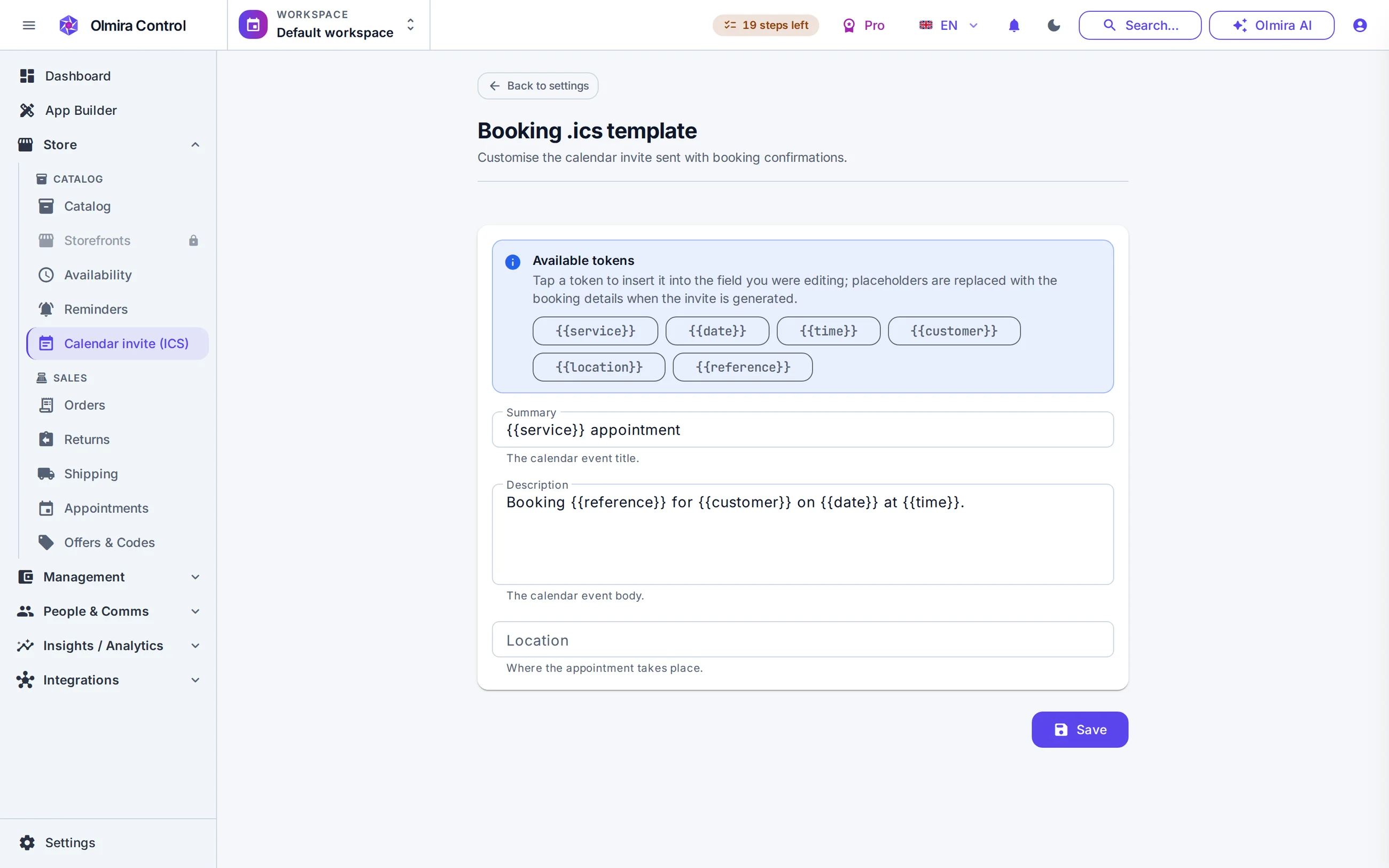
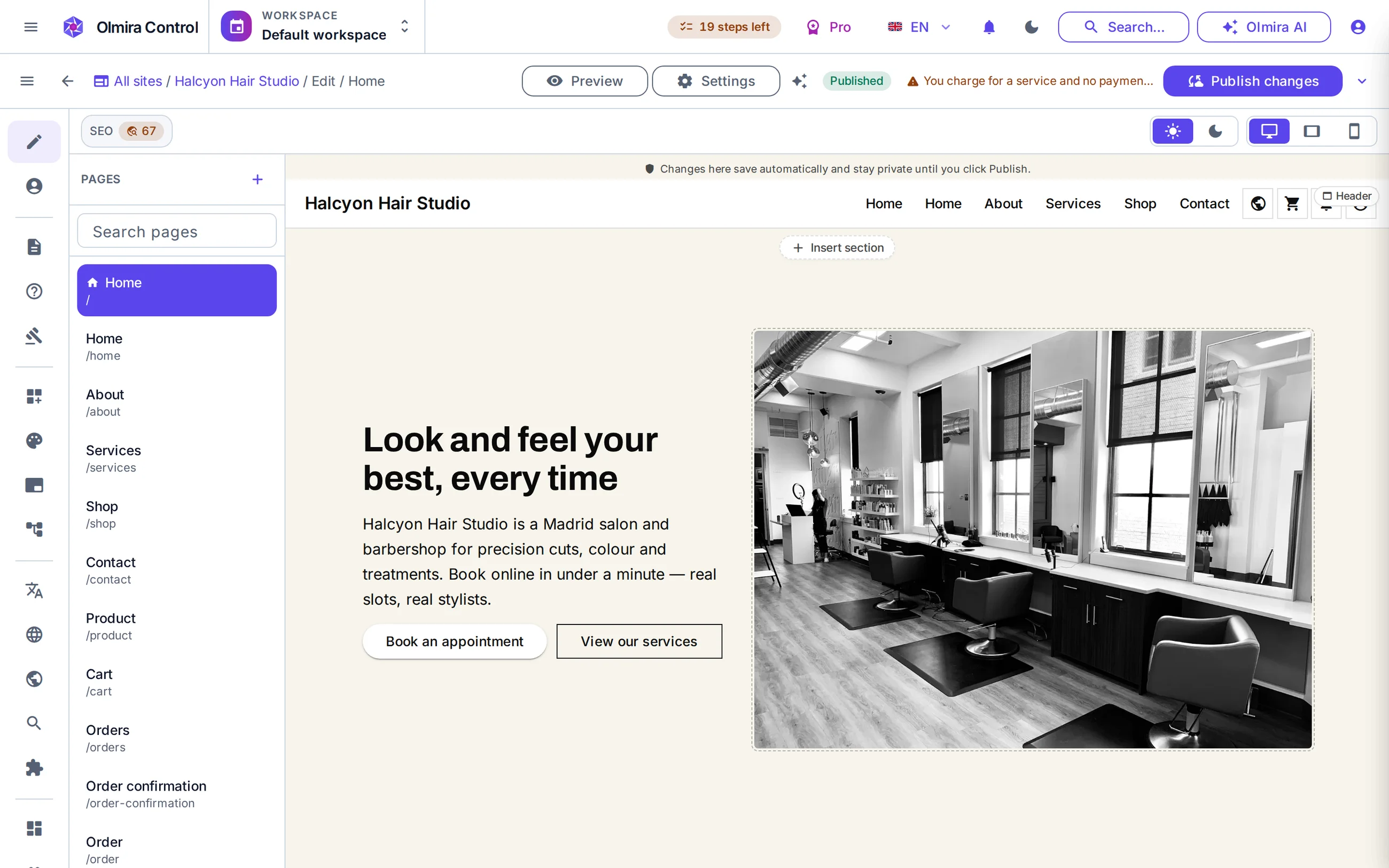
Turning on payment at booking
1
Connect your Stripe account
2
Set the service to require payment
3
Decide: deposit or full price
4
Publish and watch confirmed bookings arrive pre-paid
What it costs
Payment at booking needs the payment entitlement: it's included wherever Bookings is included — Pro and above — and on Starter it comes with the Bookings & Payments add-on at €15/month, the same add-on that unlocks appointments in the first place. There's no separate charge for turning on the deposit-style pricing itself; it's the same switch. Every number is on the pricing page.
Deposits are one piece of a bigger calendar
Reservations
Management
Olmira charges the price you set on the service, in full, at the moment of booking. There's no separate "deposit" field that leaves an automatic balance due later — you get that effect by pricing the service at the deposit amount and collecting the rest yourself, in person or however you already do.
No appointment is created for them to abandon. When a service requires payment, the booking only reaches Confirmed once the charge succeeds — an abandoned payment step leaves no slot held on your calendar.
No. Cancelling an appointment frees the slot but doesn't trigger a refund by itself — the booking became a normal paid order, so you refund it the same way you'd refund any order, from your payments screen. That's deliberate: whether a cancelled deposit is refundable is a business decision, not one Olmira should make for you.
Not for booking payments — those run on Stripe specifically, regardless of which gateway your online store uses. If you also sell products or services through a store, that checkout can offer PayPal or Klarna; booking payments stay on Stripe.
Yes. Payment at booking comes from the Scheduling and booking-payments entitlement, not from having a store — it's included with Bookings on Pro and above, or the Starter Bookings & Payments add-on. You don't need the full online store to collect a deposit.
Reminders are tied to confirmed bookings, and a paid-at-booking service only confirms once it's paid — so an unpaid attempt never enters the reminder queue at all. Reminders themselves are email plus a calendar invite; there's no SMS channel today.
From Catalog, on the Import tab: pick the Services kind and include a requires_payment column in the CSV you upload. It's a real per-service setting, and the server refuses it unless your plan or add-on covers booking payments — but the service edit screen has no switch for it yet, so the import (or the API) is the way in today.