Every plan, every add-on
What's included at each tier, and what's an add-on — read straight from the catalogue, no asterisks.
A typical small business ends up with a website builder, a booking app, a store platform and an email or CRM tool — four subscriptions, four logins, and no single place that knows the whole business. Olmira replaces the stack: one login, one subscription, and one AI that has actually seen the whole business, not just the corner one tool was built for.
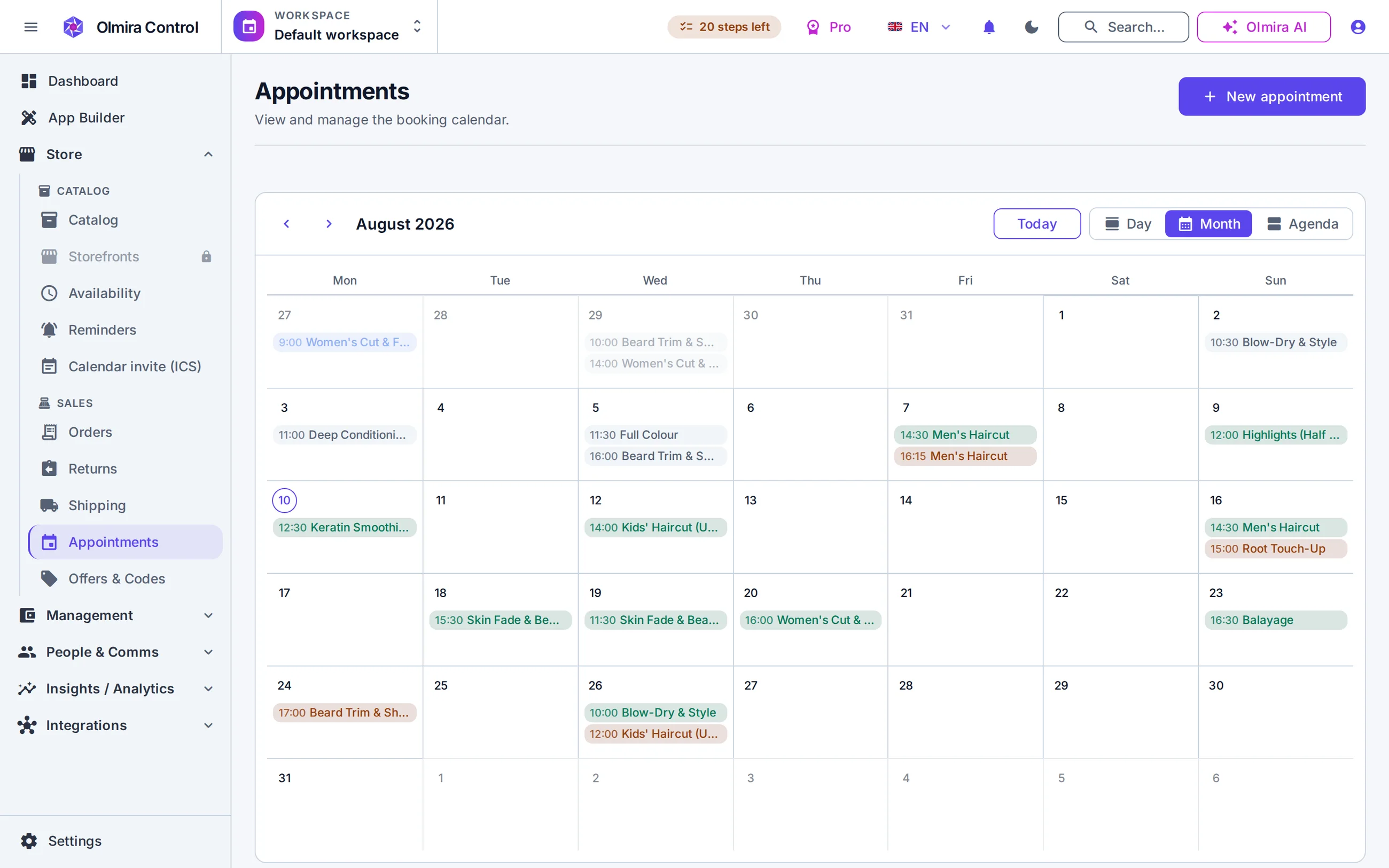
One login, one team roster — Add a team member once and they can work across the site, the store, bookings and the back office with one set of roles — not four separate invitations to four separate tools, each with its own idea of what "Editor" means.
A sale is already an order, already a number — A paid appointment or a storefront order doesn't get re-typed anywhere. It's the same row that shows up in Balance, in analytics, and in the customer's own order history.
One AI that has read the whole business — The AI assistant included on every plan works from your actual catalogue, bookings and customers — not a chat widget bolted onto one tool with no visibility into the other three.
One bill, on one cadence — Every module you switch on shows up as one line on one invoice, on the cadence you picked — not four renewal dates landing on four different days of the month.
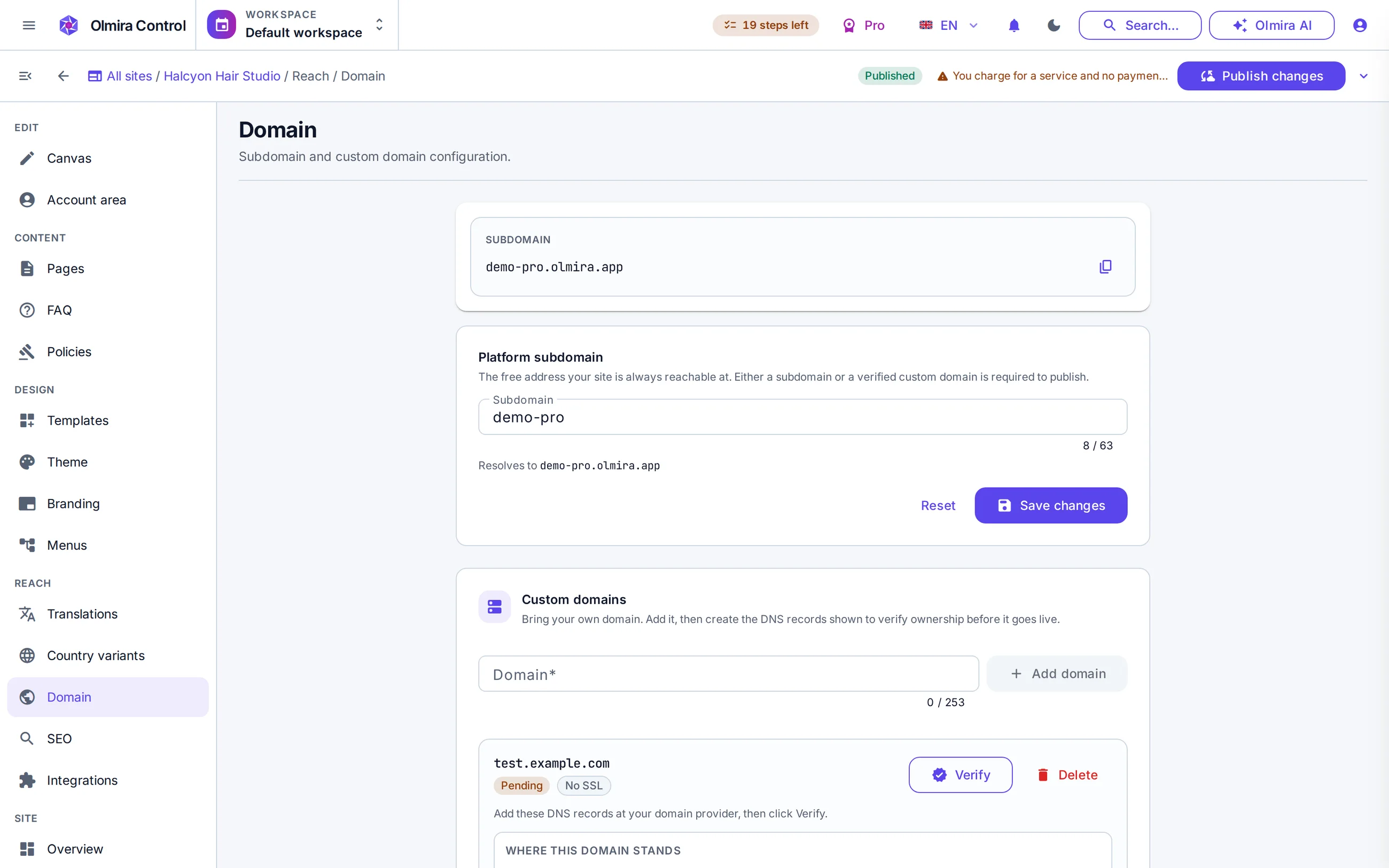
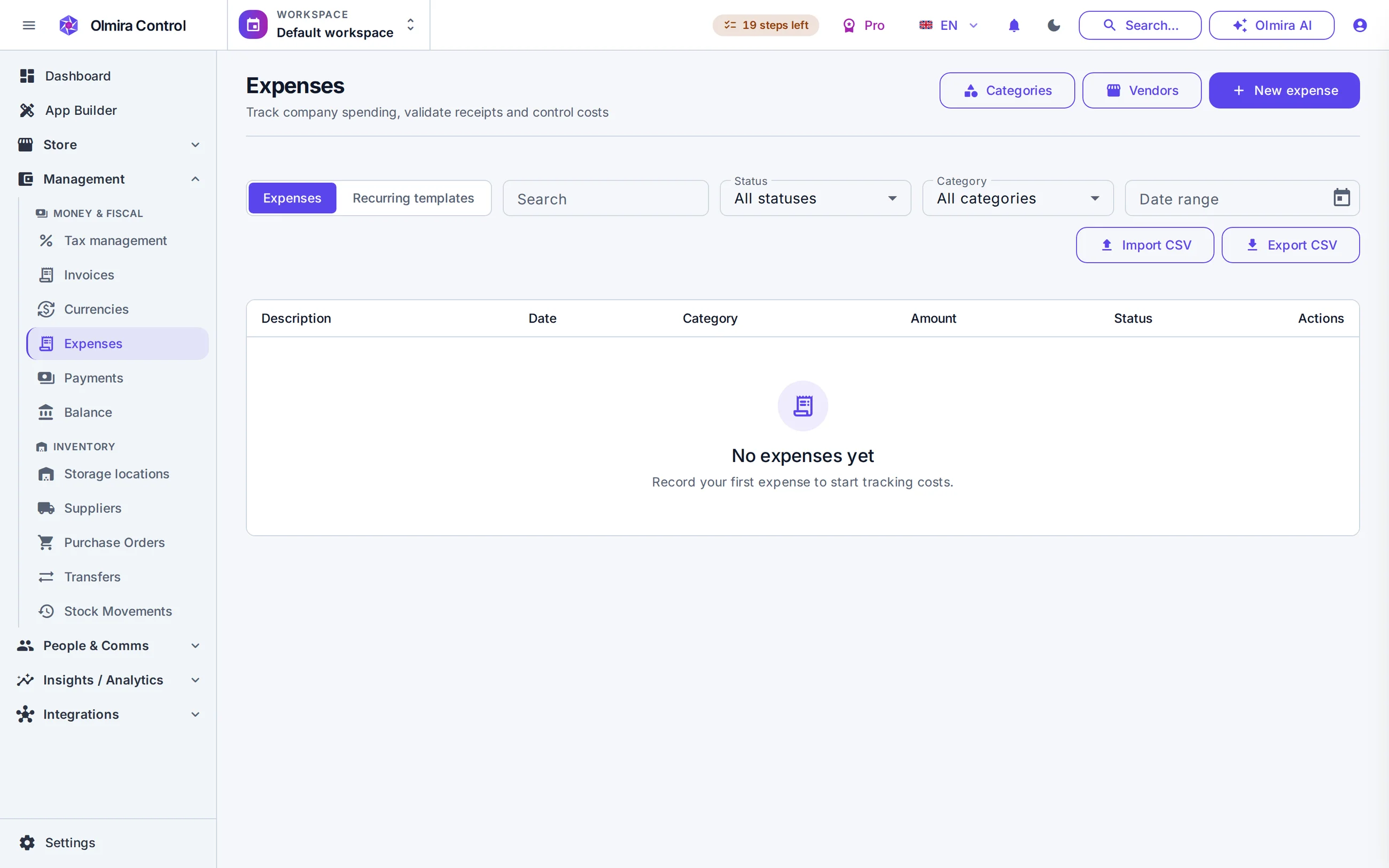
Balance computes revenue minus refunds, cost of goods and operating expenses for any period — and the revenue side isn't a number anyone types in. It's your store's and your bookings' actual paid orders, counted automatically. In a stack of separate tools, that number exists only if someone opens three dashboards and a spreadsheet and adds them up correctly, on time, every month. More on Management.
The AI assistant is included on every plan, the trial included, and it works from whatever you've actually switched on. On a paid plan that means your real catalogue, bookings and customers, because it's built into the same system, not wired to one tool through a narrow integration. It drafts, translates and can do back-office work with your approval before anything changes. A chat widget bolted onto a single tool in a stack can only ever see that one tool's slice of the business. More on the AI assistant.
Shopify is built around one shape: a shelf of products, checked out at the register. Most small businesses are more than a shelf — they sell products, services, subscriptions, appointments, reservations and custom work. Olmira holds all six in one catalogue, one checkout and one set of numbers, so the business you actually run is the business your software runs.
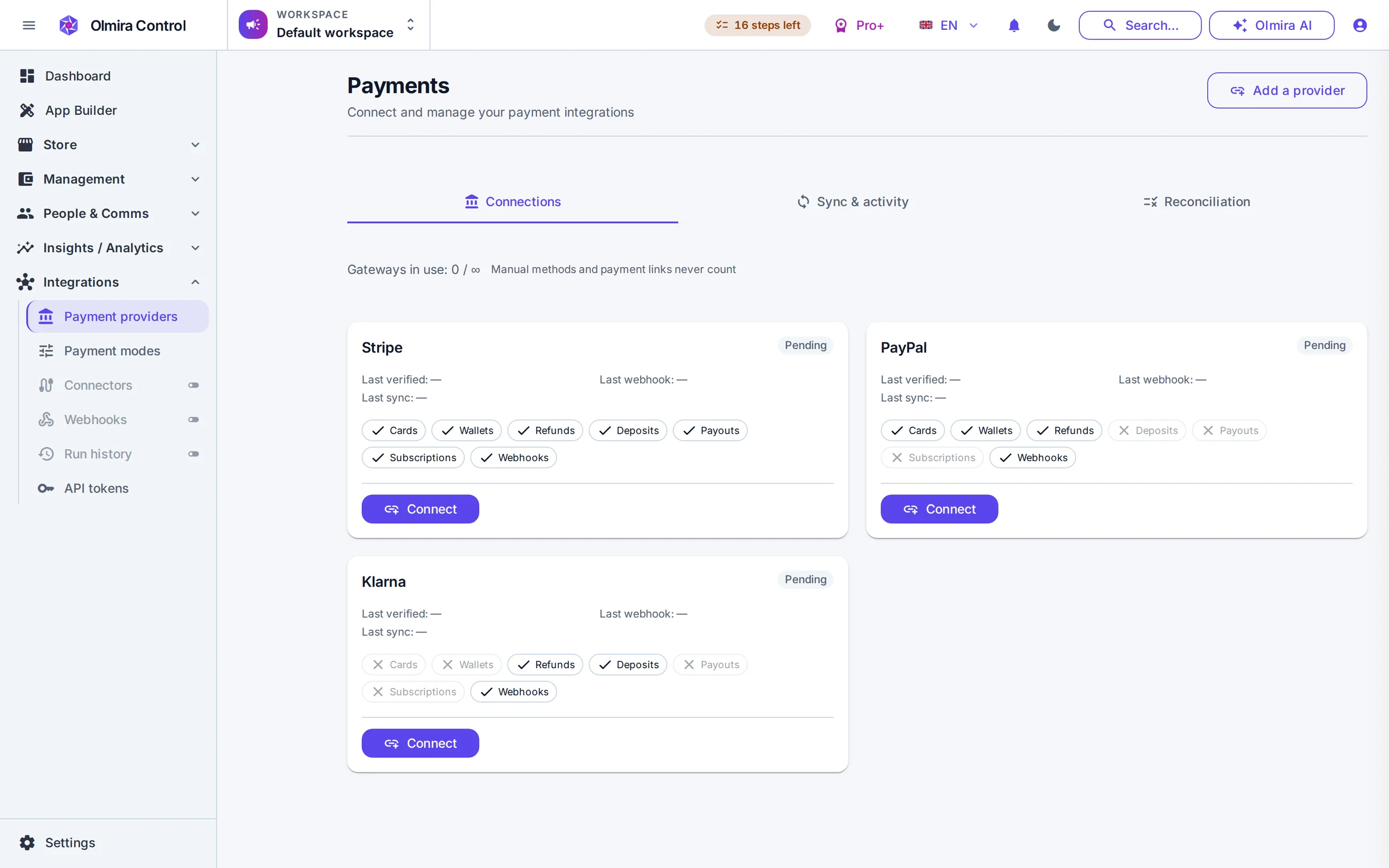
The two products are built for different shapes of business. Here is what the wider shape gets you.
€0 platform fee, on every plan that sells — Olmira's revenue is your subscription, not a slice of your turnover. Whatever you sell, however much of it, the platform fee is €0 — always.
Your money never passes through us — Checkout runs on your own connected Stripe, PayPal or Klarna account. Settlement, payouts and disputes are between you and your provider.
Six selling types, one catalogue — Products, services, subscriptions, appointments, reservations and custom orders share the same catalogue, promotions engine and checkout — not six different products stitched together.
The server owns every price — Totals, tax and discounts are computed server-side and re-priced from the live catalogue at checkout, so a stale or tampered cart price can never reach an order.
Connect your own Stripe account in a couple of clicks, or add PayPal or Klarna credentials, and every charge lands in your account. Every selling plan includes one connected gateway; running a second alongside it — cards plus Klarna, say — is a Multi-provider payments add-on (€5/month on Pro, included from Pro+). Card payments are captured in-page, and gift cards work as tender — a card that covers the whole total means no charge at all.
Appointments and reservations are first-class selling types with real resources and server-owned availability behind them — a customer can never be handed a slot that's already gone. One thing that's specific to bookings: a paid-at-booking appointment always settles through your connected Stripe account, even on a store whose main gateway is PayPal or Klarna — the wider gateway choice above is a storefront-checkout feature, not yet a bookings one. Details on bookings and scheduling.
No. Olmira is web and mobile-first, so there is no till, card reader or in-person checkout flow — everything it does assumes the sale happens online or on a phone.
€0, always, on every plan that includes the online store. You pay your payment provider's own processing fees — Stripe's, PayPal's or Klarna's — and your Olmira subscription. That's the whole cost.
No — the trial covers the website builder and the AI, so you can get the site live first. The store unlocks when you subscribe to Pro or above.
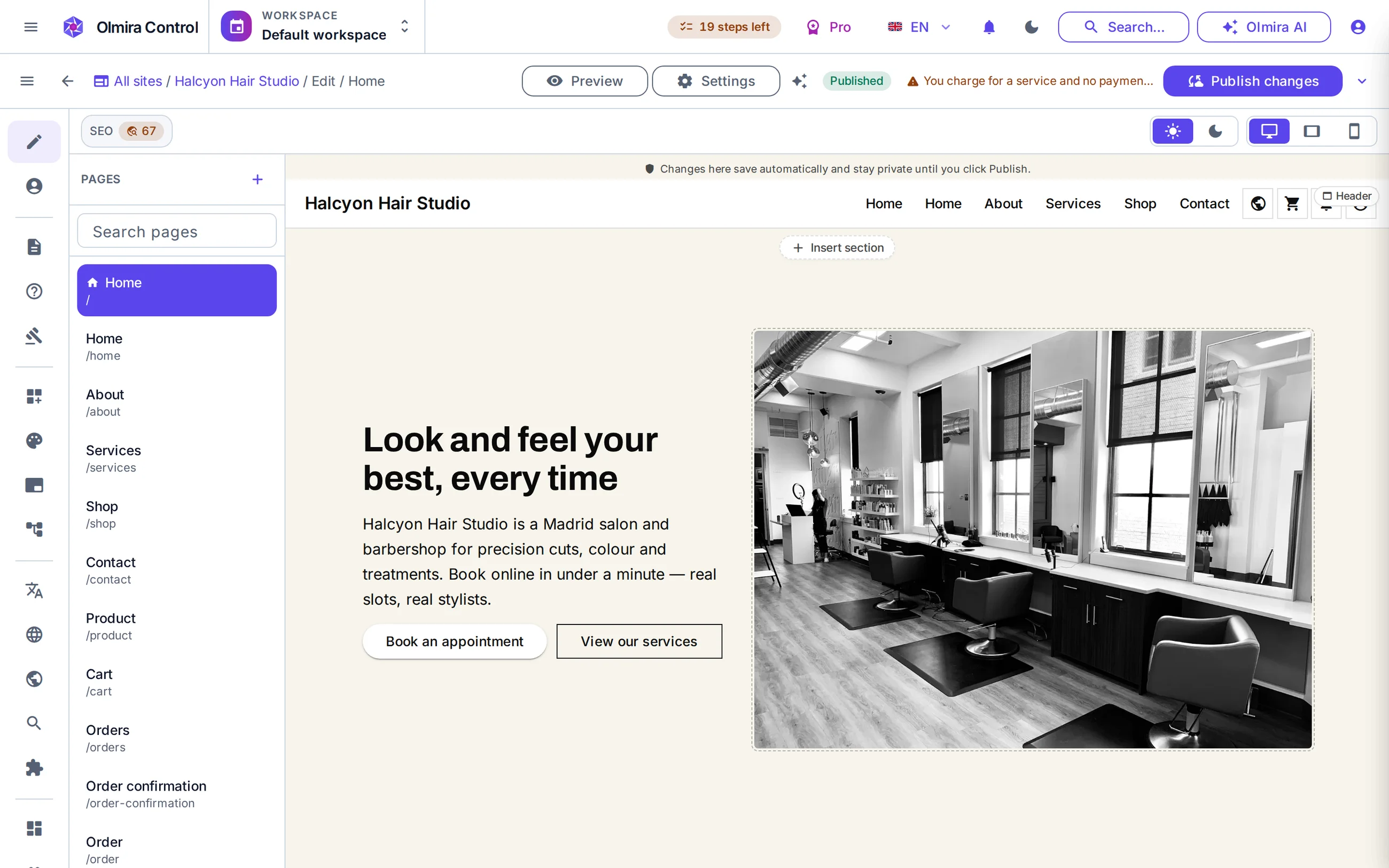
A good-looking site is the start, not the job. The day you also need to take bookings, sell more than one kind of thing, or find out whether last month was actually profitable, you need an operations layer under the site — and that layer is what Olmira builds in, on the same login that edits the pages.
Balance computes revenue minus refunds, cost of goods and operating expenses for any period, fed by your store's and bookings' real paid orders — no copying totals into a spreadsheet. Every expense carries a receipt and an approval step before it counts, so the number you look at on the first of the month is one you can defend, not one you half trust. Inventory tracks on-hand and reserved stock per location, with purchase orders on top. This is the module Squarespace doesn't have an equivalent to. More on Management.
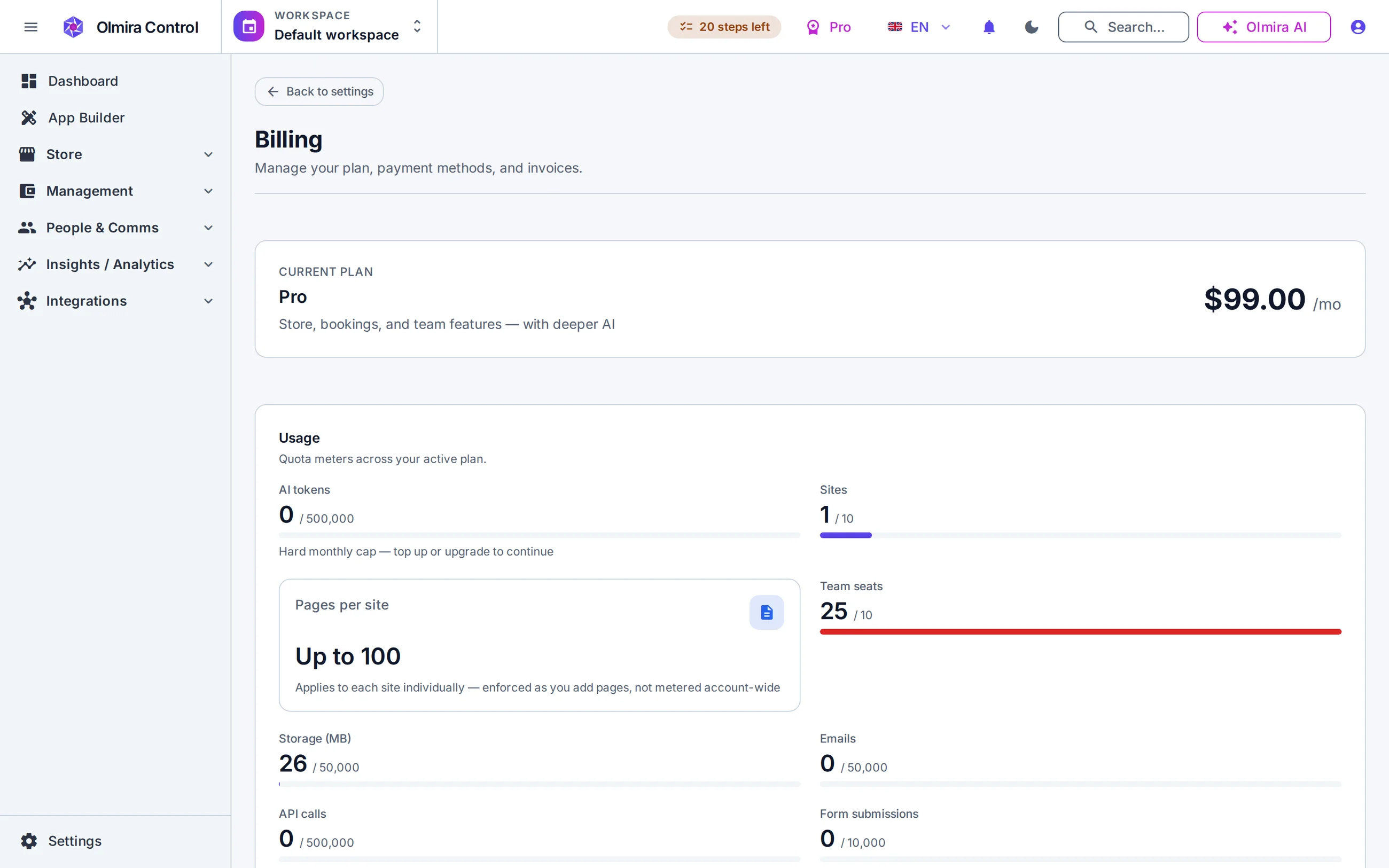
A theme system you can restyle end to end — colours, type, spacing — without touching CSS, and templates built to stay fast and accessible on a phone. Open any demo storefront and judge the result directly.
Expenses, profit (Balance), inventory and e-invoices are built in and fed by your real orders — not a bolt-on. It's not a full accounting package or a replacement for your accountant; see Management for exactly what it covers.
Custom dashboards you can share by public link, plus commerce analytics — GMV, AOV and cohorts — once the store's involved. See Analytics.
Building the page is the part every builder does. The day you also need to sell something, take a booking, or find out whether last month actually made money is the day a website builder and a business platform stop being the same kind of product. Olmira is the second kind — and it still builds the page.
Here's where the two products diverge once "build a page" is done.
Edit the real page, not a preview — Click the text on the actual page and type — you're editing the rendered page itself, not a wireframe in a separate pane. Repeated blocks edit the same way: cards, gallery images, reviews, pricing rows, team members and table cells all take text inline, with a toolbar on the item itself to add, duplicate, reorder or delete one without leaving the canvas.
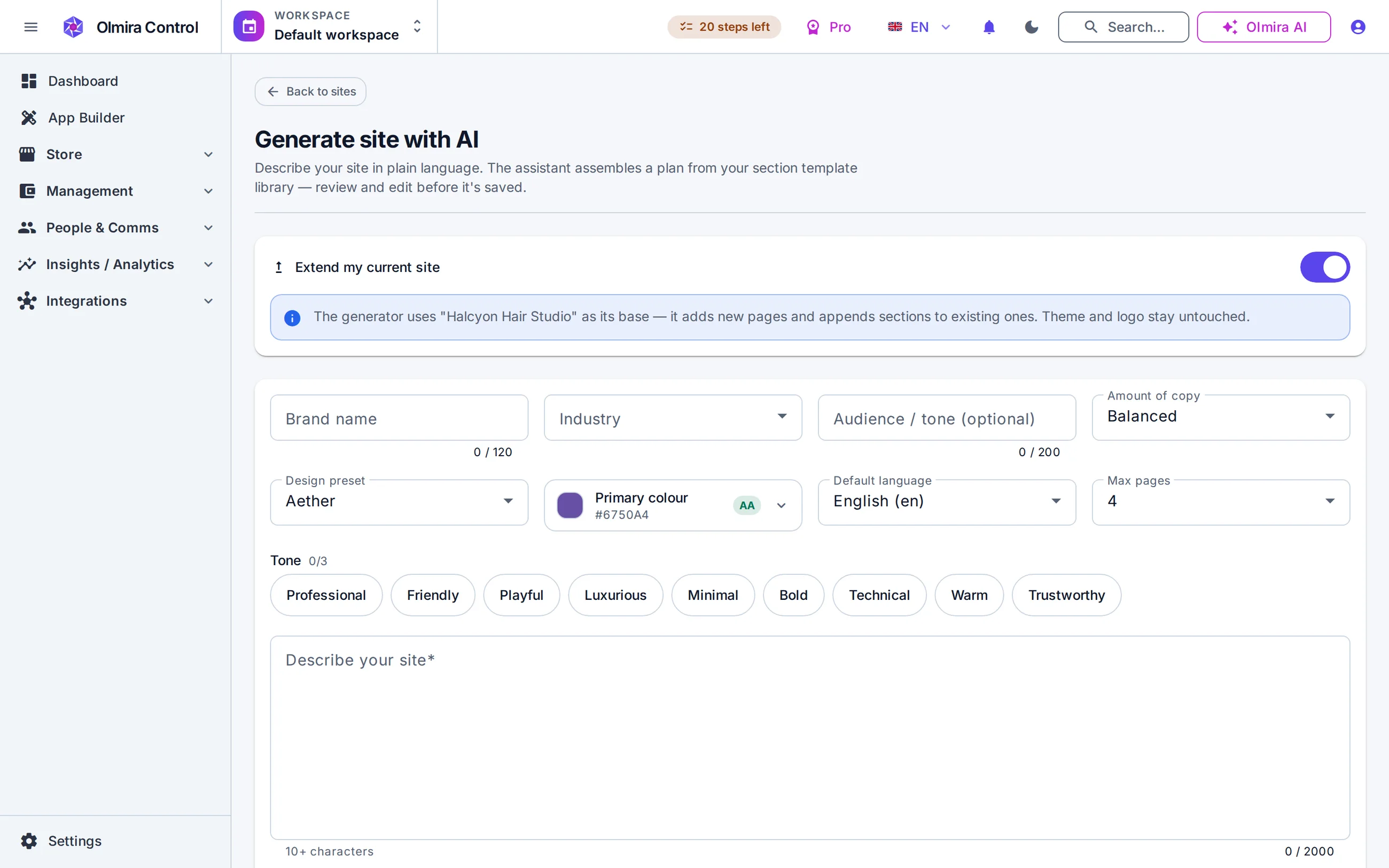
Describe the business, get a draft — The AI site generator turns a couple of sentences about your business into a multi-page starting point, built from real, editable sections — not a locked template.
A built-in SEO score, not a plugin — 18 checks, scored live on every page as you edit — title length, alt text, heading order and more — with a plain-language fix for each one.
Then it keeps going — The same login that builds the site can run a store, a booking calendar and the numbers behind them, because they're the same product, not three integrations.
No — Olmira works from a design-token theme system instead: pick a theme and every section on every page restyles together, so a redesign is one decision, not a hunt through a gallery of individual page templates.
No. Store, bookings, CRM, back office, analytics and the AI are built in and already integrated — nothing to install, nothing that breaks on update. If your site currently depends on a specific Wix app for something unusual, check whether Olmira covers that job natively before you switch.
A six-way selling catalogue, bookings with real staff/room/equipment resources, the Management back office — expenses, profit, inventory, invoices — and one AI assistant with visibility across all of it, not just the site.
WordPress is free, open-source software you host yourself — which means somewhere, a server, a set of plugins and a security-patch schedule are your responsibility, or your host's, or a developer's you pay. Olmira takes that whole job off the table: hosting, updates and security are handled for you, continuously, as part of the subscription.
The real cost of a self-hosted stack is who does which job. Here's what moves off your plate.
Nothing to host or patch — No server to provision, no PHP version to keep current, no core or plugin security patch to apply the week a vulnerability is disclosed. Updates are Olmira's job, continuously, for every account at once.
One vendor, one support line — When something breaks, there's one place to ask — not "is it my host, my theme, or one of a dozen plugins."
HTTPS handled automatically — Connect a domain, verify two DNS records, and a certificate is issued and renewed for you, forever — no certificate files, no expiry reminders. See custom domains.
One product, already integrated — The site, the store, bookings and the back office share one catalogue and one login by construction — not because every plugin you picked happens to talk to every other one.
Expenses with receipts and an approval flow, a real profit view (Balance), multi-location inventory with purchase orders, and EN 16931 e-invoices — all fed automatically by the same orders your store and bookings produce. On a self-hosted stack, this is typically WooCommerce plus a separate bookkeeping plugin plus a separate invoicing plugin, each maintained, updated and paid for on its own schedule. More on Management.
Not strictly, but keeping it secure, updated and fast is ongoing work someone has to own — you, your host, or a developer you pay. On Olmira that work doesn't exist: updates, security and hosting are handled for every account, continuously.
No — Olmira is a hosted product only. You still hold your data: orders, expenses, tax summaries and invoice bundles export to standard files any time. What you hand over is the server work; what you get back is nothing to patch, ever.
Those go away entirely — Olmira's subscription is the one bill, and the platform fee on anything you sell is €0. See pricing for exact figures.
Move the website first — nothing else has to change on day one. There's no direct importer from Shopify, Squarespace, Wix or WordPress; site builders generally don't export to each other. The AI site generator drafts a starting point from a description of your business, or you rebuild page by page with the content you already have.
Export what you have and import it, mapping the columns as you go. AI can help fill in missing product descriptions during the review step, flagged so you see exactly what it wrote. Nothing publishes until you've reviewed it row by row.
If you don't already have your own Stripe or PayPal account — separate from, say, Shopify Payments — opening one is part of the move; most take minutes. Olmira won't let you publish a selling page until a payment method is actually configured.
Two DNS records and a few minutes, and your current site stays live until the day you switch the domain — there's no dead period, no forced order and no deadline to hit.
What's included at each tier, and what's an add-on — read straight from the catalogue, no asterisks.
The three fee layers that get bundled into one marketing line, unbundled properly.
Expenses, Balance, inventory and invoices — the back office half of "one system."
All six selling types, checkout, promotions, returns and e-invoicing, in depth.
Appointments and reservations with real resources and server-checked slots.
Themes, inline editing, the AI generator and the 18-check SEO score, in depth.
Two DNS records, one click to verify, a certificate issued and renewed for you, forever.
Your records don't get taken hostage either way. Everything an accountant or a successor system needs — orders, expenses, tax summaries, invoice bundles — exports to standard files any time, so you are never locked in. And four vendors' uptime, with four separate places something can quietly break, is not the safer bet it sounds like.
Use just that one. Your plan determines what's switched on — you're not paying for six modules to use the website builder.
At your own pace — see the steps above. There's no migration deadline and no forced order.
A specialist tool goes deep on the one job it exists for. Olmira’s case is that most of the work is the joins between those jobs — a sale that is already an order, already stock, already a number — and that the joins are where a stack leaks time.
Yes. The online store charges 0% platform fee on every plan that includes it — you keep your own Stripe, PayPal or Klarna account. See Online store.