Olmira: a business website builder by industry
A restaurant needs a menu and a table for seven o'clock. A salon needs a stylist and the right forty-five minutes. A maker needs a product with real variants and a margin that holds. Those aren't the same problem, and a builder that treats them the same way is how a booking widget ends up bolted onto a template that was never built for it. Olmira runs on one engine — a catalogue that knows six ways to sell, and a resource model that understands staff, rooms and equipment — and each industry below leans on a different slice of it. Find your shape, or start from every capability and build your own combination.
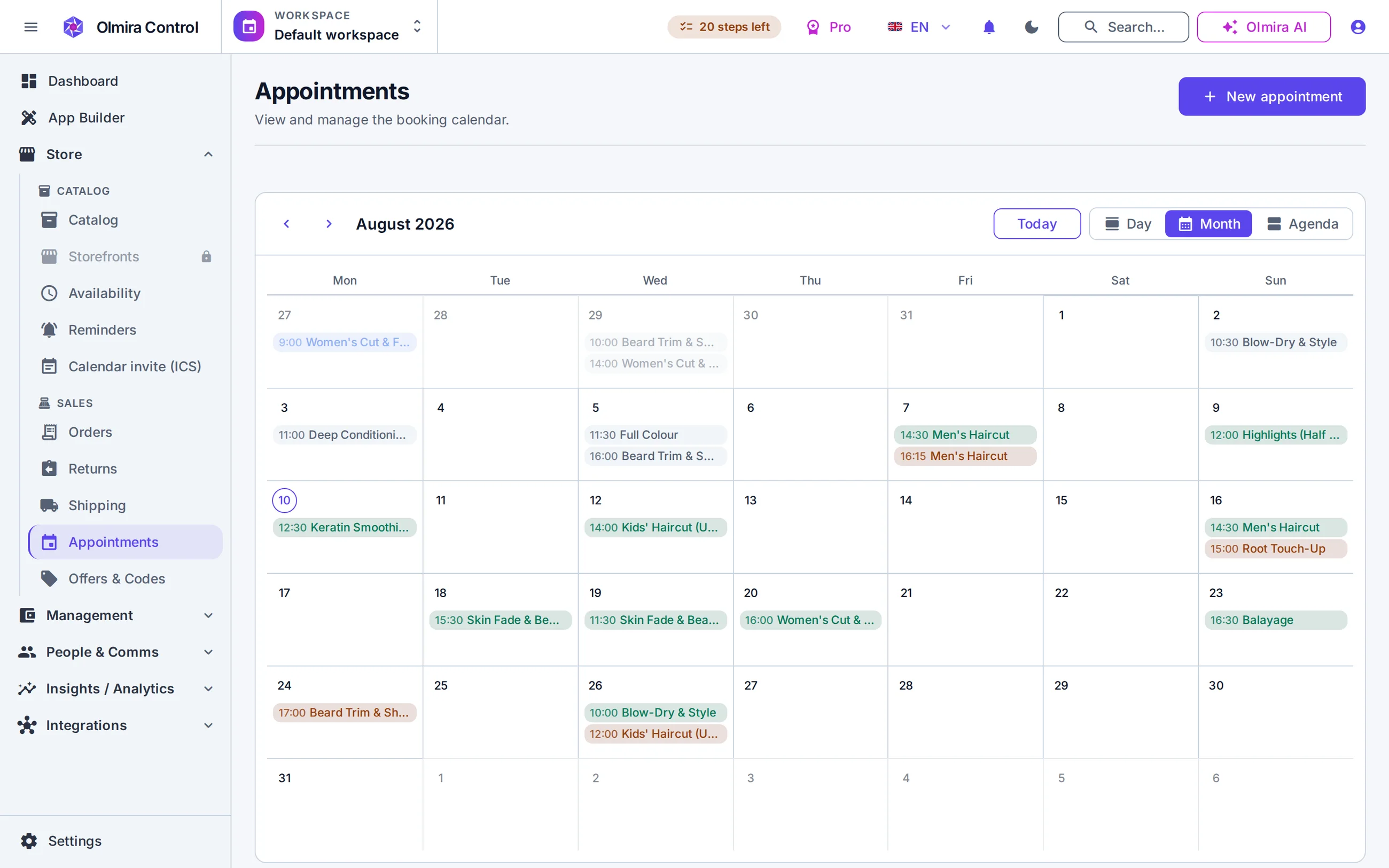
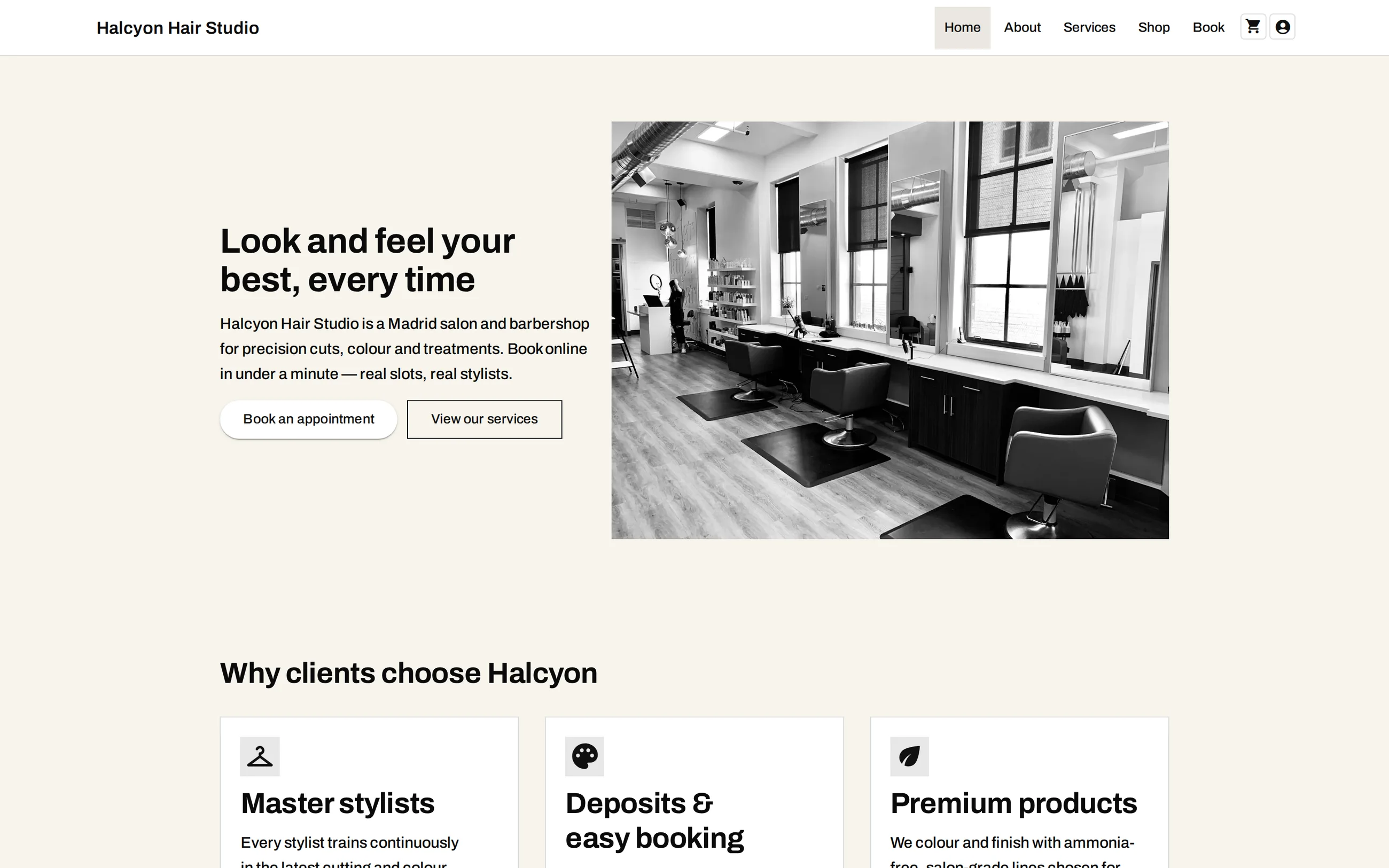
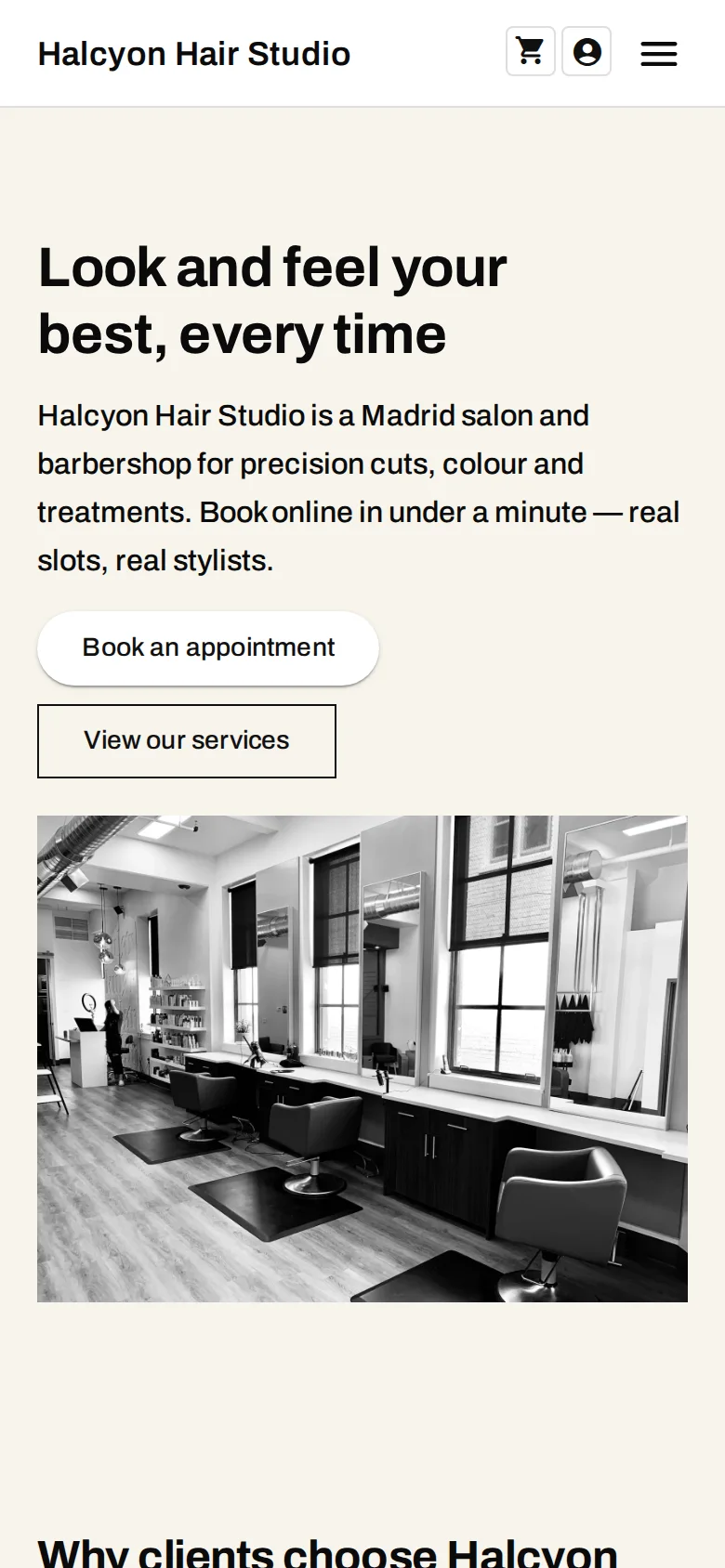
The storefront your customers actually land on
The Pro demo, photographed as it stands: one build, one theme, laptop and phone. Every shot in this group is a live demo you can open yourself — sample catalogue, real software, no mock-ups.
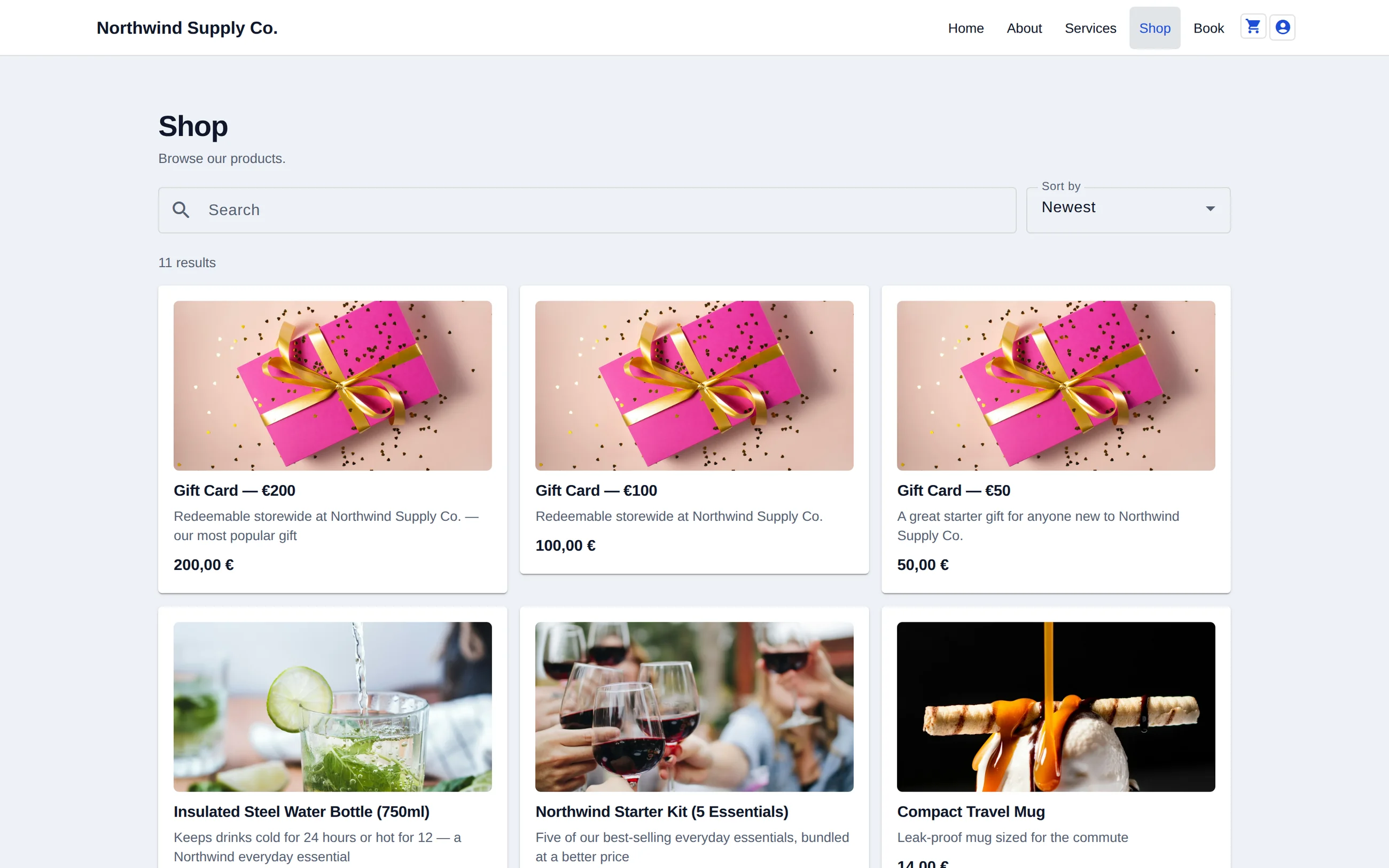
Browsing the catalogue
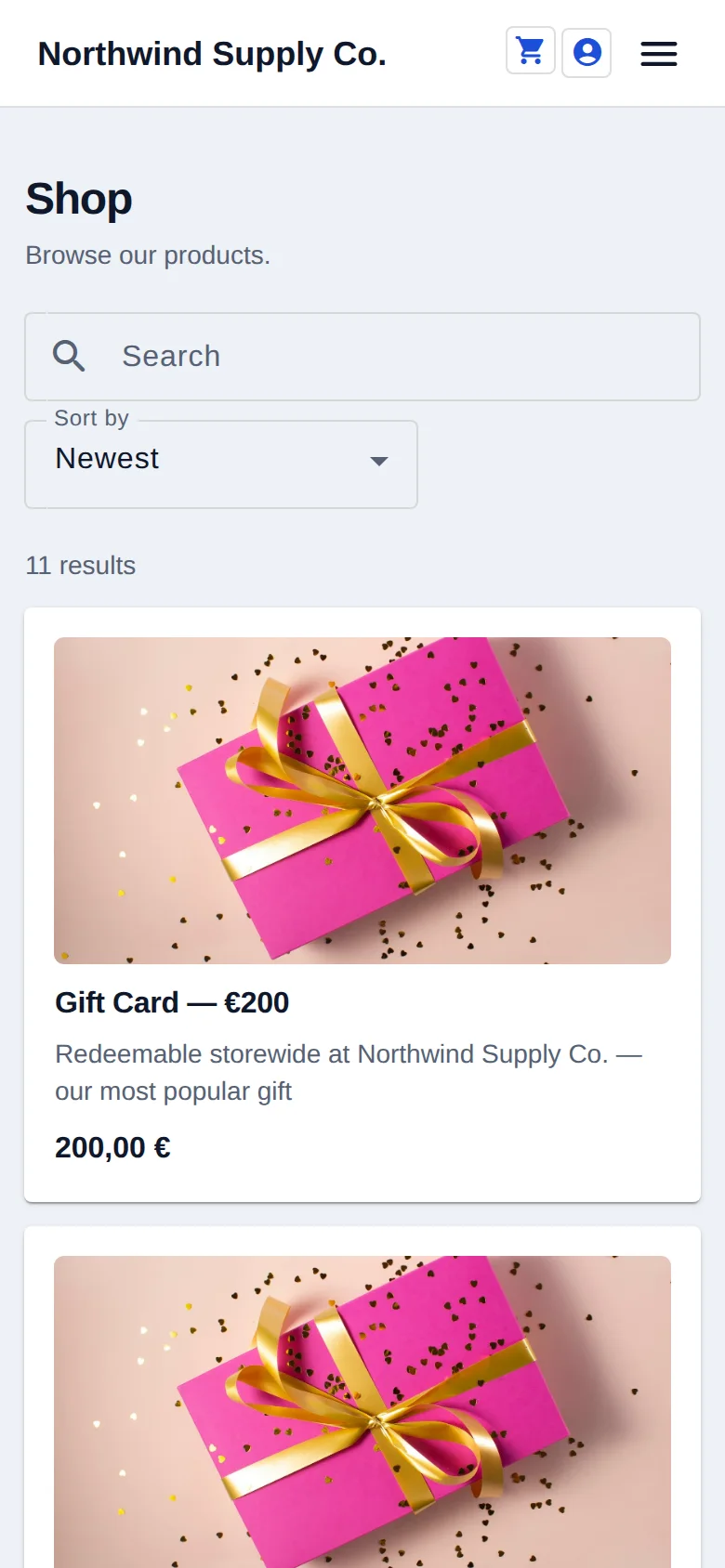
The shop grid on the Pro+ demo. What it lists is the same catalogue the admin edits — there is no second, marketing-only copy of your products to keep in step, and no export step between changing a price and the page showing it.
One product, and everything a buyer asks before paying
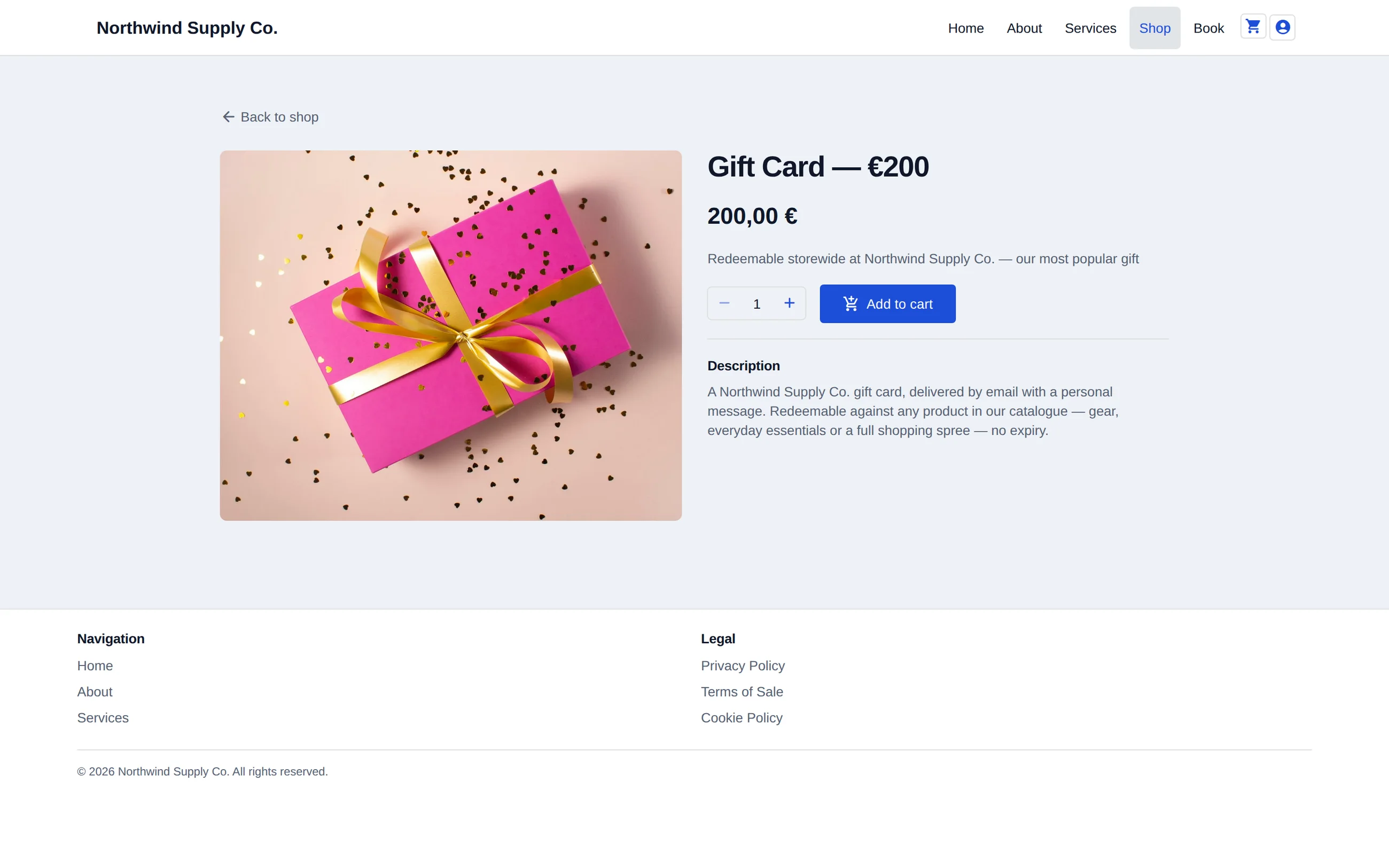
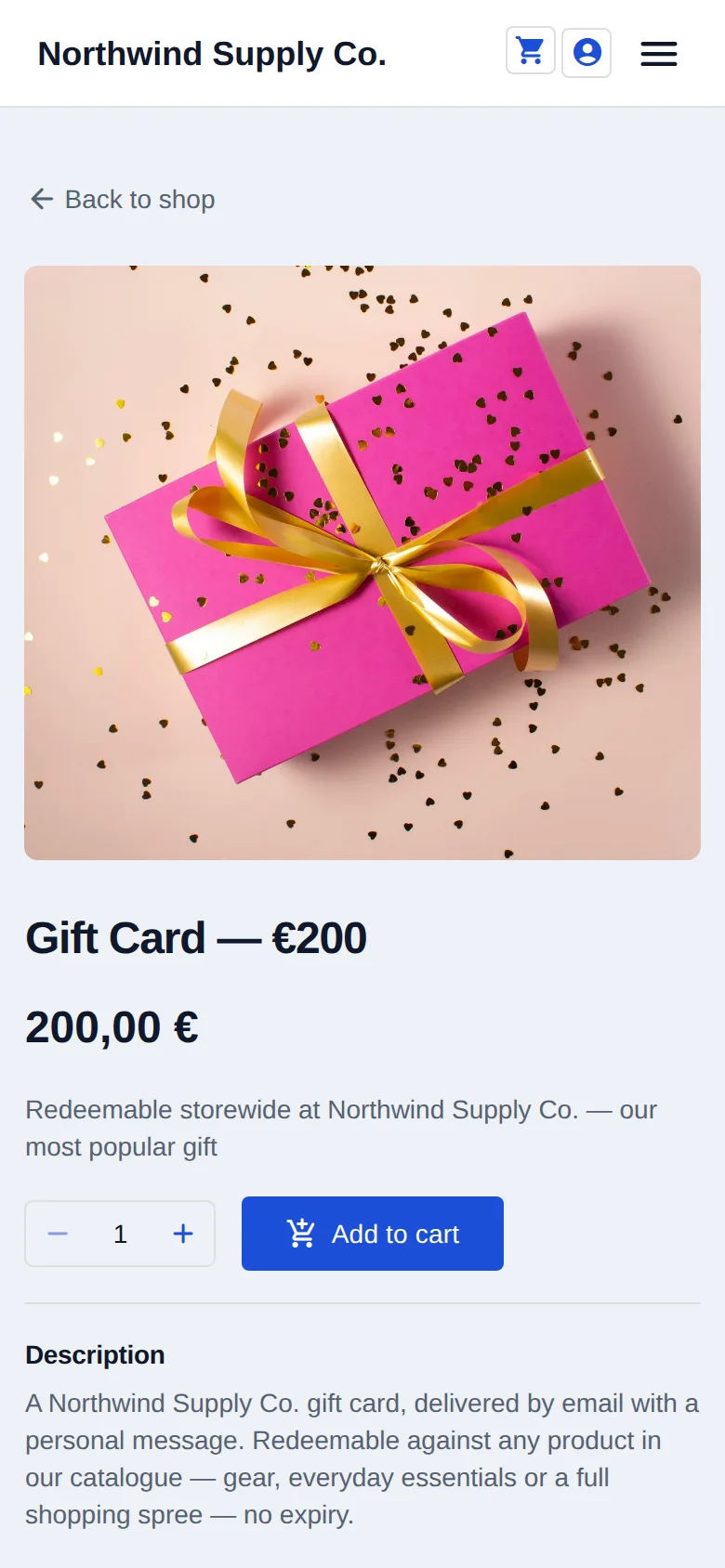
The product page on the Pro demo. Variants, stock and price are the same catalogue row the admin edits, so what a buyer sees here is what the back office says — there is no export step in between.
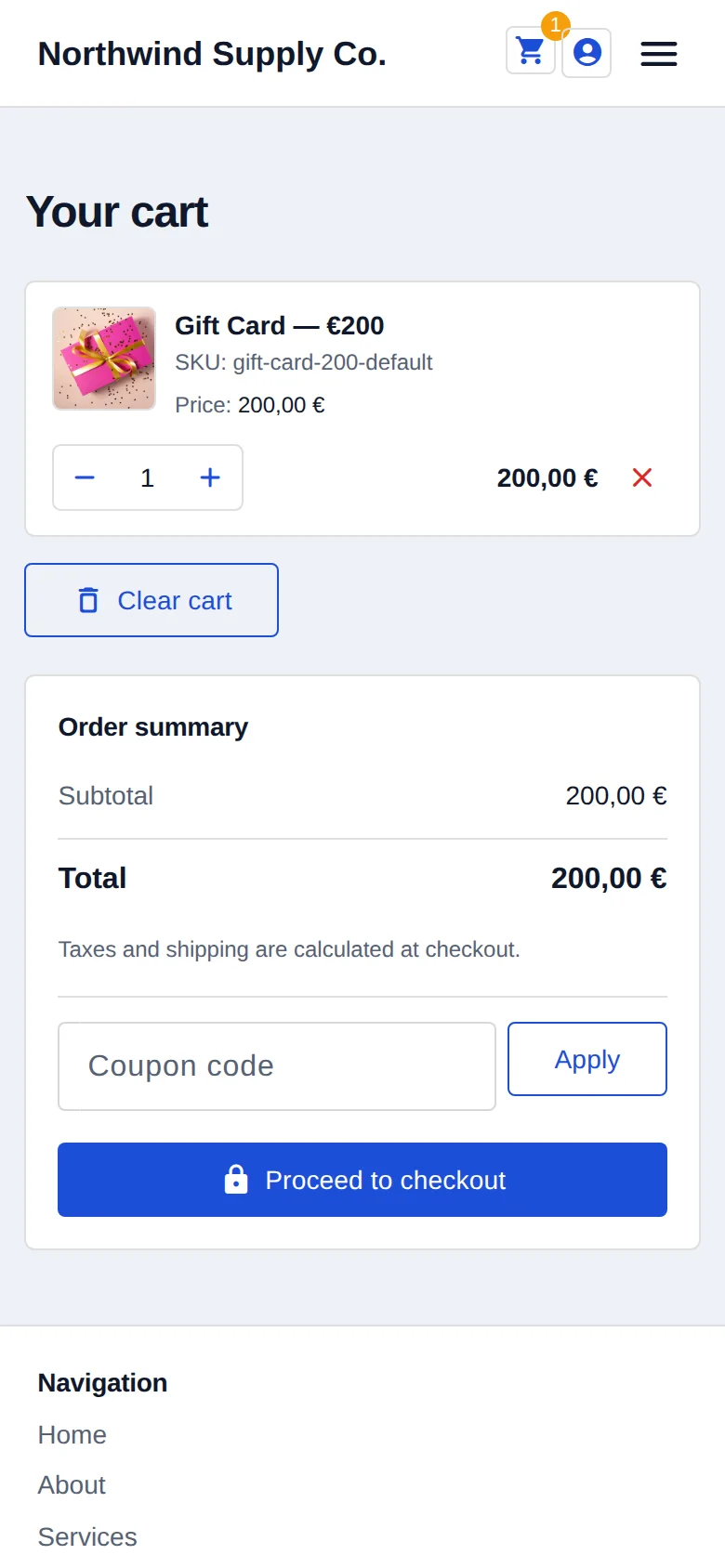
The basket, on the screen it was filled on
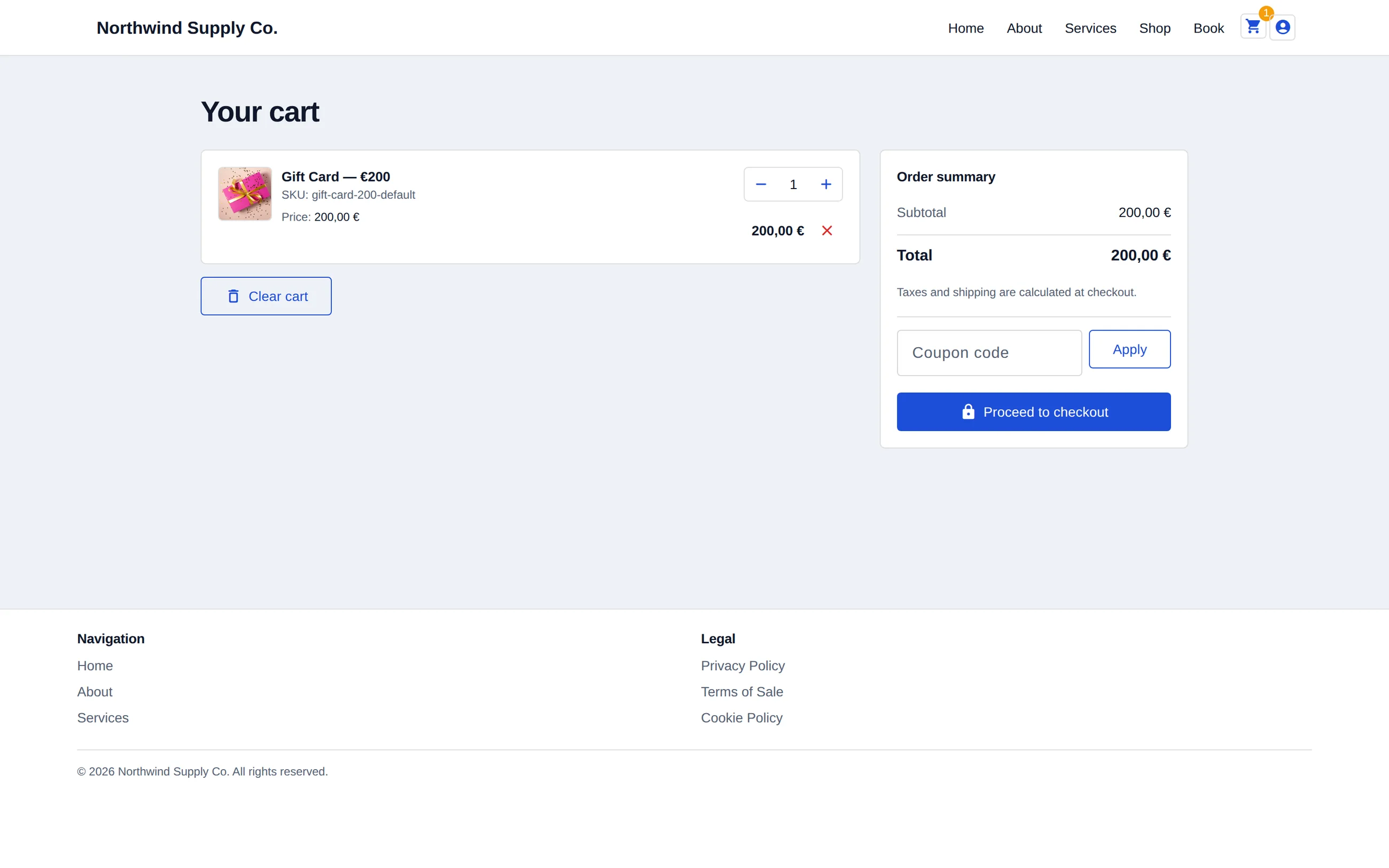
The cart on the Pro+ demo. What it lists, and what it charges, comes from the same catalogue the shop grid reads — there is no second copy of your products to keep in step.
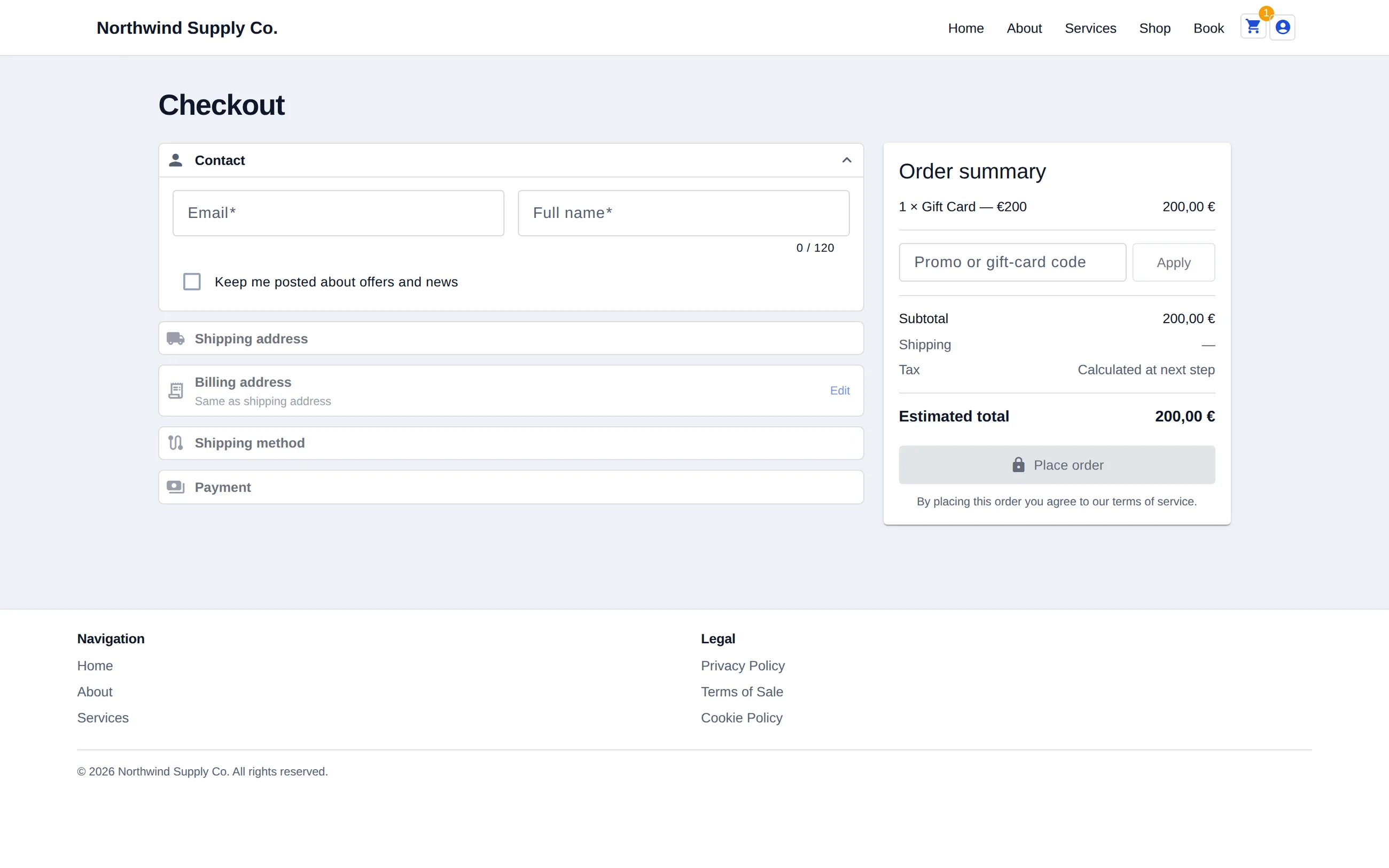
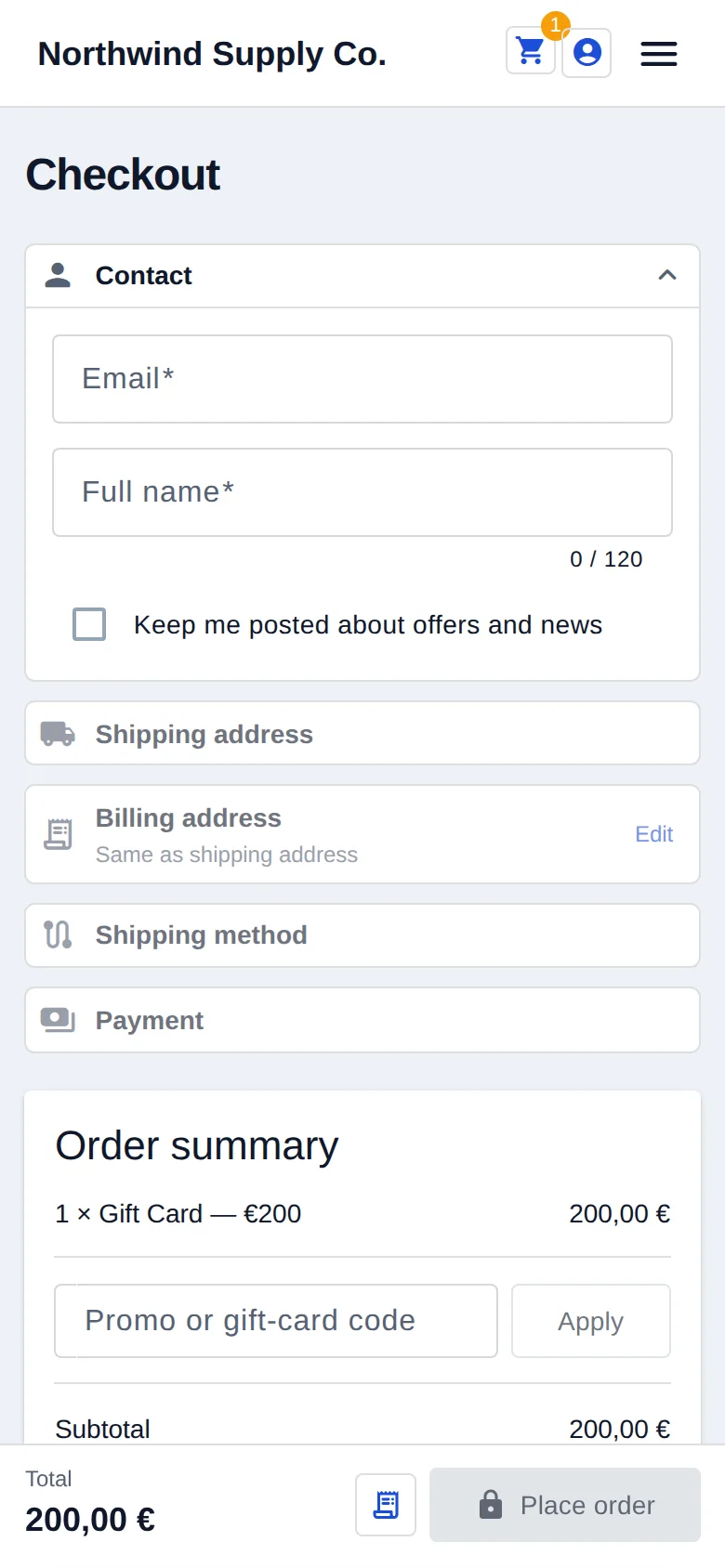
Checkout, on the device the basket was filled on
The checkout step on the Business demo. It runs on the merchant’s own Stripe account, and the phone rendering is the same checkout rather than a cut-down one — the step that decides whether a small order survives is the step least worth simplifying.
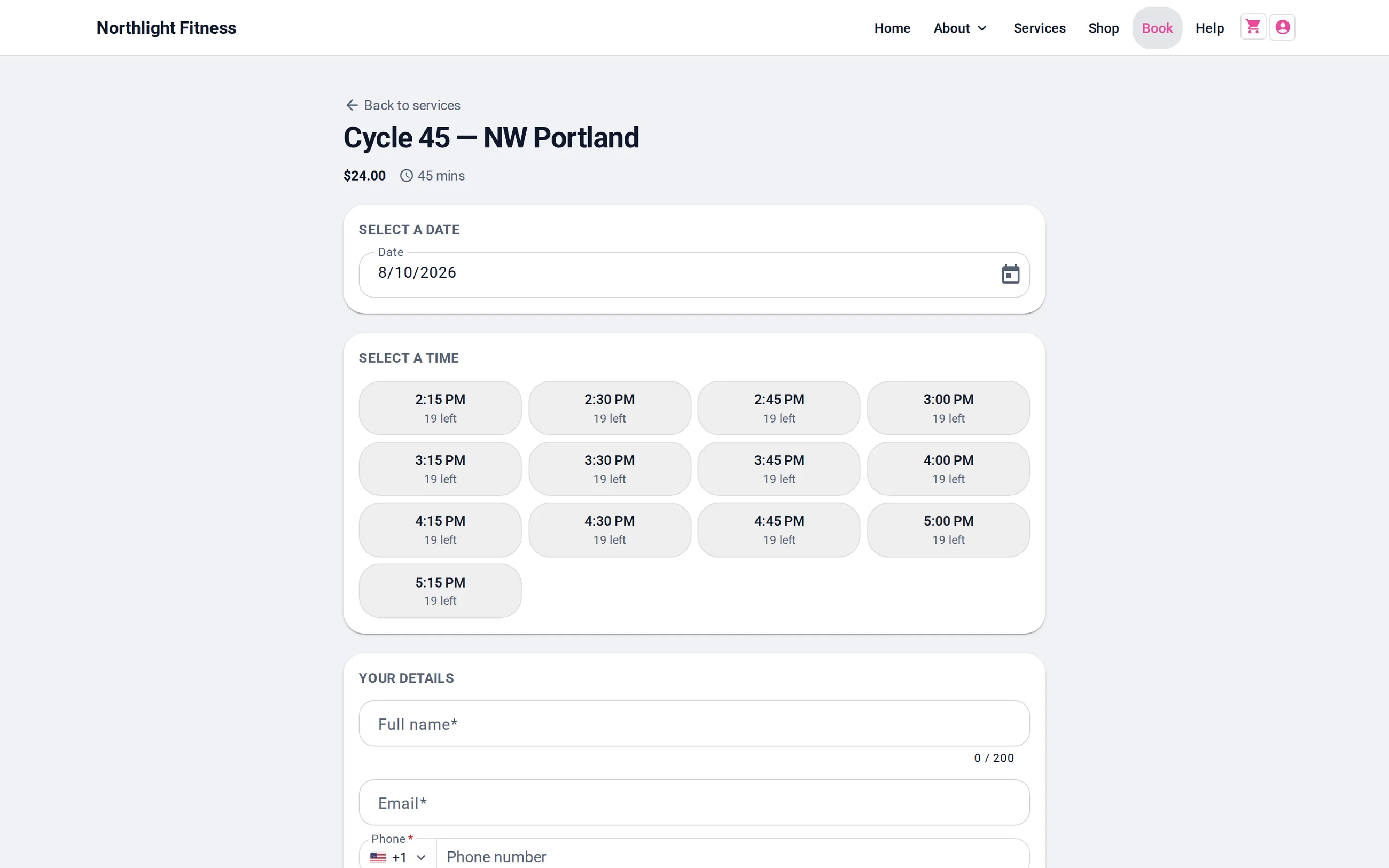
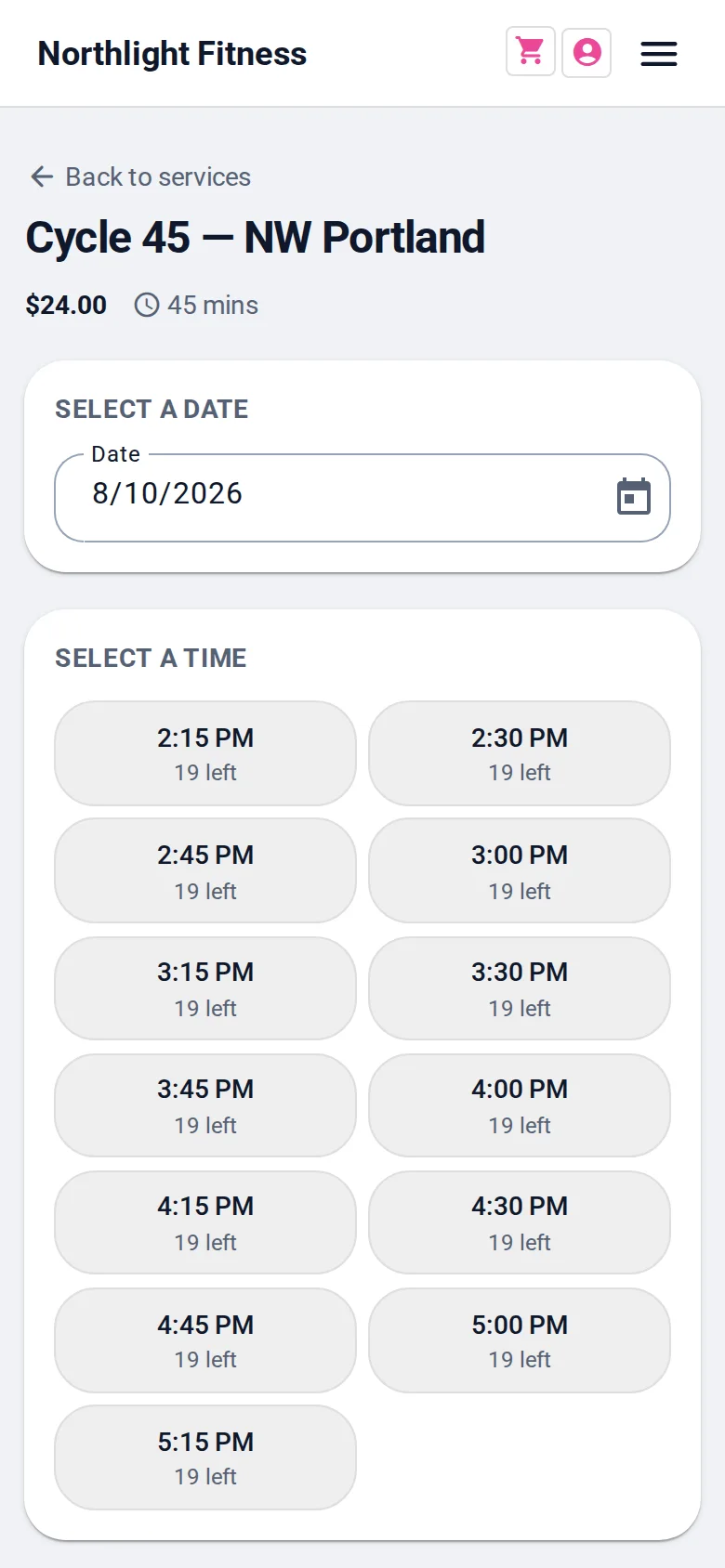
Picking a real, live slot
The slot picker on the Business demo. The times it offers are the ones capacity actually allows at the moment of asking, which is the whole difference between a booking system and a contact form with a date box on it.
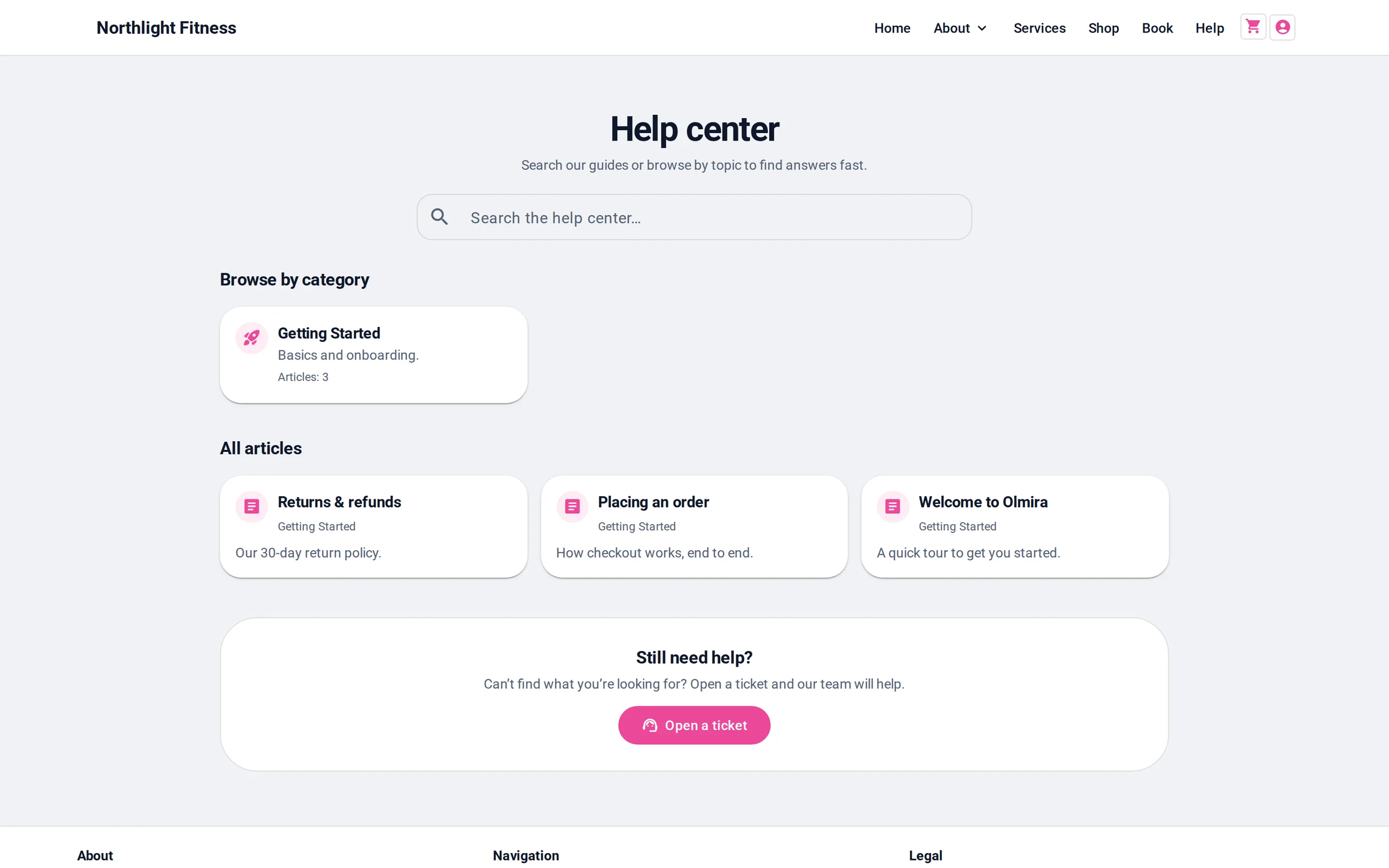
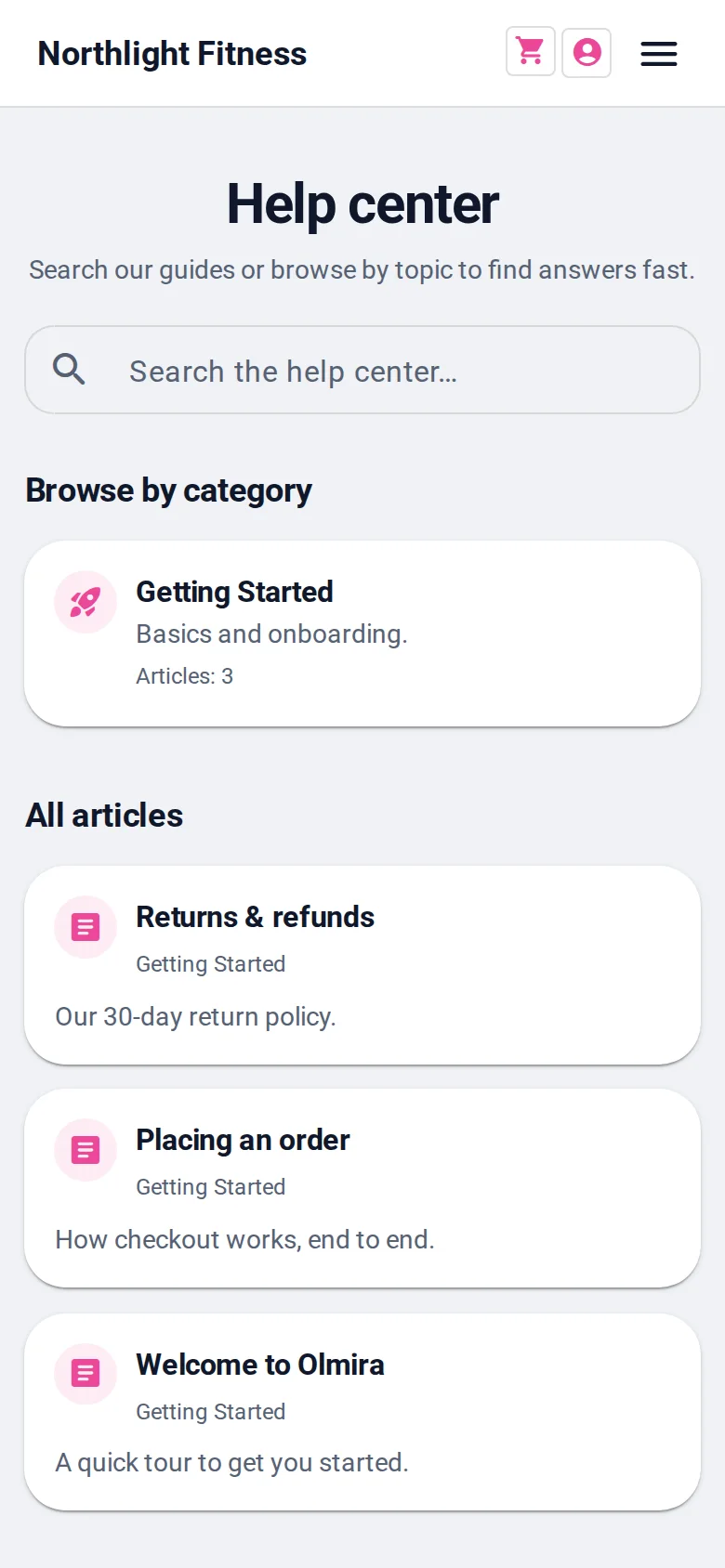
Where customers go instead of emailing you
The help centre on the Business demo. The same articles the assistant answers from, so an answer written once serves both the person reading and the person asking.
Said once, true everywhere below
Eight industries share one engine, so the guarantees only need stating once. Every block below stands on these three.
No double-bookings, by construction The availability check and the booking write happen in one locked transaction on the server. When two customers go for the last slot at once, one gets it and the other is told immediately — never decided by which browser tab refreshed faster.
Paid into your account, not ours Turn on payment at booking and the price you set is charged the instant a slot is reserved, straight into your own Stripe account, with €0 platform fee. You pay Stripe's processing rate and your Olmira subscription — nothing per booking.
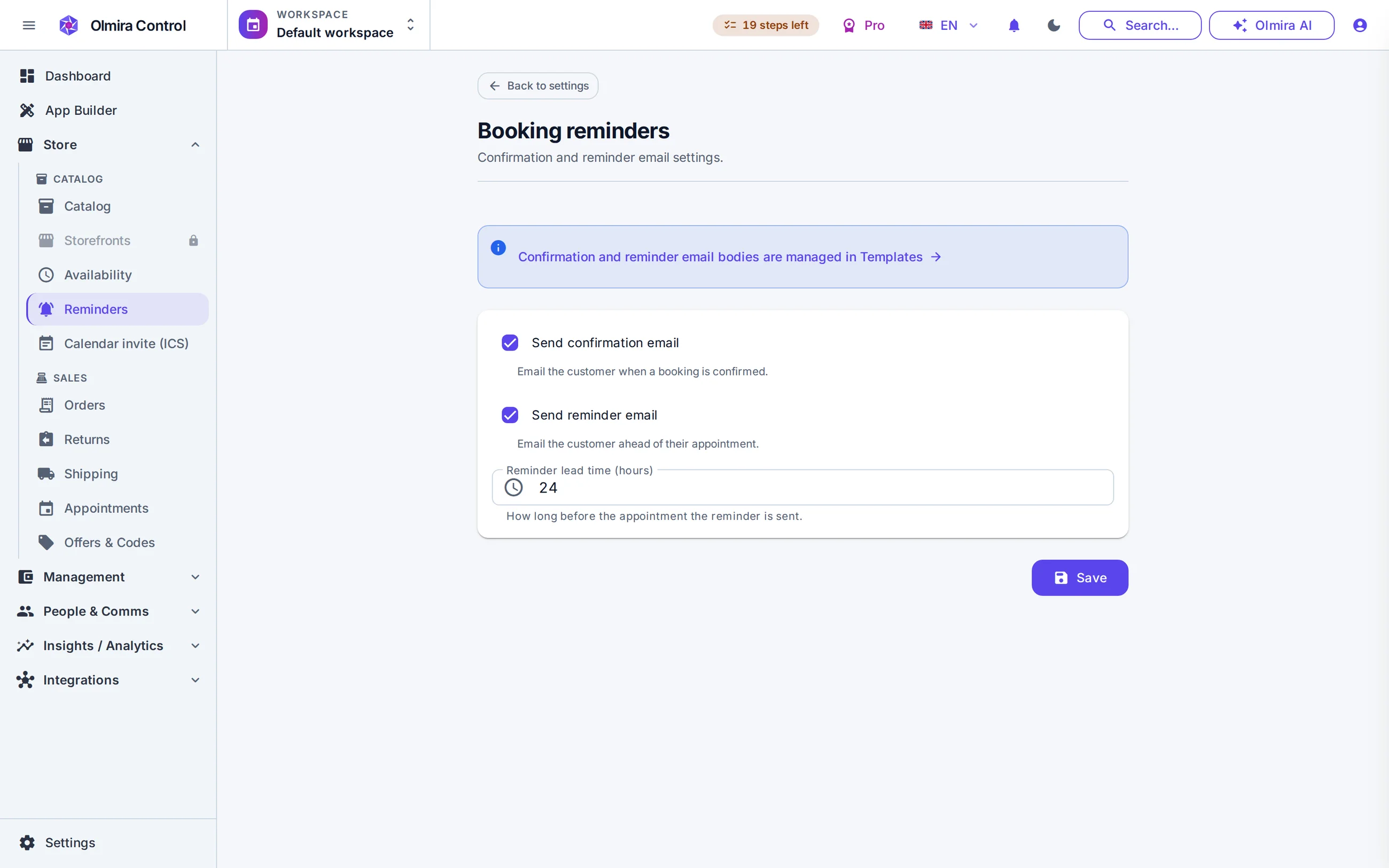
Customers help themselves Confirmations go out by email with a calendar (.ics) invite attached, and if you allow it, customers cancel or reschedule with just their reference and email — no account, no phone call on either end.
What it costs — one table instead of eight footnotes
Each industry below names the capability it runs on; this is what those names cost. Every number, in full, is on the pricing page.
| Capability | Starter€19/mo | Pro and above |
|---|---|---|
| Scheduling — appointments, reservations, classes, rentals | ||
| Payment at the moment of booking | ||
| Online store — products, memberships, custom orders, invoices | ||
| Management — expenses and profit per job | ||
| Quote-request forms and CRM | ||
| Connected review feeds (Google, Trustpilot, TripAdvisor, Facebook) |
- Scheduling — appointments, reservations, classes, rentals
Bookings & Payments, +€15/mo - Payment at the moment of booking
included in Bookings & Payments - Online store — products, memberships, custom orders, invoices
- Management — expenses and profit per job
+€10/mo - Quote-request forms and CRM
- Connected review feeds (Google, Trustpilot, TripAdvisor, Facebook)
- Scheduling — appointments, reservations, classes, rentals
- Payment at the moment of booking
- Online store — products, memberships, custom orders, invoices
- Management — expenses and profit per job
- Quote-request forms and CRM
- Connected review feeds (Google, Trustpilot, TripAdvisor, Facebook)
Included Not included Add-on
The 30-day free trial covers the website builder, the AI, forms and the CRM. The online store is not part of the trial and isn't sold as a Starter add-on; review feeds aren't gated at all.
A restaurant website with live table reservations — and a menu that sells the meal
Guests reserve a real table on your own site, checked against what's actually free before it's confirmed — no phone tag, no double-booked seven o'clock. Your dishes get a menu page of their own, with photos and prices that make the case before anyone calls. It's a booking engine and a site — the two things a restaurant's website has to get right — not online ordering, a floor plan or a POS system.
A table is a resource, checked in real time
Underneath, a table is a bookable resource with its own capacity — list a few of the same size and the engine offers whichever one is free for the time requested, the same cross-checking that keeps staff appointments from double-booking. Every time a guest opens the date picker, the server recomputes what's genuinely open against your hours, your notice period and what's already reserved — never a stale cache pretending to be live. The reservation model in full is on Reservations.
The rating that gets a table booked, right where the booking happens
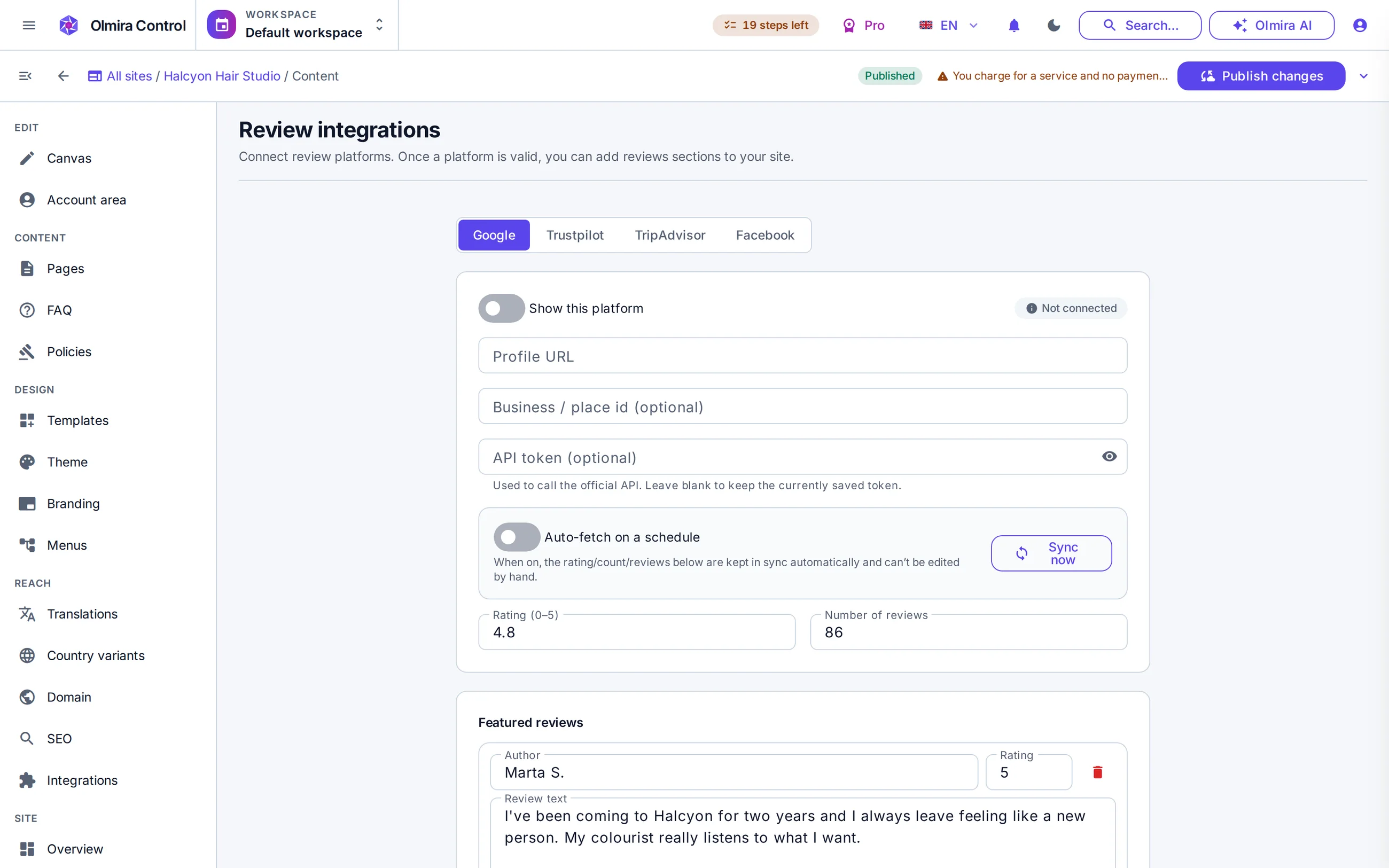
Nobody reserves a table without checking the rating first. Connect Google, Trustpilot, TripAdvisor or Facebook — one, or all four — and Olmira reads your real score and a handful of featured reviews straight from your public profile, refreshed once a day or on demand. Show one platform, or merge everything into a single weighted rating, so two hundred Google reviews and forty on TripAdvisor don't count as equals. Nothing is invented or edited: what's shown is what the platform published, and a single-platform block links out to the profile so a diner can check it for themselves.
No. The menu is for browsing — dishes, prices, descriptions, photos — with no cart, no checkout and no delivery integration. Reservations can take payment at the moment of booking if you turn that on, but that's a table charge, not a food order.
Not by name today, but effectively yes by size — list a table for two, four, six and so on as separate listings, and a guest books the one that matches their party. Use the note field for anything more specific.
No — there's no visual floor layout or seating chart. Each table is a bookable listing with a capacity; you manage the resulting reservations from a calendar, the same one appointments use.
Book a favourite stylist, or the next free chair — your call
Some clients want Priya, specifically, for colour. Others just want a haircut in the next available slot and don't care who's holding the scissors. Olmira supports both, with the right length held on the calendar for each service and a real gap between appointments so nobody's rushed out the door.
Three setup decisions, and the calendar runs itself
Name the specialist work — “Colour with Priya” is tied only to her — booking it books her, and nobody else can be assigned to it.
Share the walk-in work — One “Haircut” service tied to every stylist who can do it; Olmira offers whichever chair is actually free at that time.
Give every service its real length — Each service holds its real length on the calendar, plus a turnover buffer so nobody is booked into your reset minutes.
No-shows, and what a named stylist costs
Fitness studio booking and memberships — sold and filled from the same website
Sell monthly and term memberships as recurring billing on your own Stripe account, and let members — or drop-ins — reserve a spot in any class by the slot. Olmira checks the room's real capacity before it offers a booking, so a class page never promises a spot that isn't actually there.
A class is a service with a real ceiling
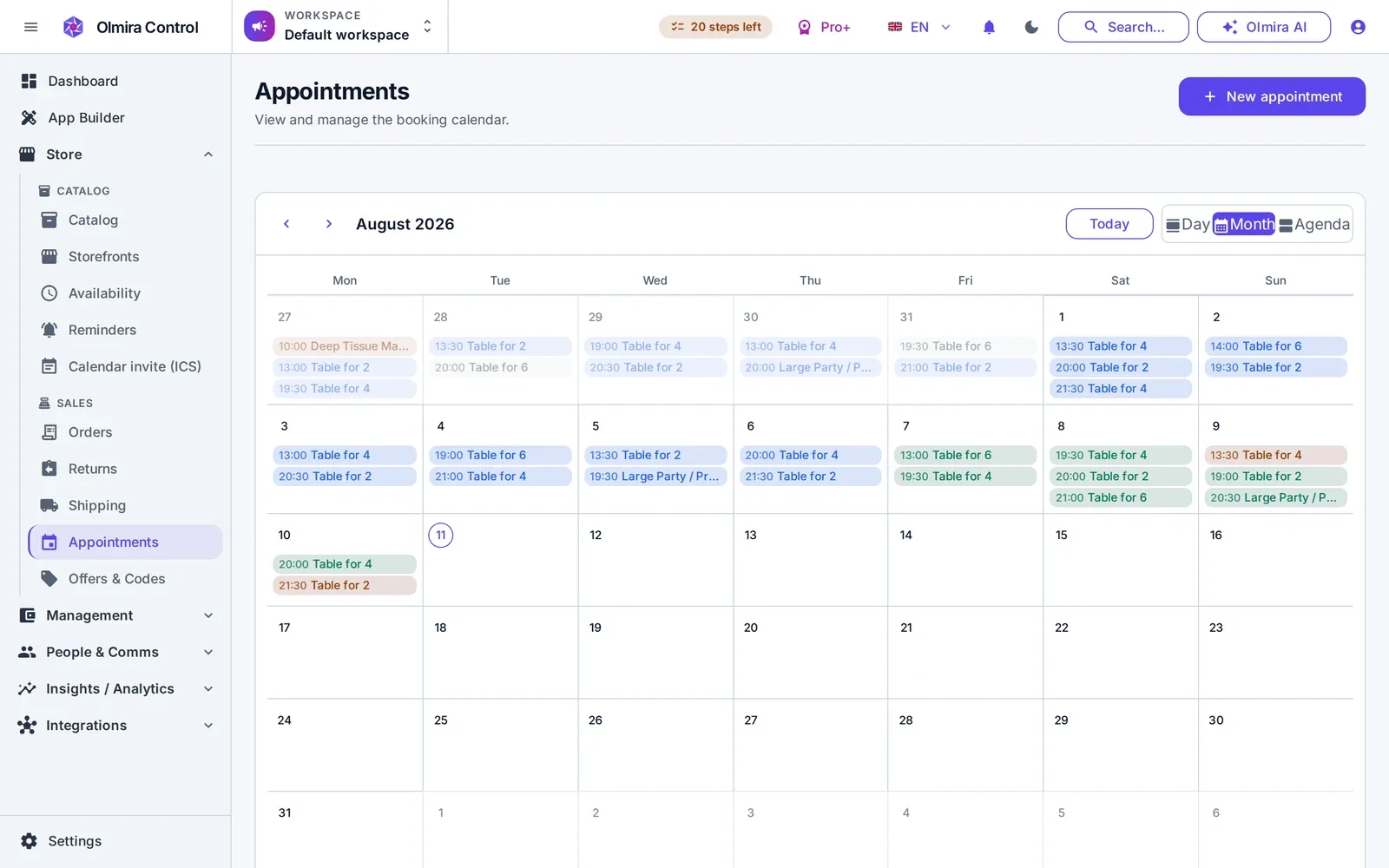
Every class you run — a 6 a.m. spin session, a Tuesday-evening yoga slot, a personal-training hour — is a bookable service with a price, a duration and a capacity. The simplest setup is a shared pool: the room holds 15 people, so 15 bookings fill that slot and the 16th customer sees it as full. If you want Olmira to also track which instructor or which room is doing the work — so a double-booked studio or an instructor teaching two classes at once can't happen — model the instructor or the room as a resource with its own capacity, and the same slot picker cross-checks it against every other class using that resource, not just the one someone's currently booking. Either model runs on the same calendar, colour-coded by status, so a full class and a half-empty one are obvious at a glance.
Membership as recurring revenue, not a manual charge
A membership is a product you sell through your online store with the Subscriptions selling type turned on — monthly, or whatever interval you set. It bills on your own connected Stripe account, and every successful cycle generates a real order, so membership revenue lands in the same reporting as everything else you sell, including churn. Members manage their own subscription from their account page — pause it over a quiet month, resume it, or cancel outright — and a failed payment gets flagged rather than silently going unnoticed.
Memberships and class bookings: two systems, one policy
Not as a built-in mechanic today — there's no automatic credit ledger tied to bookings. What works instead: sell a fixed-price class pack as a product and track usage against it yourself, or run a straightforward membership (unlimited or capped by your own policy) and let members book individual classes against real capacity.
They manage it themselves from their account — pause, resume or cancel — and a failed renewal gets flagged so you're not chasing it manually.
A booking system for tour operators and charters — not a contact form pretending to be one
Customers pick a real, live departure on your own site — a half-day out on the water, a group tour, a guided activity — and pay the moment they book. Olmira checks capacity before it ever offers a slot, so the booking that lands is one you can actually run, and the storefront speaks back to your customer in their own language, not just yours.
Model the actual constraint: one boat, one guide, or forty seats
A charter, tour or activity business rarely runs on "time slots" alone — it runs on things: the one boat you own, the guide who can only lead one group at a time, or the forty seats on a coach. Each departure is a service backed by a resource — staff, a vehicle or vessel modelled as equipment, or a room-equivalent for a fixed venue — and the resource carries its own capacity. Set it to 1 and you've built an exclusive charter: book it and nobody else can, for that slot, no matter which other service shares the same boat. Leave a service without a dedicated resource and it draws on a shared capacity pool instead — the shape of a group tour or scheduled activity, where several bookings fill the same departure until it's full.
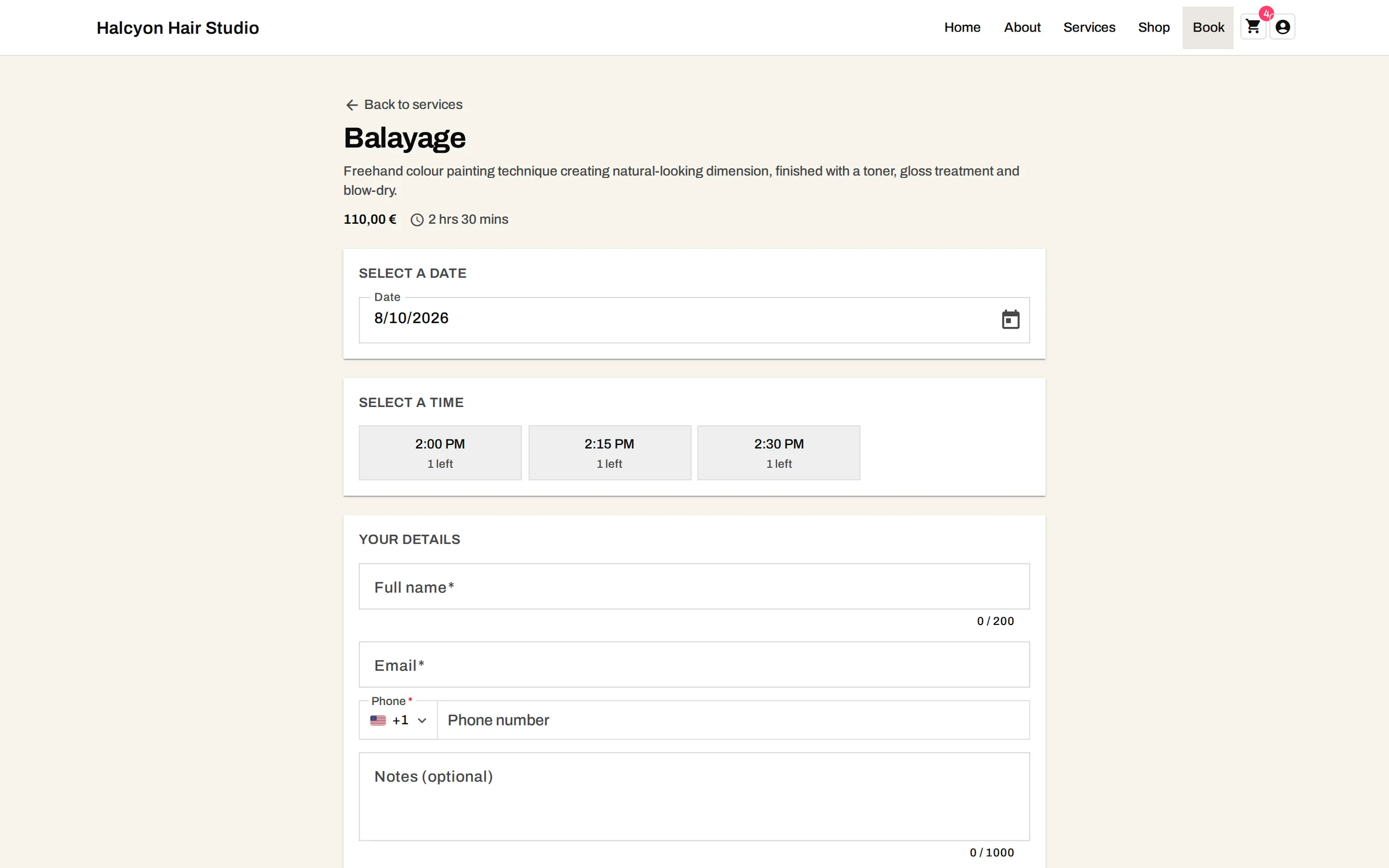
Olmira already runs a real boat-charter storefront exactly this way — a live demo we built and keep running, not a mock-up.
Paid at booking — and a multi-day charter is still just your calendar
There's no separate deposit field — price the departure at what you actually want held, and payment at booking charges exactly that the moment it's reserved; the booking only reaches confirmed once the charge succeeds. Multi-day trips work differently on purpose: a charter spanning several days is something you set up yourself from the calendar in Control, choosing the span for a specific booking — never a flow where a guest self-checks out for a multi-night trip on your public site. You keep that conversation, and the pricing that comes with it, in your own hands.
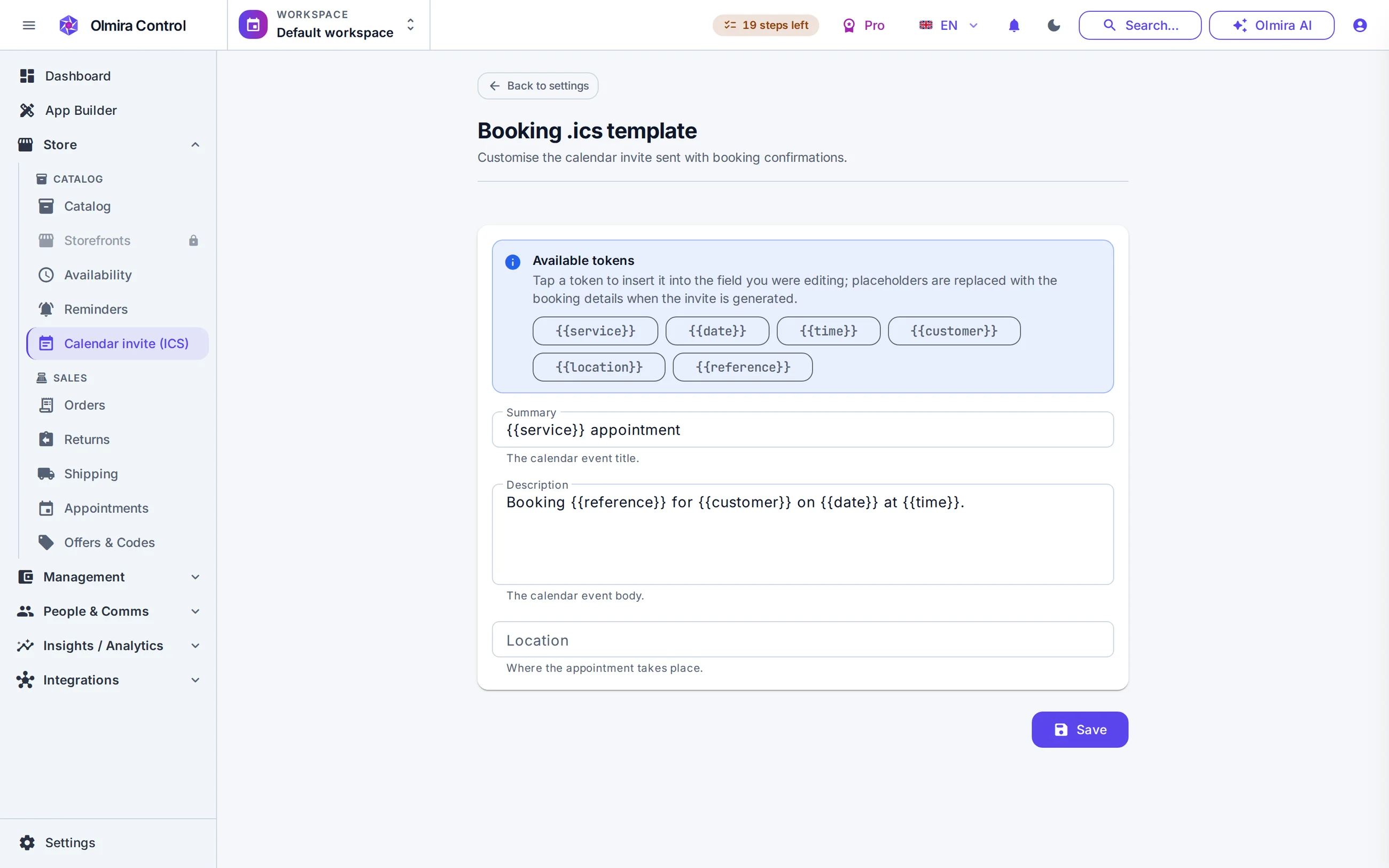
One storefront, several languages
International customers are the normal case for tours and charters, and a booking page that only speaks one language loses them at the first screen. Add a language and your whole site becomes editable in it — including the names of the charters and tours themselves, so the confirmation a customer receives reads back in the language they booked in. AI drafts each new language from your original copy, with a review step before anything publishes; how many languages your plan allows is on multilingual websites.
Yes. Set the departure's capacity to however many bookings it can hold — one, for an exclusive charter, or more, for a shared tour or activity — and Olmira stops offering it the moment it's full. One limit: there's no dedicated headcount field on the booking form today, so each booking reserves a place rather than a specific number of seats. If you need to know exactly how many people are in a party, ask for it in the notes field or confirm it when you follow up.
No. A booking that spans several days is something you set up yourself from Control, for a specific customer or group — the public booking form only ever offers single departures. If multi-day charters are your business, you'll be creating those bookings, not pointing a guest at a self-checkout for a multi-night trip.
Yes — confirmation and reminder emails go out on their own, each with a calendar file attached, with a lead time you choose. Reminders are email and calendar invite only; there's no SMS channel today.
An equipment rental booking website for rooms, kit and small venues — by the hour, not by the week
List what you rent as a resource with its own capacity — one meeting room, a fleet of ten identical bikes, a studio you hire out by the hour — and customers book a real, live slot and pay for it on the spot. Olmira checks what's actually free before it ever offers a booking, so nothing gets promised twice.
Rooms and equipment are resources, exactly like staff
Underneath, Olmira's booking engine only knows about resources with a type — staff, room or equipment — and a bookable listing that uses one or more of them. For a rental business, the room or the kit is what you're selling: a photography studio becomes a "Room" resource with a capacity of one booking at a time; a set of identical folding tables or a fleet of bikes becomes "Equipment" with its capacity set to however many you actually own. List several genuinely different things — a small studio, a meeting room, a projector, a PA system — and each gets its own calendar, its own hours and its own price, all managed from the same screen.
Booked and paid for, without you touching a spreadsheet
A customer picks a date and time, sees what's genuinely free for that resource, and confirms — name, email, phone and a note if they need to tell you anything. One limit: there's no pre-authorise-now, charge-later mechanism for something like a damage deposit — a charge at booking is a real charge, the full amount you've priced, taken up front. Rental businesses that need a deposit price it as a separate line and refund it manually afterwards, from the same order.
What this is for — and what it isn't
Yes. Set up one equipment resource and give it a capacity equal to how many you have; Olmira takes bookings against that pool and stops offering it once they're all reserved for a given time.
Not with a dedicated field today — the booking form has name, email, phone and a free-text note, so ask them to mention group size or a preference there, or confirm it with a follow-up.
A website for coaches and consultants that sells your time and your packages
A coach, consultant or tutor doesn't need three subscriptions to run a business: one to look professional, one to take payment, one to book calls. Olmira sells a fixed-price package, a scoped engagement you quote yourself, or a monthly retainer, straight from your own site — and lets clients book the actual sessions once they've bought.
Three ways to sell the work — then the call books itself
A fixed-price package
List a coaching package or tutoring bundle at a fixed price and it sells like a product — card details, invoice, done.
A custom-quoted engagement
For a scope that depends on the client's situation, the client sends a request through your site, you review it and set the price, and from there it's a normal checkout with a normal invoice — not an email thread that ends in a bank transfer nobody tracked.
A monthly retainer
The same catalogue sells an ongoing relationship as a recurring product, billed automatically on your own account — and you're not locked into picking just one of these three shapes.
Then the call books itself
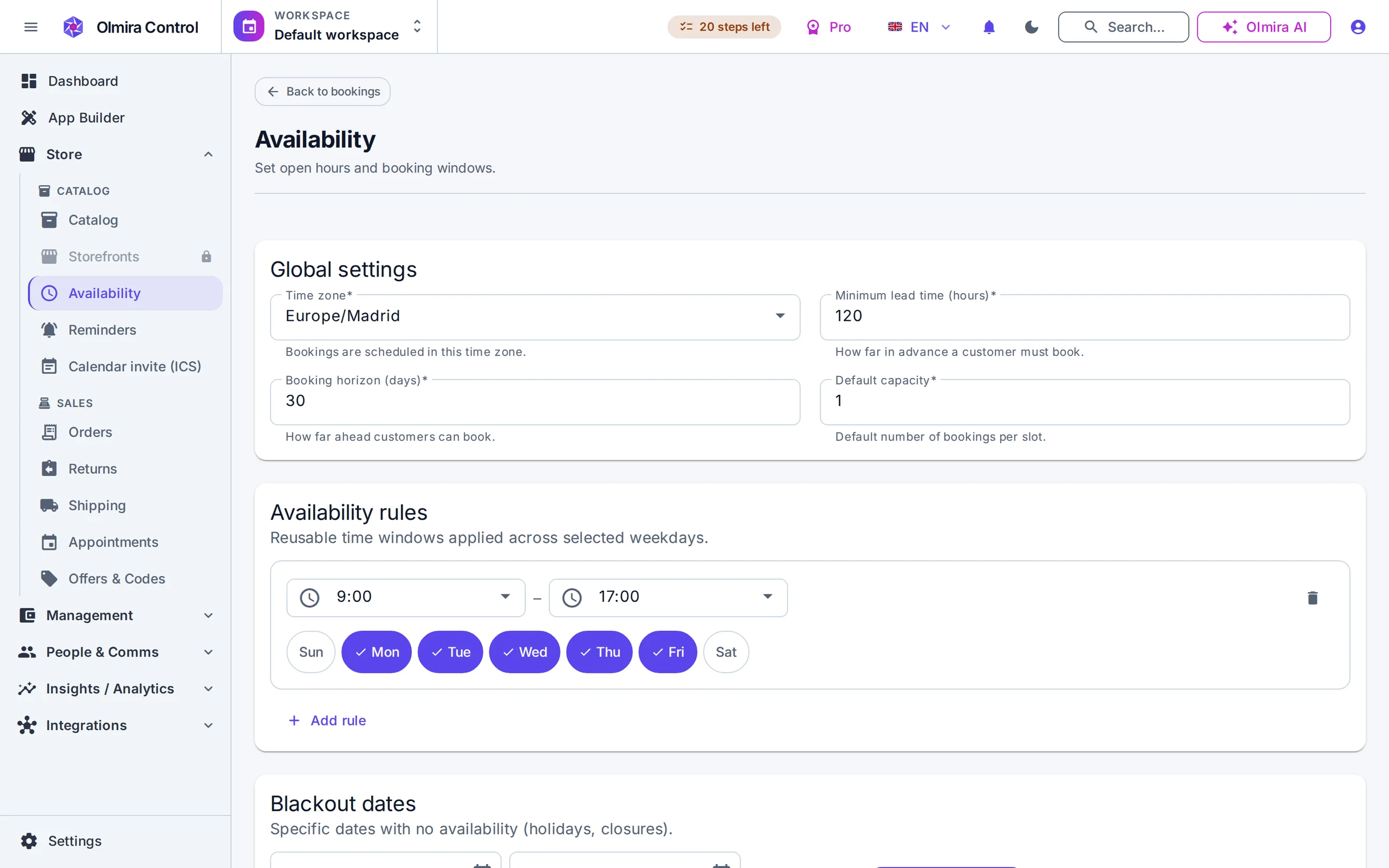
Set your hours, a buffer between calls and how far ahead people can book; the client picks a real, live slot from the same server-checked picker bookings and scheduling describes. Rather charge per call? Payment at booking takes the charge the moment the slot is reserved.
A site that looks like you do this for a living
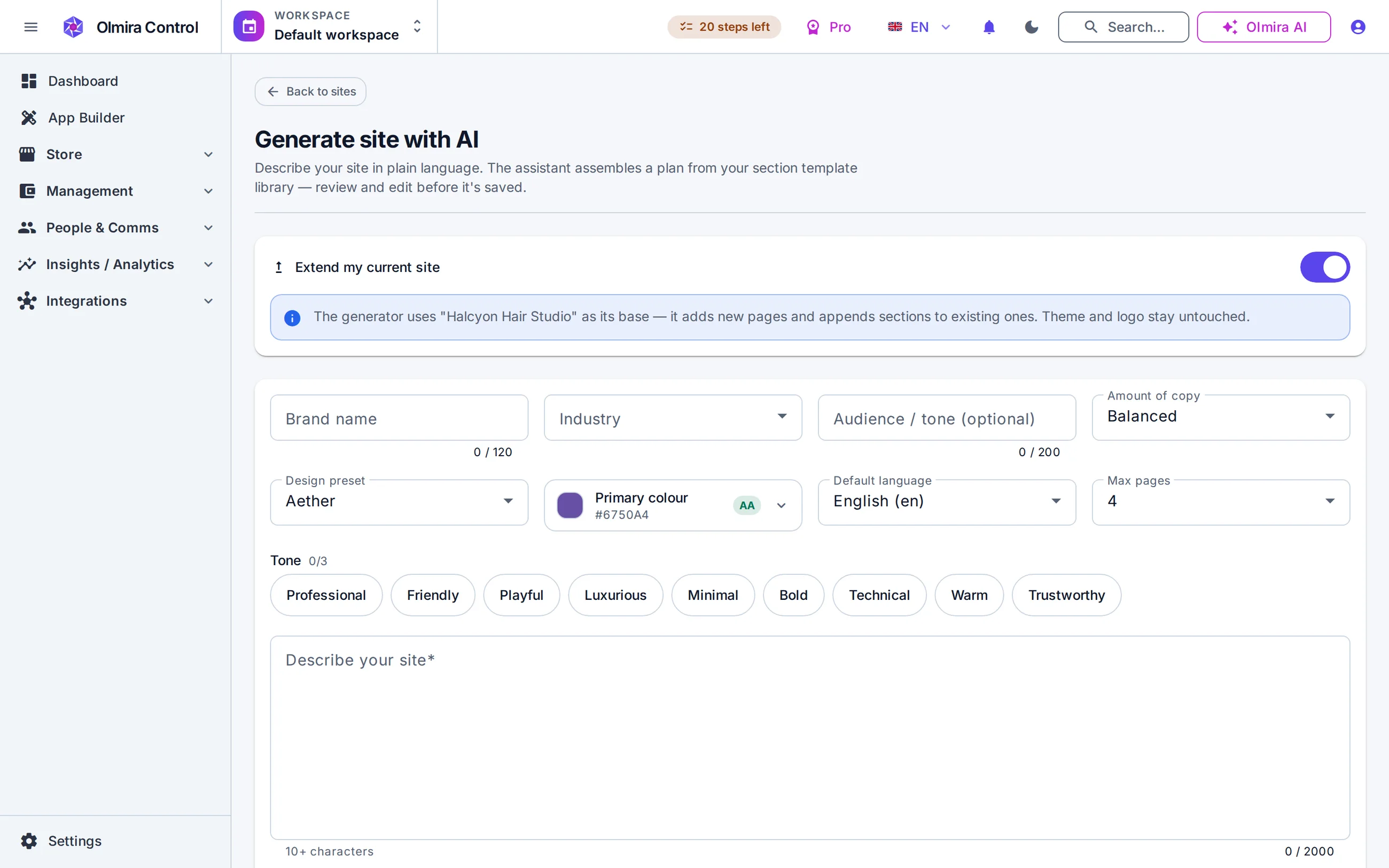
Describe what you do in a couple of sentences and the AI site generator drafts a real, multi-page starting point — editable sections, not a locked template you have to fight. Click any text on the rendered page and edit it in place; the things that repeat — a testimonial, a service card, a pricing row — are edited where they sit. Every page scores itself against 18 built-in SEO checks as you write, your own domain is included on every paid plan, and it's the same builder behind the full website platform — nothing scaled down for a one-person business.
Not automatically — a package is a priced item in your catalogue, not a credit ledger. Most coaches handle this the straightforward way: sell the package as a fixed price, then book each session as it happens, tracking usage yourself. There's no built-in mechanic that deducts a session each time someone books.
A small team works fine — model each coach as a resource, assign them to the services they run, and Olmira keeps each person's calendar and capacity separate while your clients book from one site.
Sell handmade products from your own website — and still know exactly what you earn
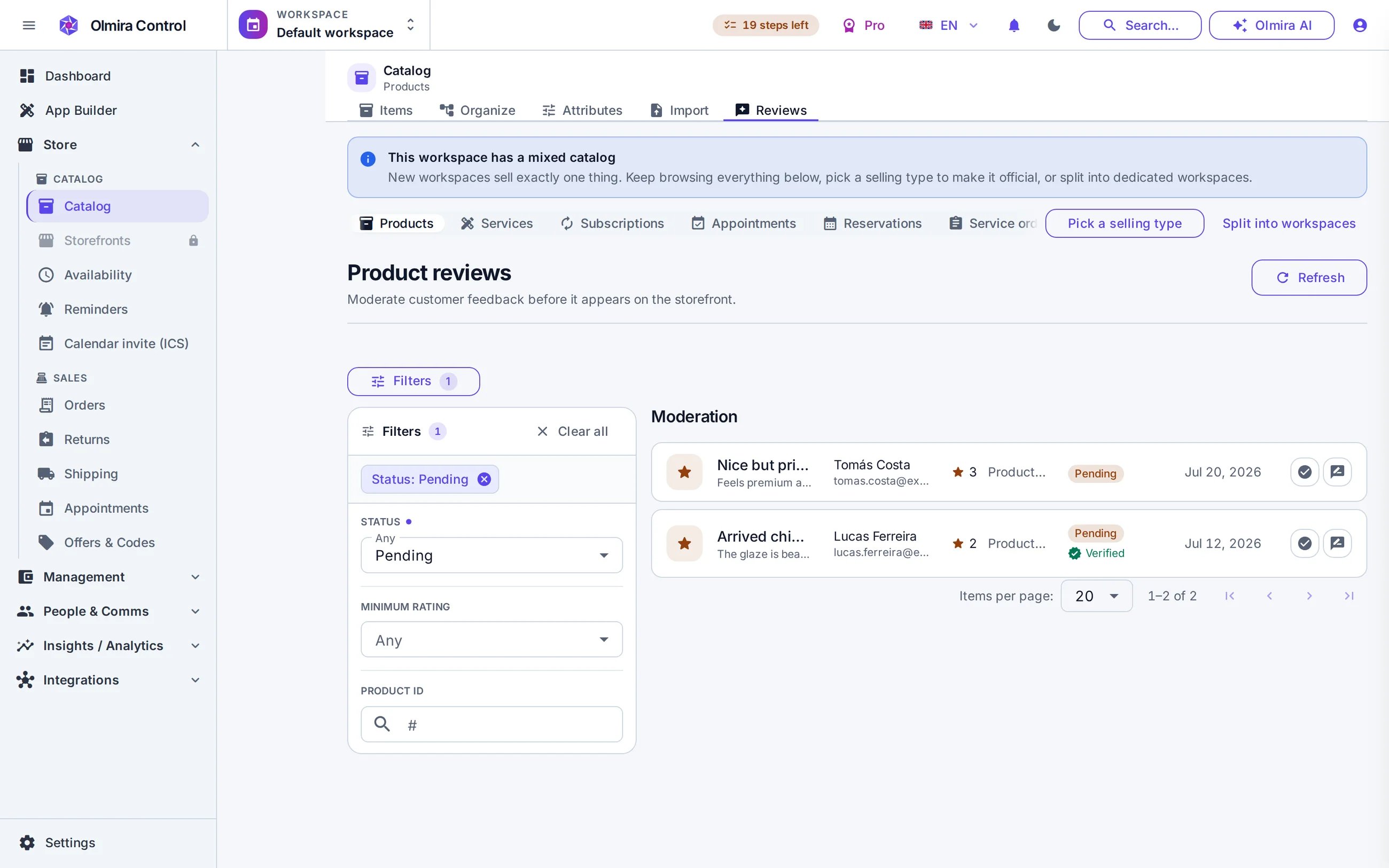
List real variants — size, colour, material, whatever changes the SKU — each with its own stock and its own cost. Take custom and made-to-order requests through the same site. And because every variant carries a cost price, the margin you see is computed from the real cost of making the thing, not a guess at tax time.
A catalogue built like a studio shelf
A variant is a real row, not a dropdown that hopes for the best — A mug in three glazes and two sizes is up to six variants, each with its own SKU, its own price, its own stock count and its own image. Structured attributes — material, dimensions, weight — let customers filter your range, not just scroll and hope.
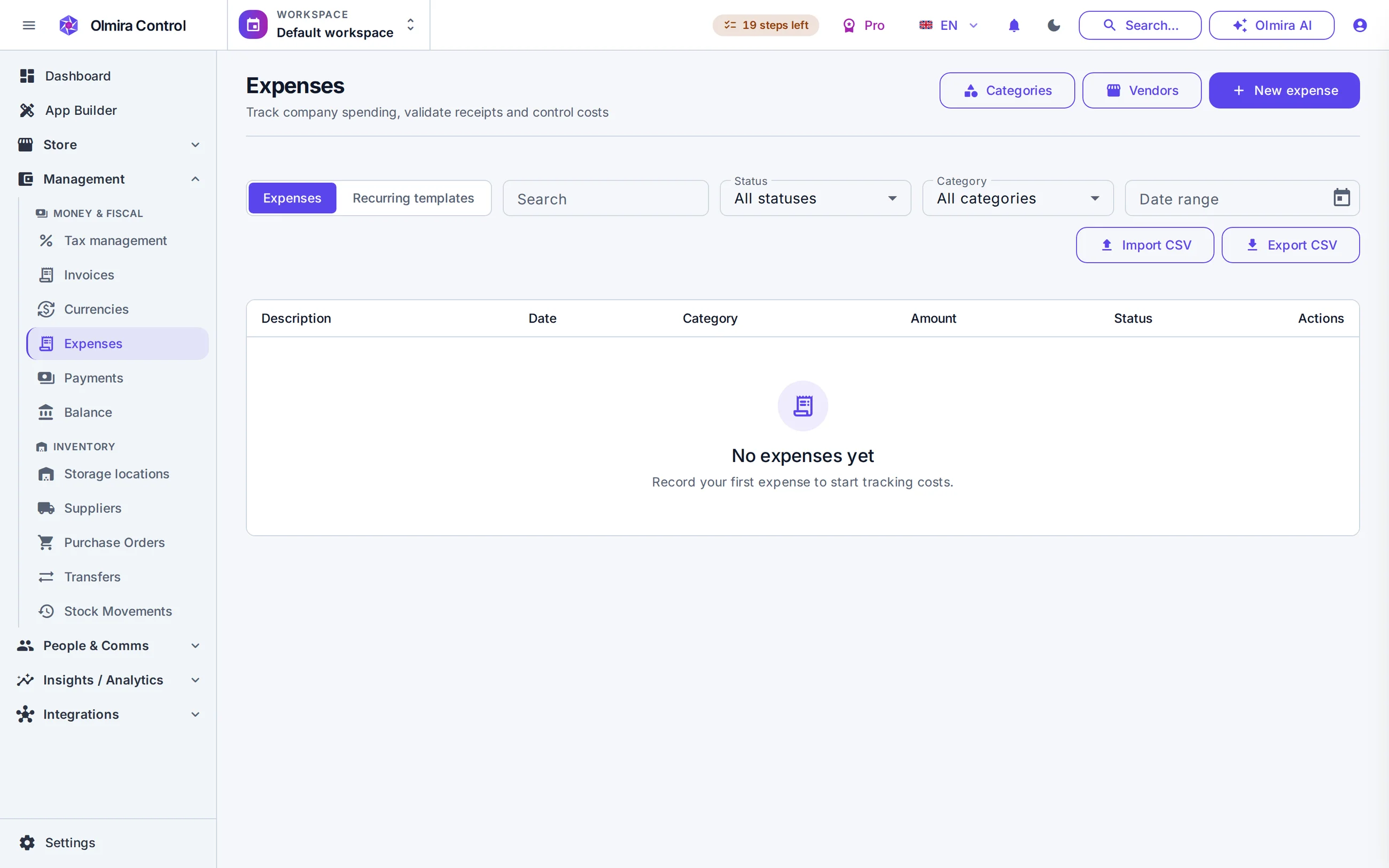
The margin figure is built from what things actually cost — Set a cost price on each variant and commerce analytics computes real product and category margin from it — which pieces are worth your time, and which you're pricing on vibes. Management's Balance view agrees with it, because both are built from the same data.
Made-to-order without an email thread — A customer describes the commission through your site instead of your inbox; you review it, set a price, and once confirmed it's a normal order with a normal invoice — same catalogue, same checkout, same order history as your ready-made stock.
Reviews, where a market stall would have a queue — Products carry their own moderated customer reviews, shown on the listing itself — trust built the way a stall builds it in person, for people who found you online instead.
It's computed for you — from each variant's cost price against what it actually sold for, rolled up by product and category. You do need to set the cost price on your variants for it to be accurate; an unset cost price simply won't show up in margin figures.
You can import a straightforward one-variant-per-product list that way. A catalogue with a lot of size/colour/material combinations under each product is better built directly in the catalogue editor today — bulk import currently creates one starter variant per row rather than a full variant grid.
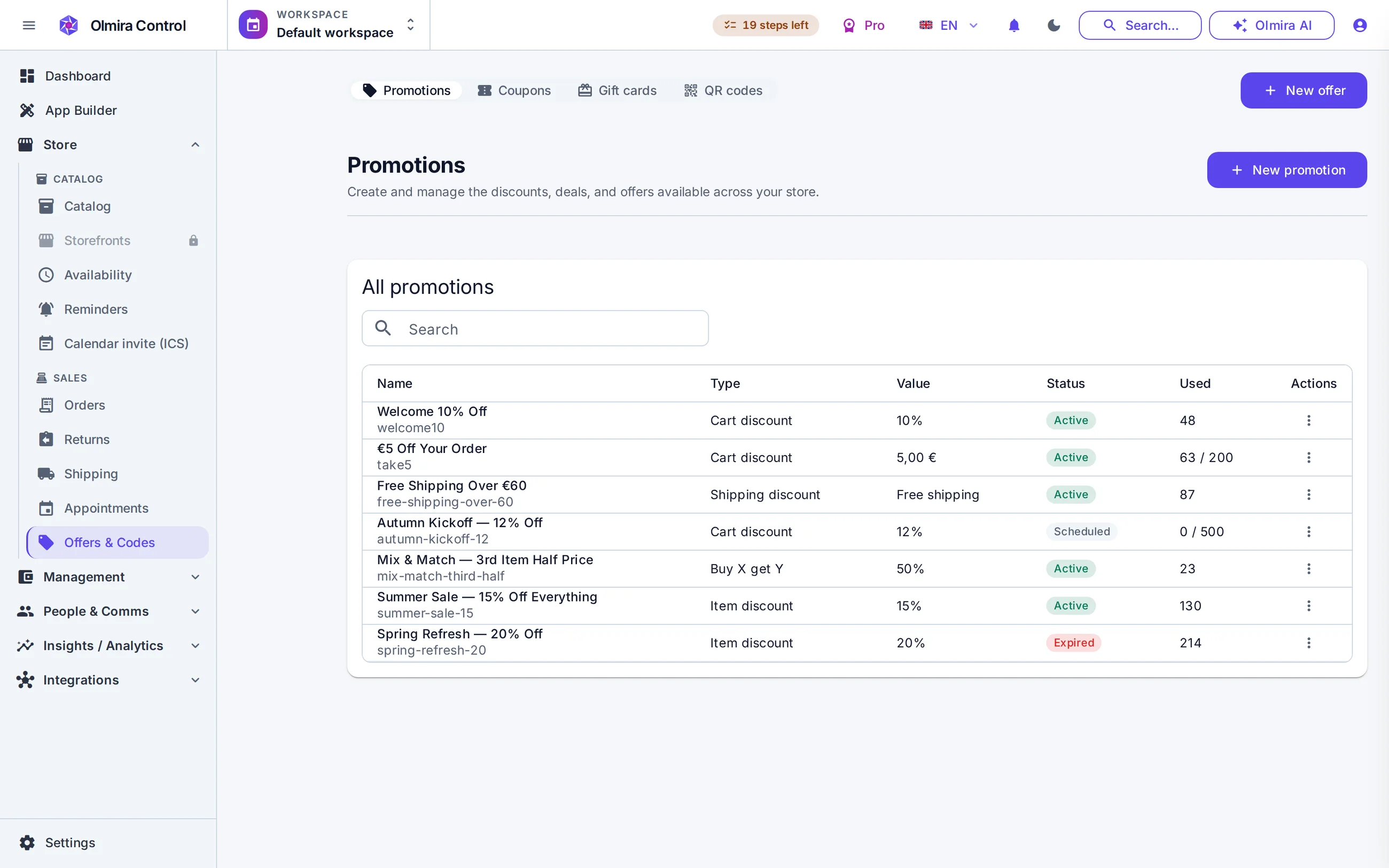
Yes — bundle pricing discounts a set of specific items down to a set price, and volume pricing can discount automatically once someone buys enough of one thing.
No — a confirmed custom order is a normal order, so it gets a normal invoice (PDF, or an EN 16931 e-invoice XML if a customer's accountant needs it), the same as any other sale.
A website with quote requests for tradespeople — not a booking calendar
Most tradespeople don't need customers picking a time slot online; they need a way to stop losing enquiries to a missed call, and a way to bill for the job properly once it's priced. Olmira does both from the same site: a quote-request form that lands every enquiry in one place, and real PDF or EN 16931 e-invoices once you've agreed a price.
From missed call to paid invoice, in four steps
The enquiry lands
A form on your site takes the fields you need to size up a job — description, address, photos, preferred contact time — with real spam protection built in: submissions are validated against the form's own field definitions, and a honeypot-plus-timing guard filters bots ahead of a per-visitor rate limit. You get a best-effort email the moment someone submits, and the full list stays browsable and exportable to CSV from Control.
It doesn't disappear once you've read it
Every quote request lands in the same CRM as the rest of your customer records, tagged with "form" as its source. Segment by tag, stage or how long it's been sitting unanswered — "who am I still owed a callback from" is a saved view, not a scroll through email.
Price it, invoice it
Once you've agreed a price, turn the job into a custom order and it flows through the same checkout and invoicing as everything else: a PDF invoice, and an EN 16931 e-invoice XML if a customer's accountant asks. The VAT rate is worked out for you — an EU customer is charged their own country's standard rate, from the 27-state table that ships with the product.
Know what the job actually made
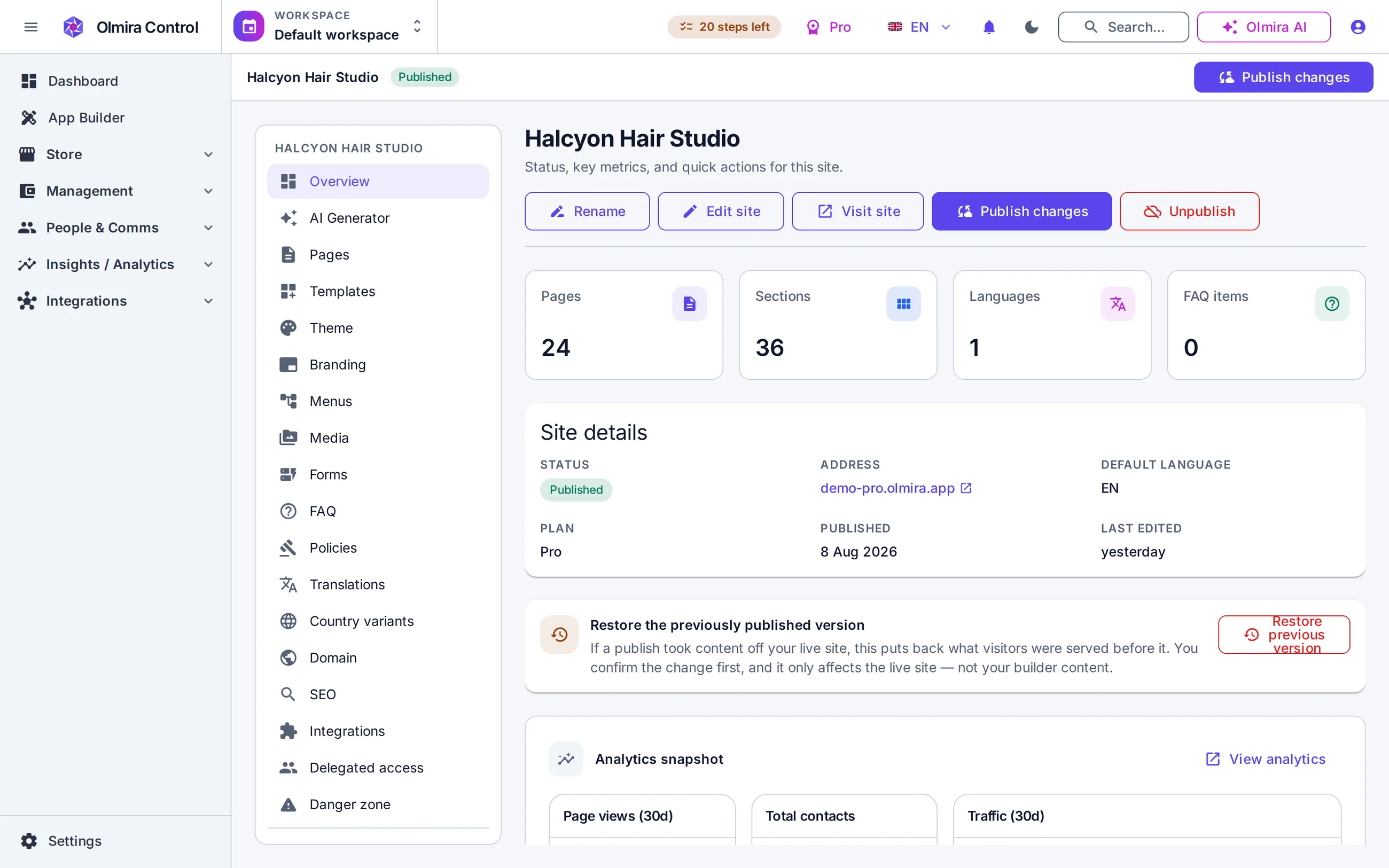
The invoice sits next to the job's own cost tracking in Management, so the number you tell yourself you made on a job and the number that's actually true are the same figure.
One limit if you invoice other businesses
No. Quote requests, CRM and invoicing all work without turning on Scheduling at all — this is built for a business that quotes and invoices jobs, not one that sells fixed time slots. If you later want customers to book a fixed appointment (a survey visit, say), that's a separate, optional capability — see bookings and scheduling.
It's a UBL 2.1 XML document aligned to the EU's EN 16931 semantic standard — the shared machine-readable format most EU e-invoicing rules are converging on. It is not a government-certified format for a specific national mandate; check what your own country currently requires.
The trial includes a monthly submission allowance that's enough to test the whole flow — form, CRM, follow-up — before you decide on a plan. Paid plans raise that limit substantially; see pricing for the exact numbers.