Sell from the same site
Six ways to sell — products, services, subscriptions, appointments, reservations and custom orders — checked out on your own payment account, with no platform fee on sales.
121
section templates
18
SEO checks — scored live as you type
8
languages — one site, correct hreflang handled for you
1
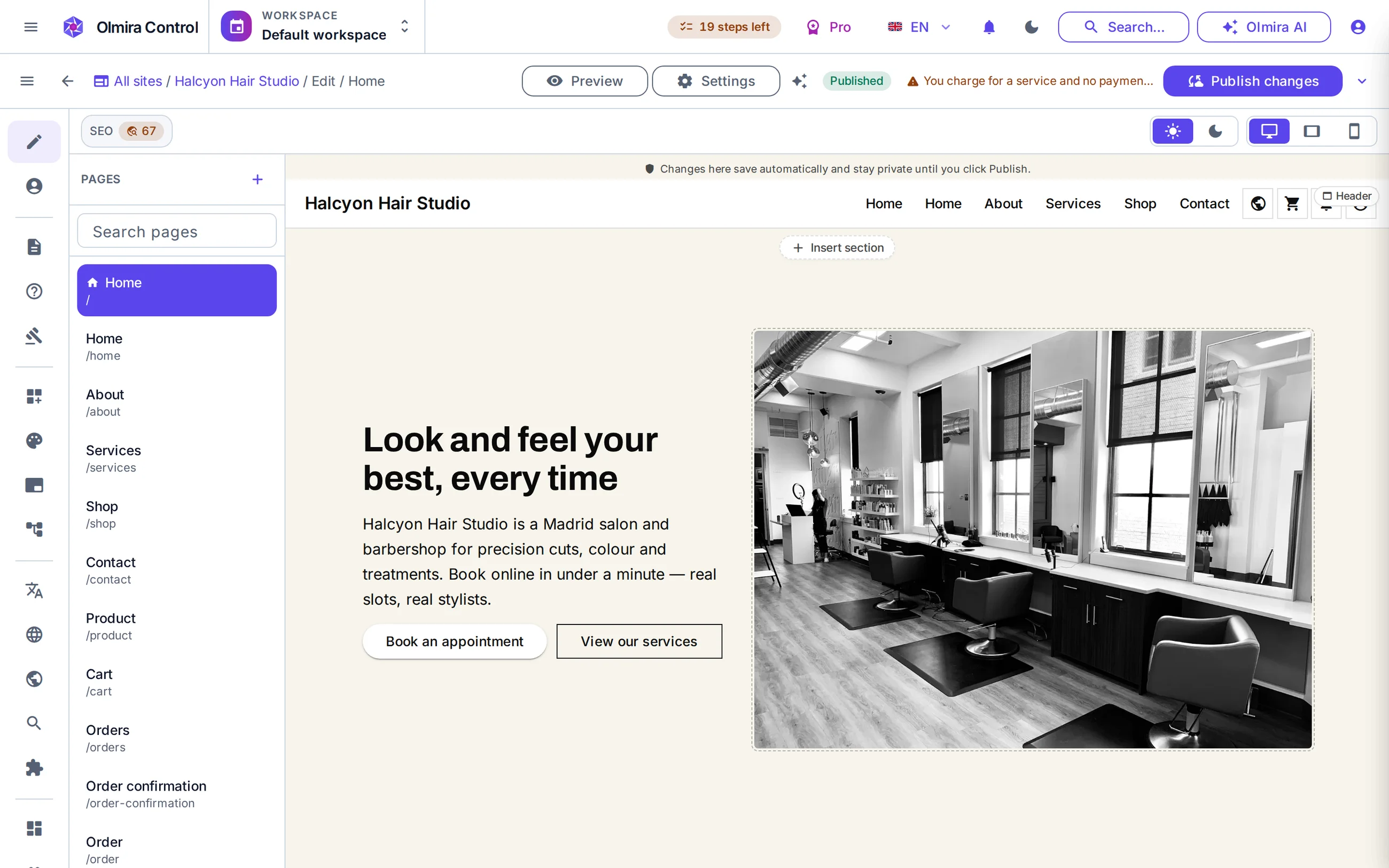
canvas — what you click is what visitors see
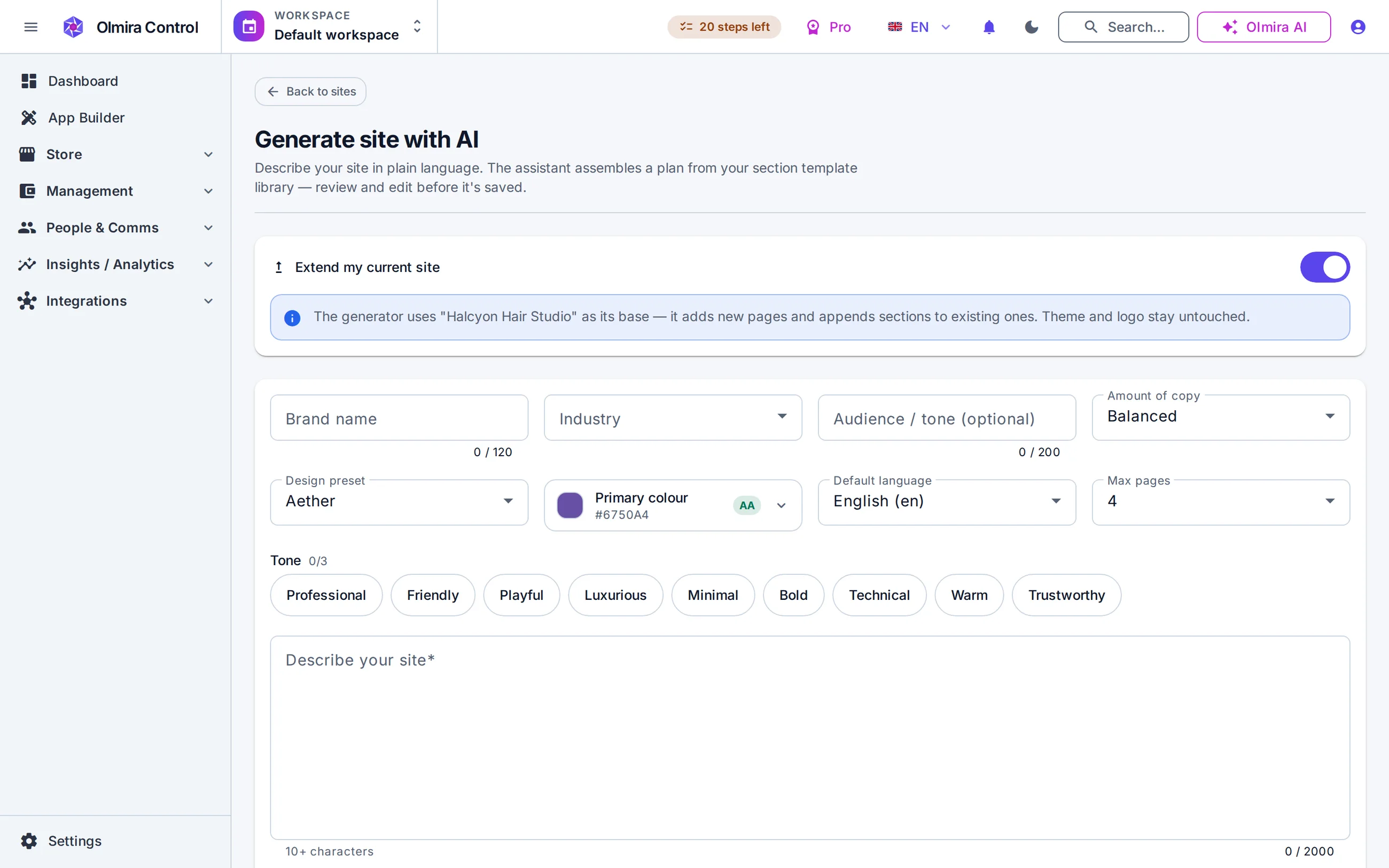
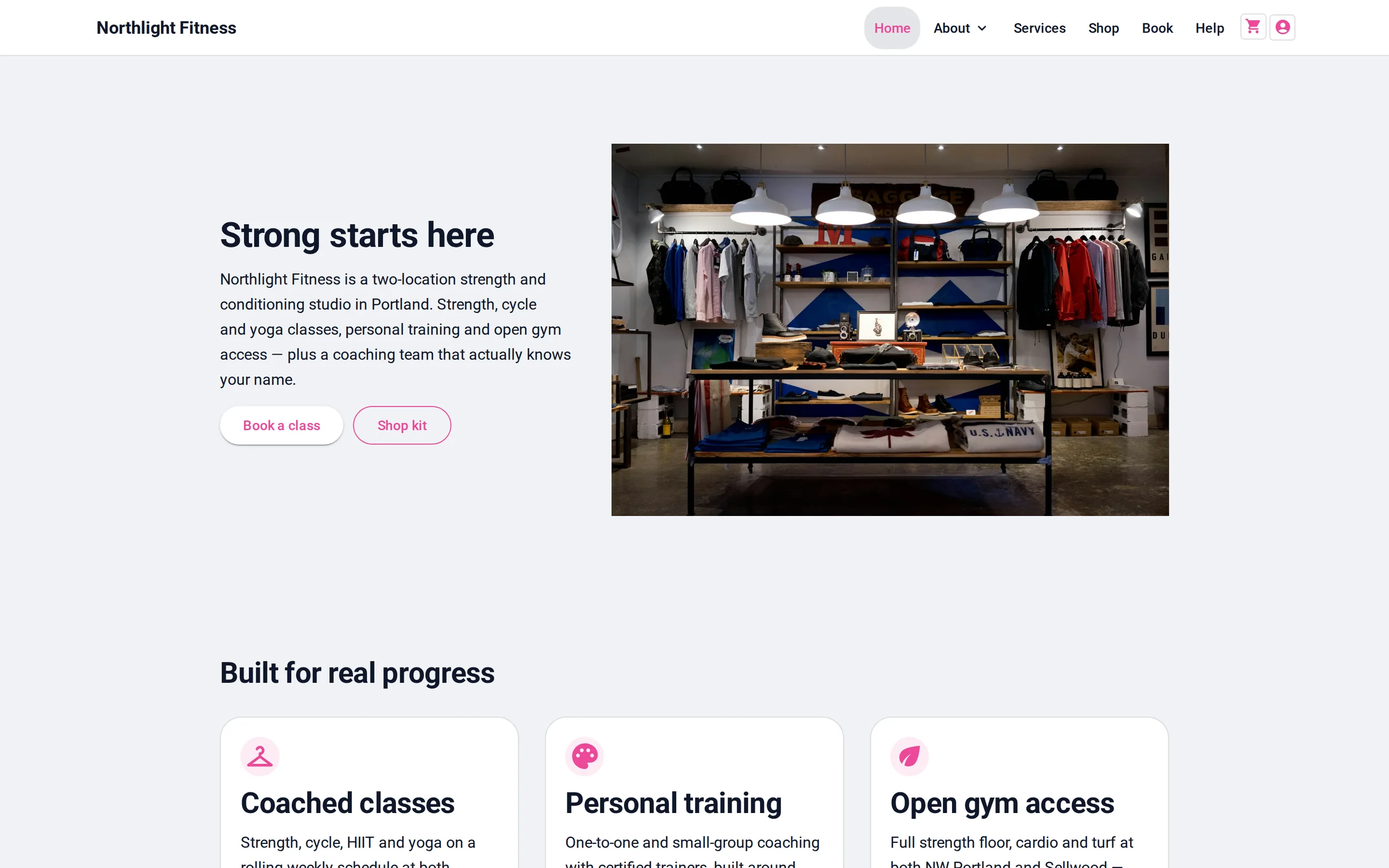
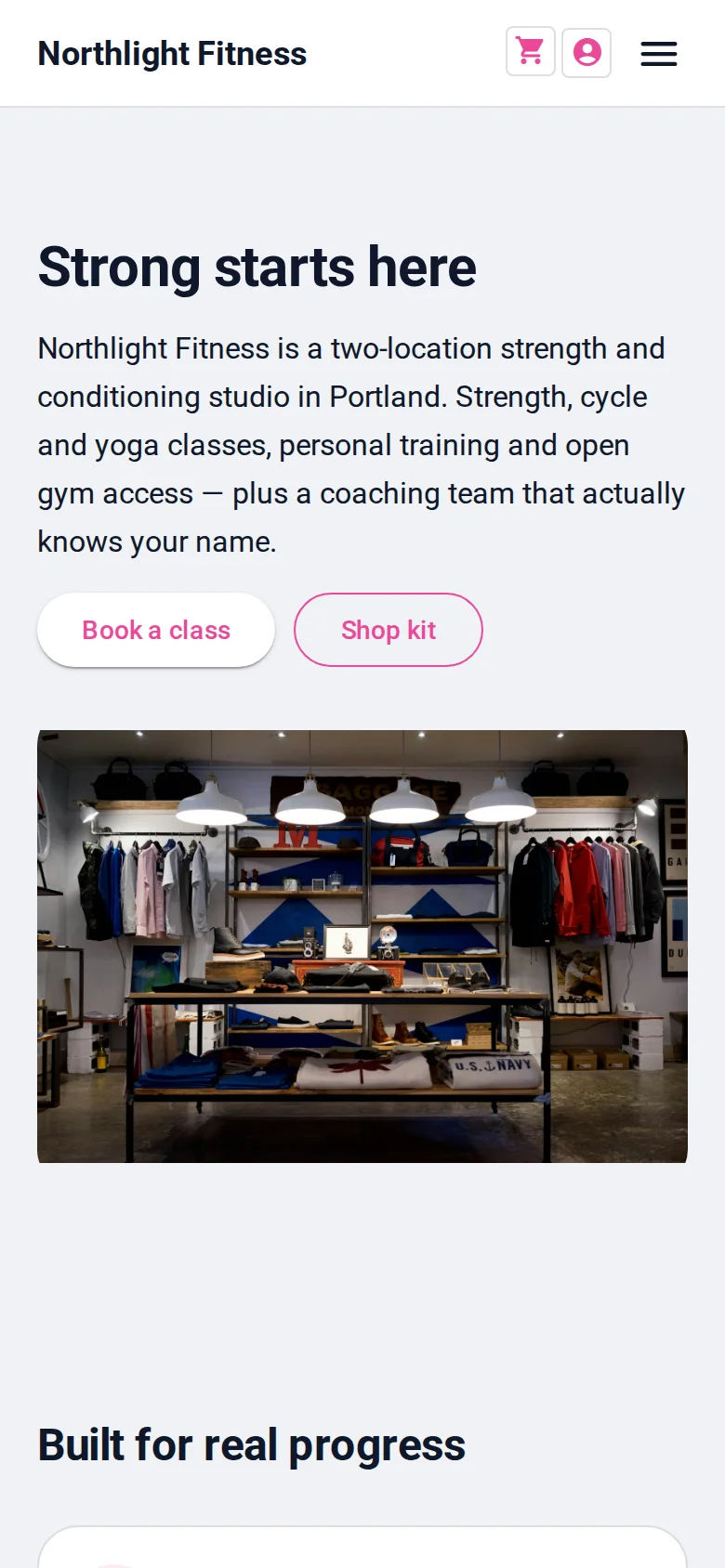
The Business demo home page, photographed on laptop and phone from the same build. Pages are responsive by default — edit once and both renderings stay in step. Open the demo and resize it yourself.
What you click is what visitors see. Change a headline mid-word, reorder sections, swap an image — the canvas is the site. Repeated things behave the same way: click a card, a gallery image or a pricing row and a floating toolbar lets you move, duplicate or delete it without leaving the page. An empty list seeds a real first item for you to edit, not an empty box. Menus too: drag to reorder, with every label translatable per language.
Tell the generator what your business is in a sentence or two and it drafts a multi-page site — real sections, first-pass copy, nothing it can't render. It is a starting point, not a publish button: nothing goes live until you've been through it. When one paragraph won't come, the same assistant rewrites or offers variants of a single section. More on the AI assistant page.
Title length, single H1, heading order, meta description, alt-text coverage, internal links, canonical URL, accidental noindex — 18 weighted checks, recomputed live as you edit, each showing what it measured and how to fix it. Clicking a finding takes you to the section that caused it. This very site is held to the same engine: the pages you're reading target a score of 95 or higher on it.
Build from sections, not from scratch — Heroes, feature grids, galleries, forms, FAQs, pricing tables — insert one and edit it in place. One-click presets scaffold a promo page with its banner, grid and call to action already assembled.
A score that tells you what to fix — Every page is checked against 18 SEO rules, each with the measured value and a plain fix hint. No plugin, no export to a separate tool.
Eight languages from one site — English, Spanish, French, German, Portuguese, Russian, Ukrainian and Latin-American Spanish — one site, one edit surface, correct hreflang tags handled for you. Your plan sets how many you can switch on at once.
Media that behaves — Uploads are converted and compressed automatically, and there's a built-in editor for crops, rotation and text — no round trip through other software.
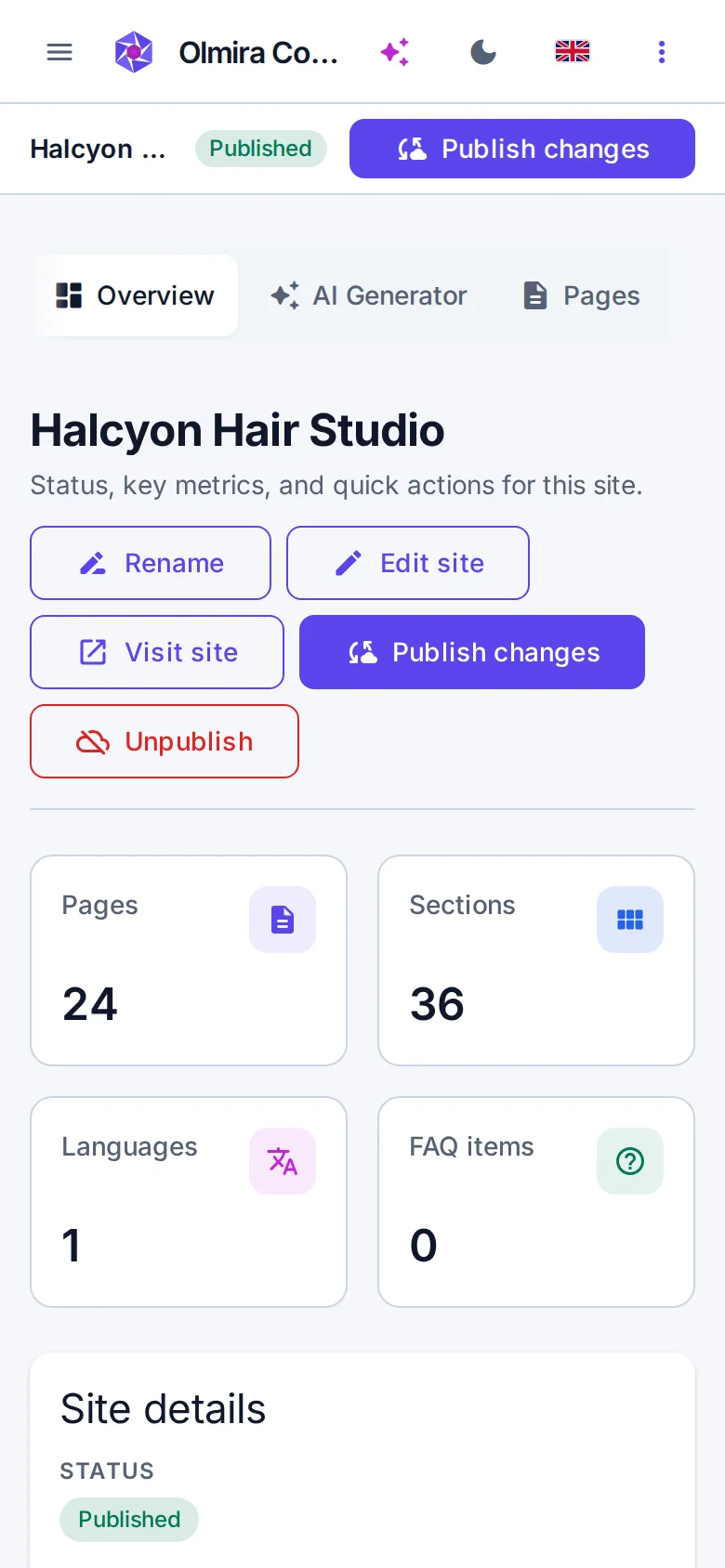
Olmira Control is built phone-first in the browser — fix a typo from the sofa, not from the office.
Describe your business and let the generator lay out a first draft, or start empty and build section by section. Your site exists from the first minute — there's no wizard holding your work hostage until the end.
Choose a preset, tune the colours and type, and check both light and dark mode. The content you've already written restyles with it.
Write on the page itself. The SEO badge updates as you go; open the findings panel when you want the full list of what to improve, ranked by how much it matters.
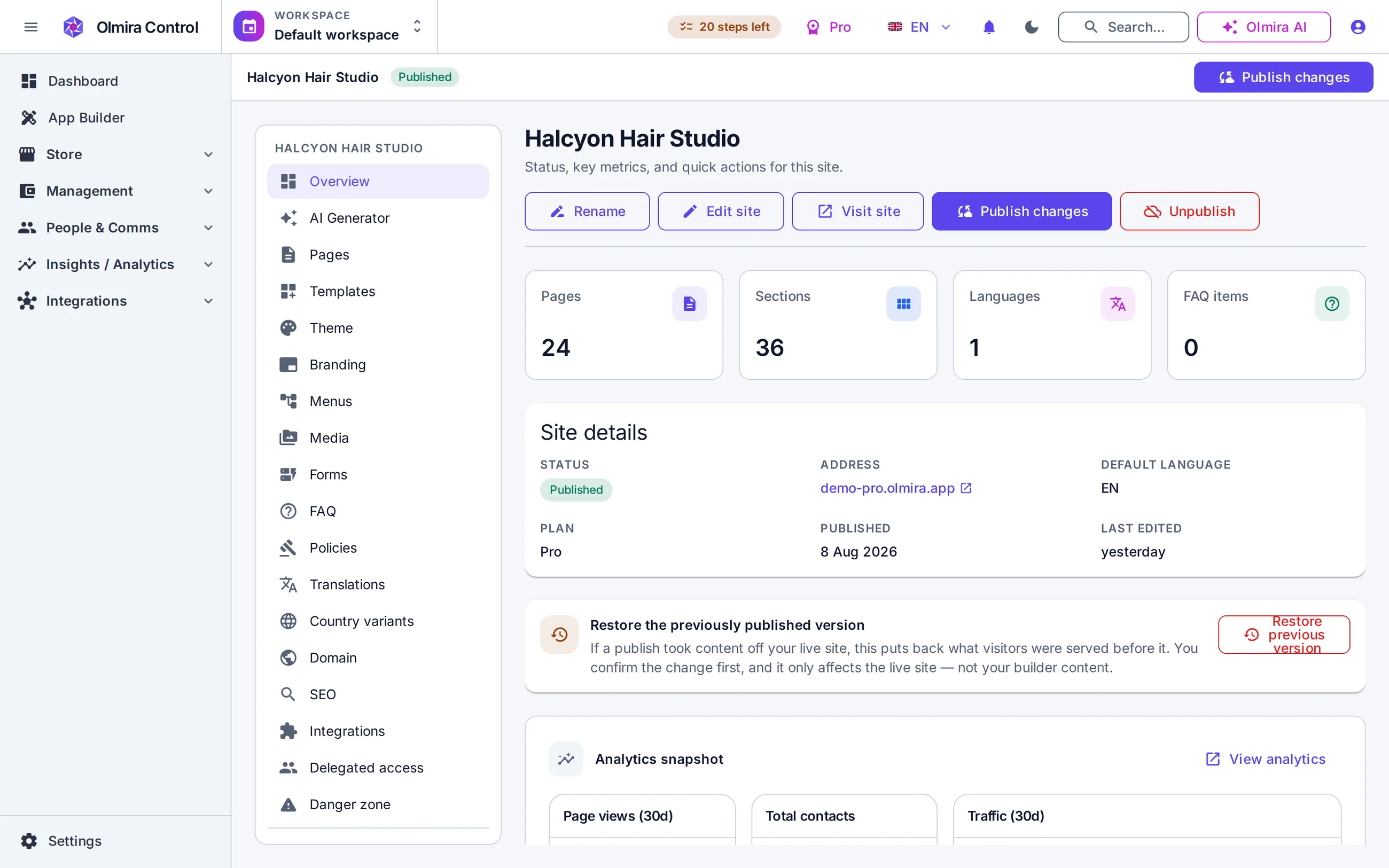
Publishing takes an explicit click and creates a stable snapshot: what you publish is what stays live while you keep editing. You start on yourname.olmira.app; connecting your own domain with automatic HTTPS takes minutes.
Six ways to sell — products, services, subscriptions, appointments, reservations and custom orders — checked out on your own payment account, with no platform fee on sales.
Verify your DNS, get a certificate issued automatically, and keep the olmira.app subdomain as a fallback.
A built-in assistant that drafts, translates and does back-office work — and asks for your approval before changing anything.
AI drafts every translation for you to review — and a language only goes live once its content is actually filled in.
No. Sections are designed already; themes keep them consistent; the score tells you when a page is structurally wrong. What you bring is knowledge of your own business — the builder's job is to make that presentable without a middleman.
Not during the trial itself — the free 30-day trial publishes on a yourname.olmira.app address. Your own domain is included from the Starter plan up, at no extra charge and with nothing to buy separately, so connecting one means moving to a paid plan. Every site keeps its free olmira.app address alongside your own domain.
If you haven't picked a plan by day 31, your site goes to a holding page rather than staying live. Your content is kept for 90 days, and upgrading in that window brings everything back exactly as you left it. Pick a plan before day 31 and nothing pauses at all.
Forms, fully: the form builder handles multi-field forms and collects the submissions inside Olmira, with a screen per form for reading them. There is a blog as well — blog sections render your posts as a feed or as a single post, and posts publish at /blog on your own site — but posts are written outside the canvas. The inline editor and the 18-check score both work on your site's pages, not on individual posts.
Completely. The generator only assembles real sections with draft copy — there's no locked "AI page" format. Everything it produces is ordinary content you edit, translate, restyle or delete.