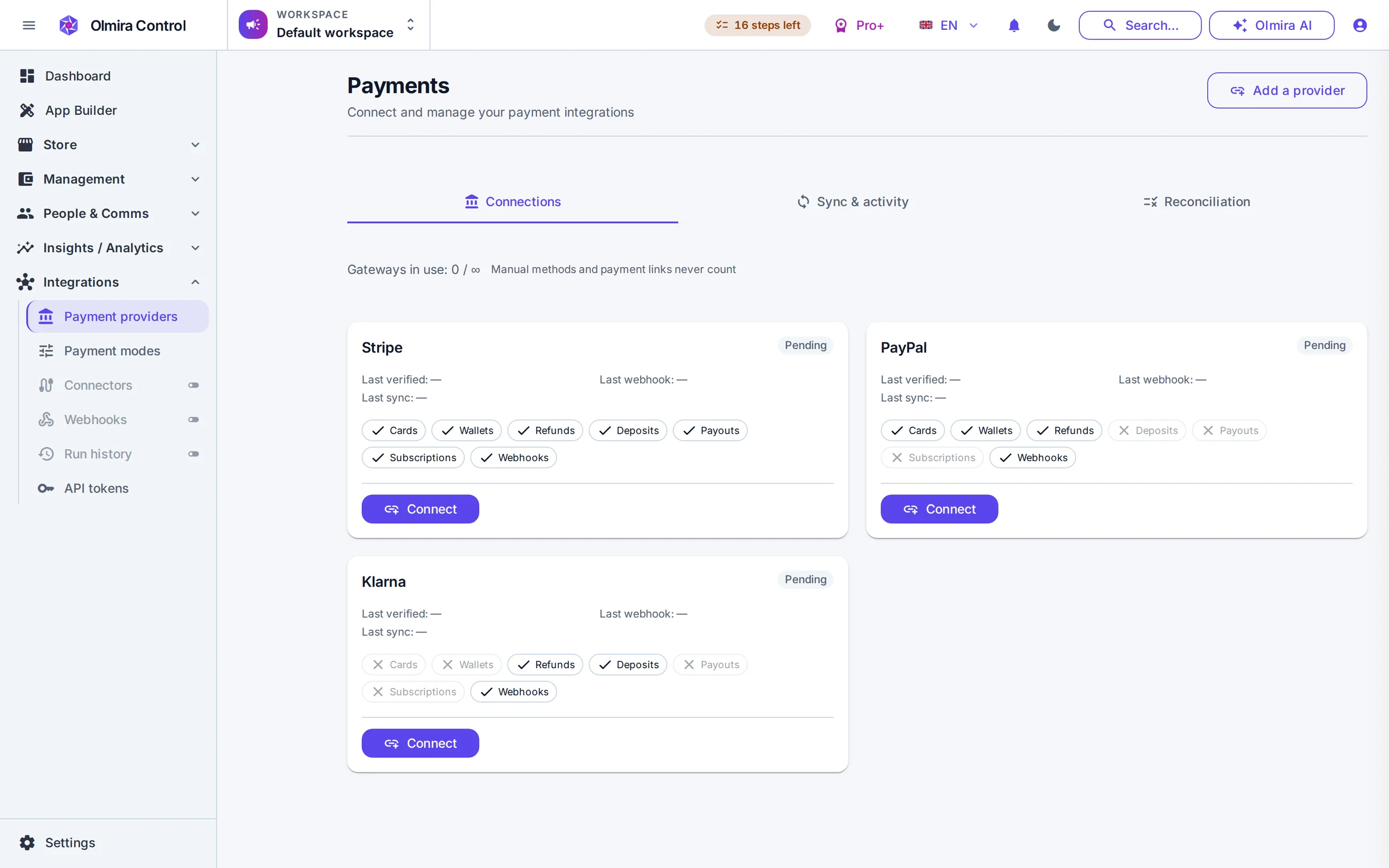
Website builder
The generator drafts it, the SEO panel scores it, and per-section AI rewrites polish it — all inside the builder.
Answers from your real data — "How did the store do this month?" "Which products are low on stock?" The assistant reads your live orders, inventory, bookings and CRM — with your permissions, never more — and answers with the actual numbers.
Changes only with your sign-off — When it proposes a write — a new product, a page, a knowledge-base article — you see the exact change on an approval card before anything happens. Approve or reject. It has no delete capability at all.
A site from a description — Describe your business in a sentence or two and the generator drafts a multi-page site from real templates, using your own uploaded photos. You edit before anything is published.
Everything is on the record — Every approved action lands in your audit log, marked as AI-performed, next to the human ones. You can always answer "what changed, and who agreed to it".
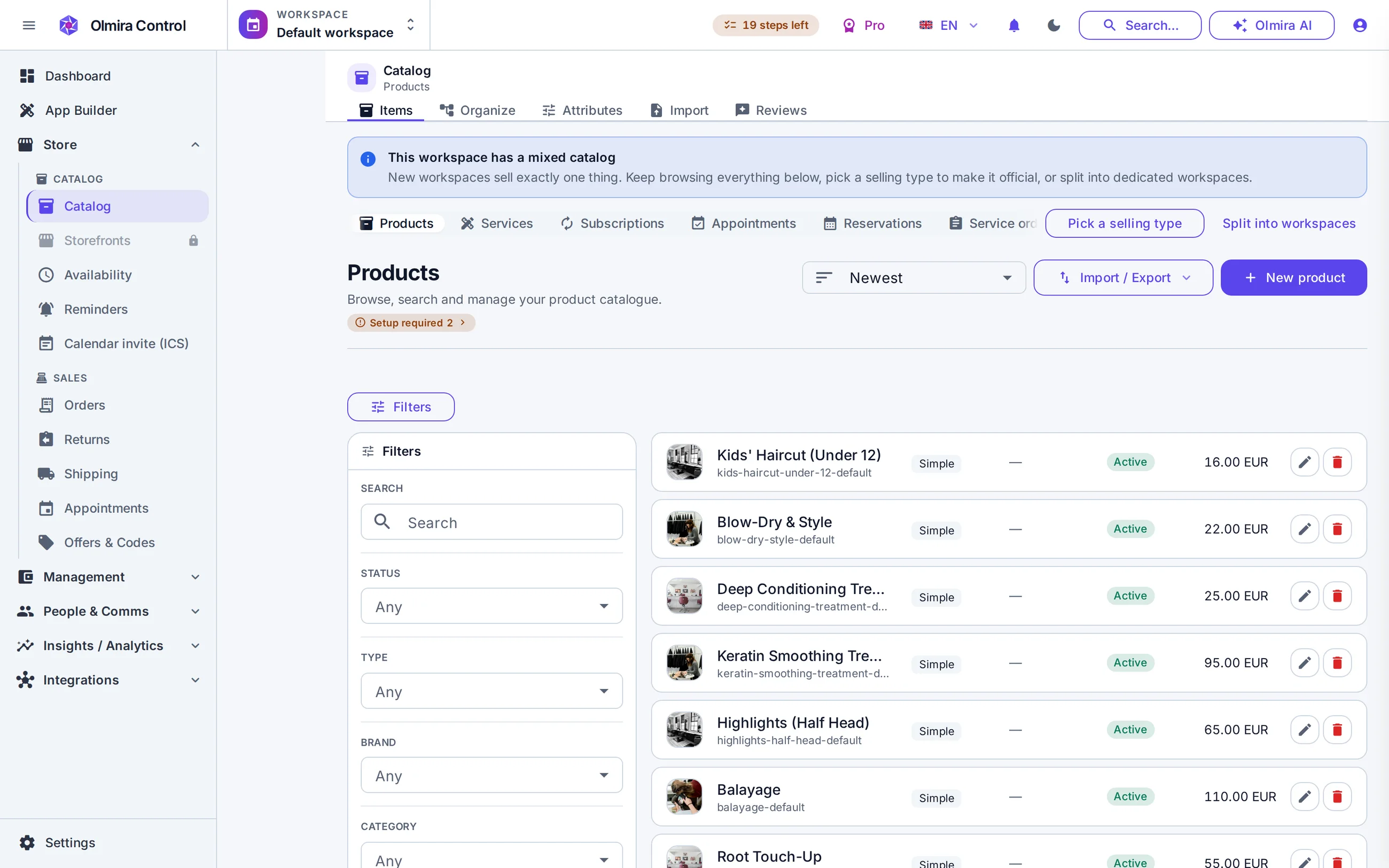
The agent has 32 tools over your workspace: 24 read tools that run automatically — search orders, check stock, look up a customer — and 8 write tools that always stop and ask. A proposal shows the tool, a plain-English summary and the exact data it will send, and nothing executes until you press Approve. It operates with your login and your permissions: it cannot see another tenant's data, cannot run raw queries, and secrets like API keys are redacted before the model ever sees a response.
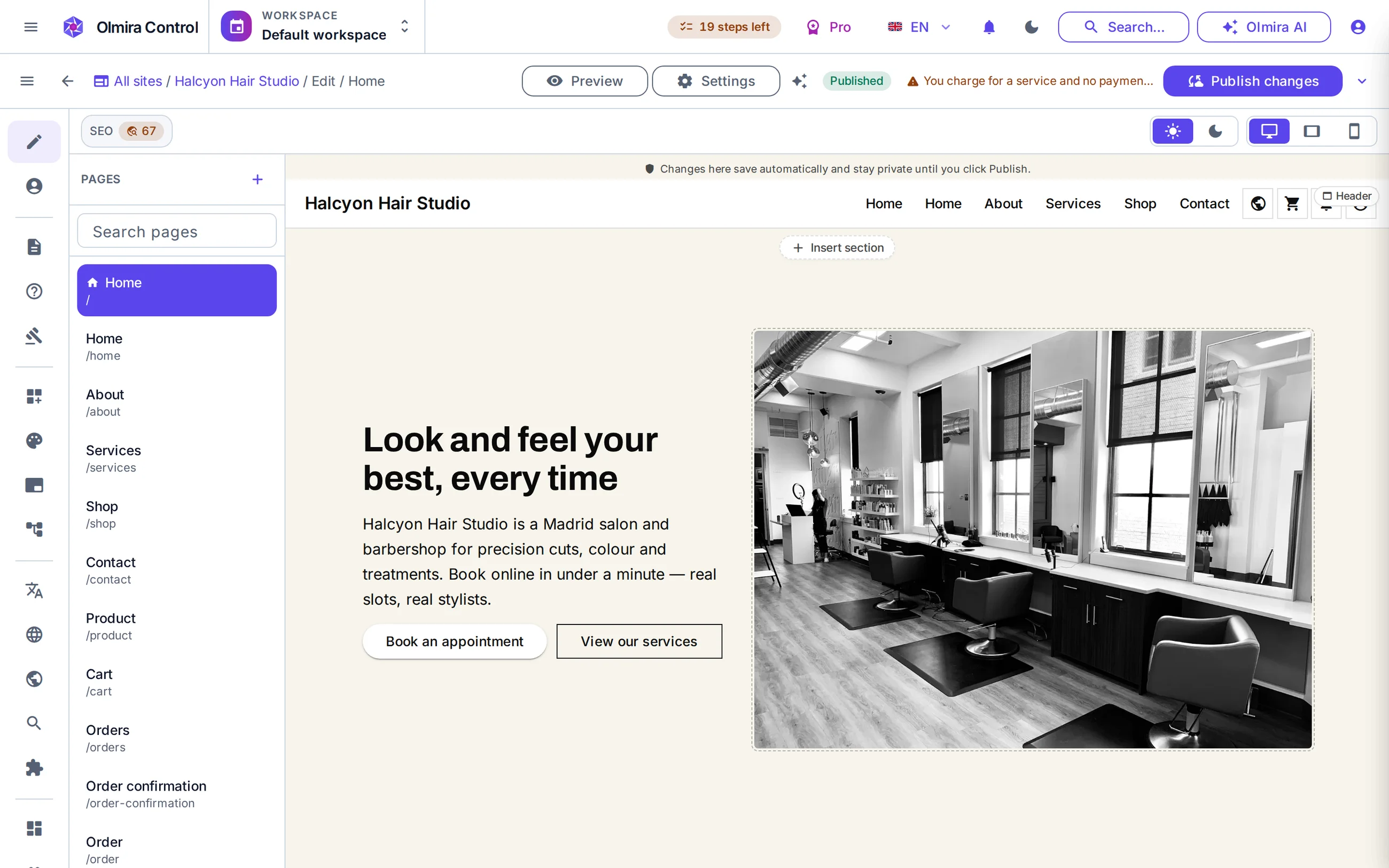
The site generator turns a plain-language brief into a multi-page draft composed only from the platform's real section templates — everything it produces, the website builder can render and you can edit. Give it your logo and photos and it places them, reading the logo's colours to seed the theme. It never invents images or URLs: if it doesn't have an asset, the slot stays empty for you to fill. You can also point it at an existing site to extend it rather than starting over.
Generate descriptions, SEO titles and meta descriptions for catalogue items — singly, in bulk up to 50 at a time, or as an "AI fill missing" pass on a CSV import. Filled fields are flagged so you review before saving.
Image alt text is written by a vision model looking at the real image, not guessed from the product name. A product with no image gets an error, not a made-up caption.
New product, existing taxonomy: the assistant ranks your own categories against the product and suggests the best fits as one-click chips.
The same AI machinery fronts your storefront's live chat, answering strictly from your knowledge base and escalating to you when unsure.
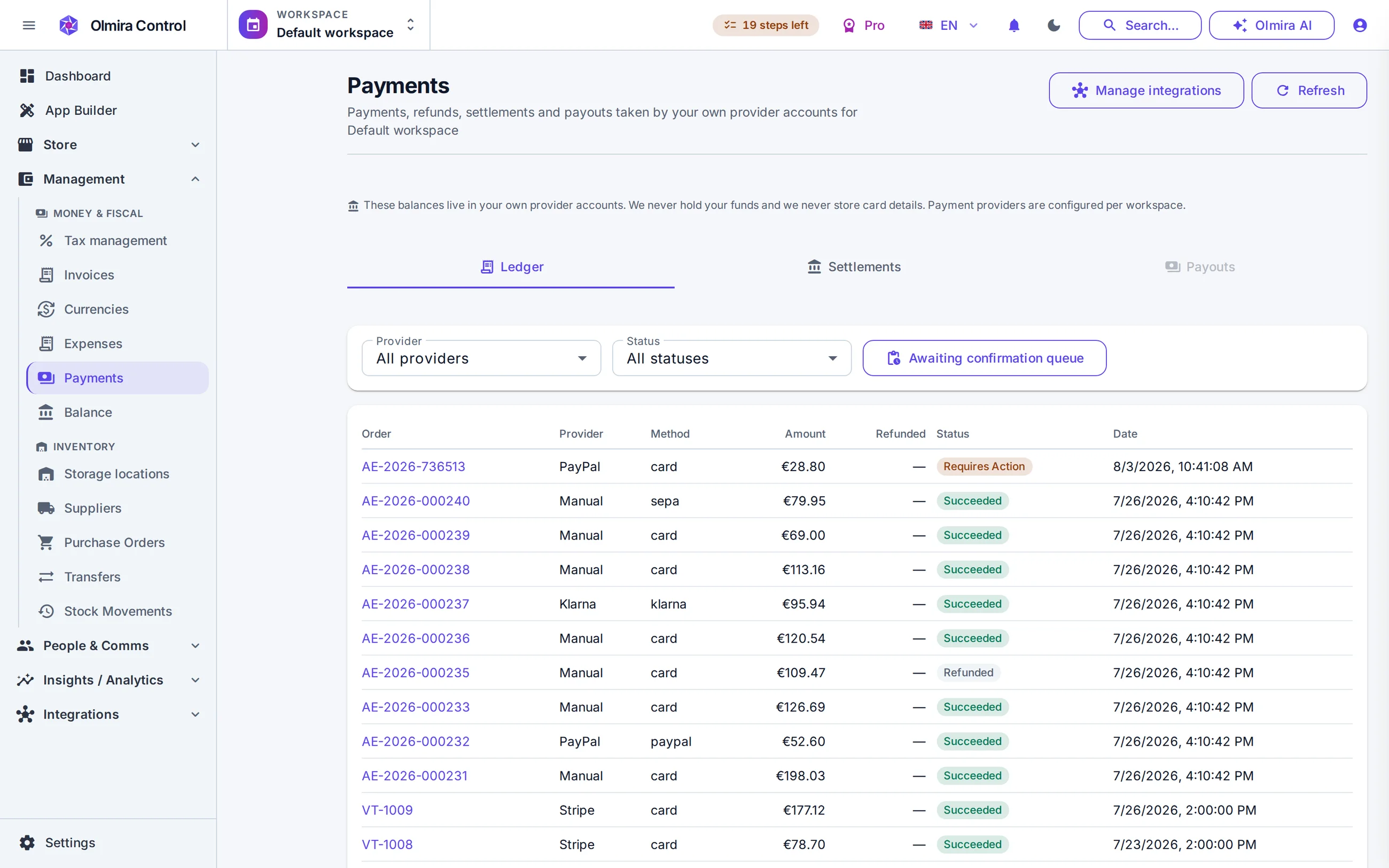

Control is built phone-first, so the assistant works in any mobile browser — and the Olmira companion app (in device testing, Android first) carries the same chat.

"How many orders this week, and which are unshipped?" The agent reads your data and answers with the real figures — no export, no report builder.
"Draft a product entry for the new candle, €24, and write the description." The agent prepares the exact record it wants to create.
You read the approval card — name, price, copy, all of it — and approve, or reject and tell it what to change.
The action is executed, confirmed back to you in chat, and recorded in the audit log as an AI-performed change you approved.
The generator drafts it, the SEO panel scores it, and per-section AI rewrites polish it — all inside the builder.
AI answers your customers' routine questions from your knowledge base, and hands the rest to you.
Product copy, pixel-grounded alt text and category suggestions for a catalogue that sells six different ways.
No. Read operations run automatically; every write is shown to you first and needs your explicit approval, and there is no delete capability in its toolset at all. Rejecting a proposal costs nothing and is logged like everything else.
Model usage: assistant chats, site generations, copy and translation runs, and AI answers in your storefront live chat. Metering is in tokens — roughly, the length of what the model reads and writes. Longer documents and bigger jobs cost more; a short question costs very little.
AI features pause and tell you so — your site, store and data are completely unaffected. You can buy a one-time top-up (from €10 for 1 million tokens), wait for the monthly reset, or upgrade. On Pro+, the assistant first steps down to a lighter model before pausing.
No. Olmira's AI works with text and with images you upload — it writes alt text by looking at your real photos, and the site generator places your own media. It does not create images — bring your photos, and it puts every one of them to work.
No. Your data is sent to the model only to answer your request, scoped by your own permissions, with secrets redacted. On Pro+ and Business — or on Pro with the bring-your-own-provider add-on — you can route AI to your own provider, including a self-hosted model, so it never touches ours.
No. You talk to it in plain language, in any of the 8 interface languages, and it answers in yours. The riskiest thing it can do is show you a button labelled Approve.