What running bookings on Olmira gets you
No double bookings, ever
Payment at the moment of booking
Reminders that send themselves
Customers manage their own bookings
Resources are the difference between a booking system and a calendar widget
A calendar widget knows about times. A booking system has to know about things: the two chairs in your salon, the one massage room, the projector that only exists once. Each service is performed by resources — staff, rooms or equipment — and every resource has its own capacity. When Ana is giving a consultation, she is unavailable for every other service she performs. When the treatment room is taken, nothing that needs it can be booked, no matter which service asked. That cross-checking is what makes the offered slots true. Long catalogue? Services and resources can be bulk-imported from CSV.
A booking that arrives is a booking that fits.
Live slots your customers can trust — and pay for on the spot
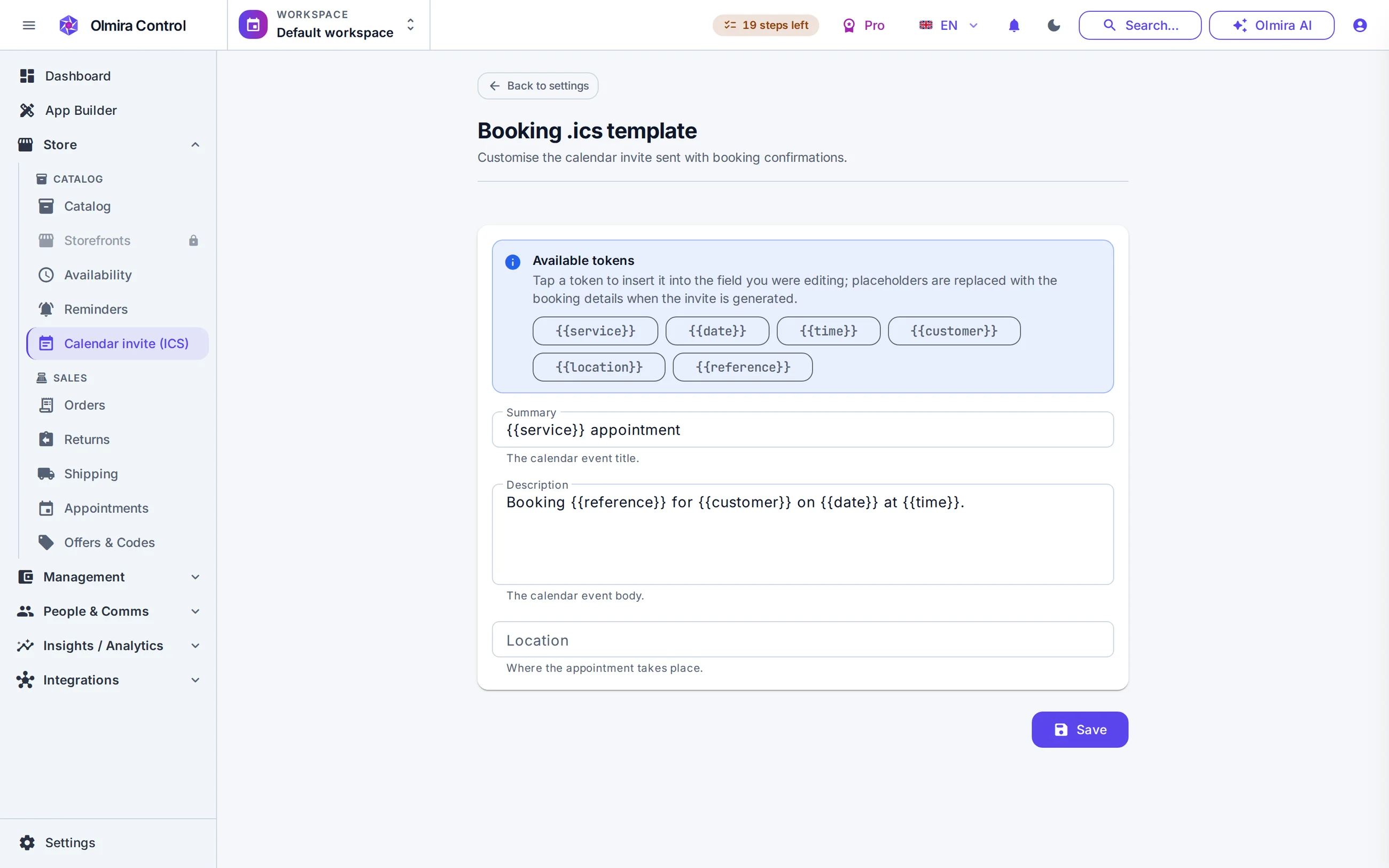
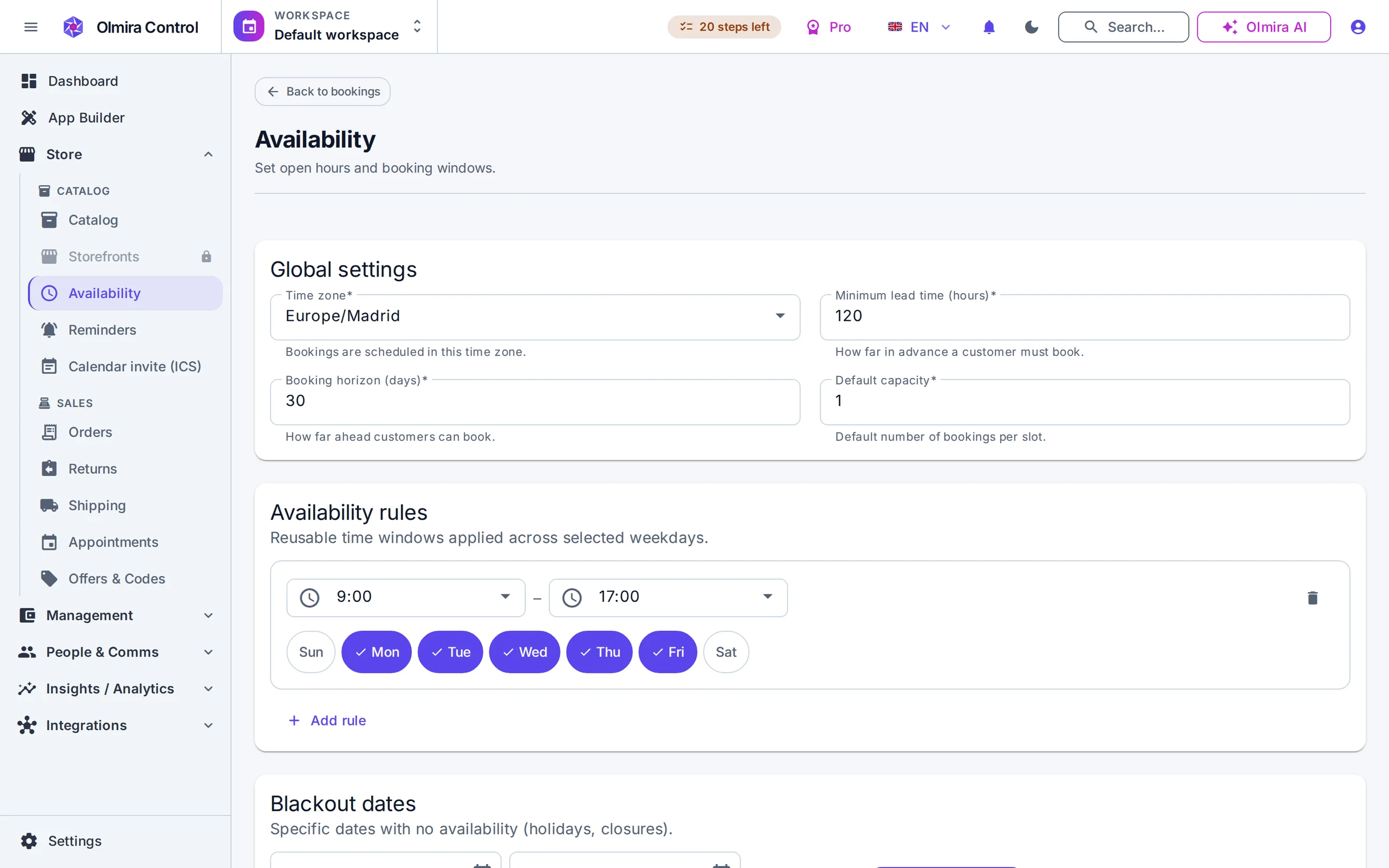
Every time a customer picks a date, the server recomputes what is genuinely open: your weekly hours, blackout dates, minimum notice, how far ahead you accept bookings, and what is already taken across every service that shares a resource — daylight-saving switches included. For services paid up front, booking and payment are one step: the appointment confirms only when the charge lands in your own Stripe account, and becomes a real order with a real invoice in your back office.
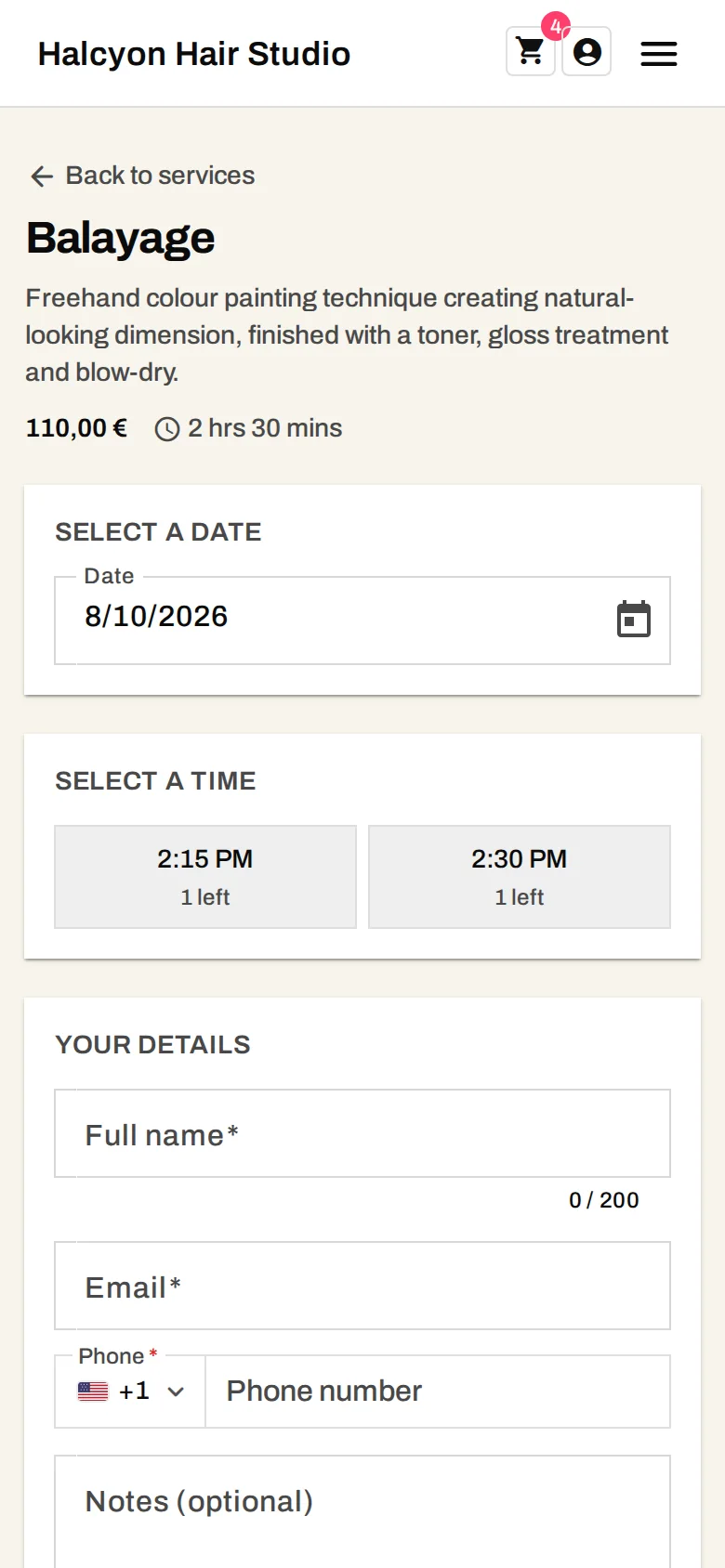
The slot picker, in your customer's hand
The slot picker on the Pro demo. Every time it offers is one your capacity allows at that moment, on the phone your customers actually book from. Try booking a slot yourself.
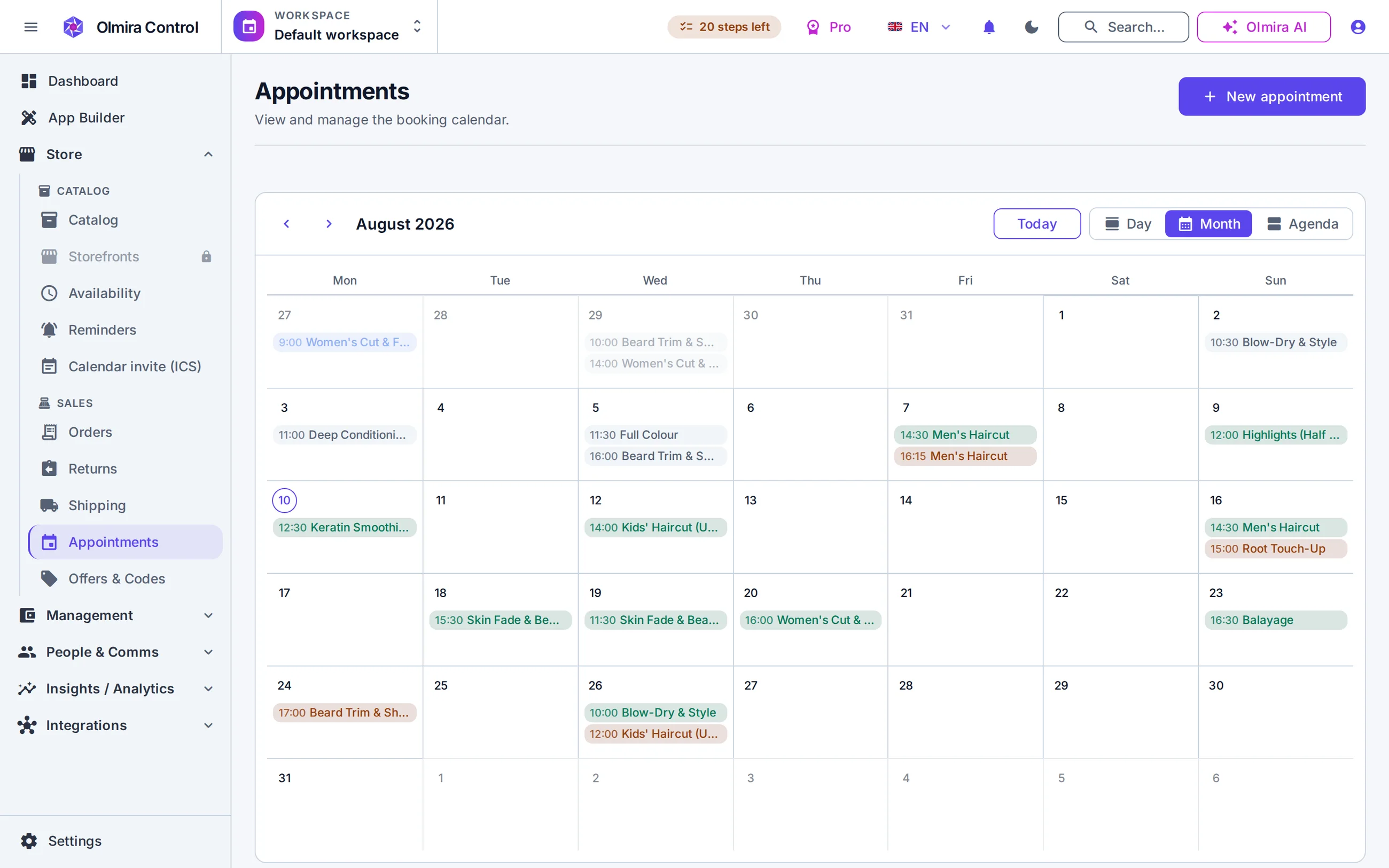
A day you can run, not just read
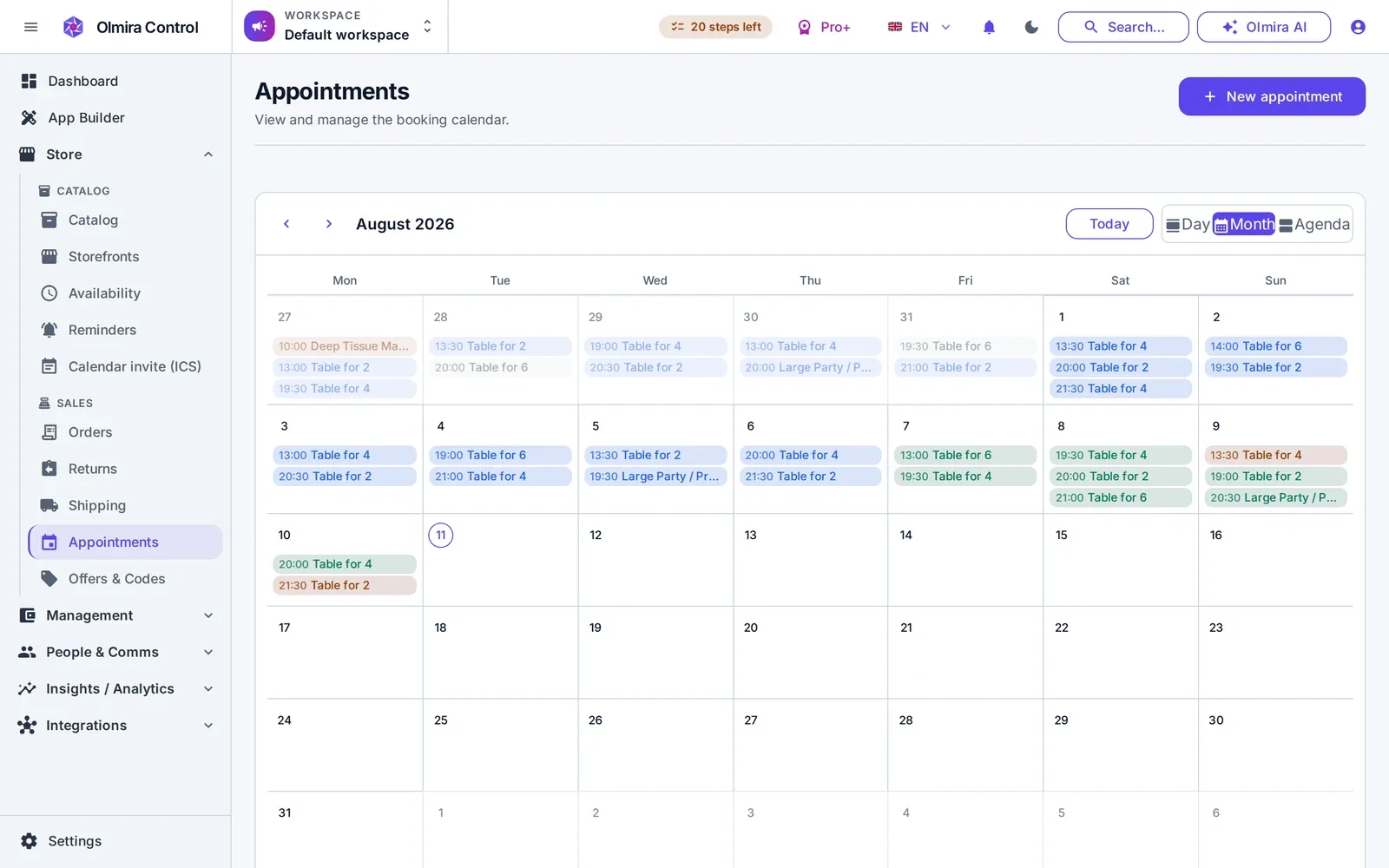
The calendar in Olmira Control shows your day, week or month, every appointment coloured by status — pending, confirmed, completed, no-show. Confirm by hand or auto-confirm; it's one policy switch. Buffers keep back-to-back appointments honest — a 15-minute turnover gap means nobody books into your clean-up time — blackout dates take a holiday out of circulation in one action, and rescheduling re-checks capacity like a fresh booking.
The day's bookings, from wherever the day takes you
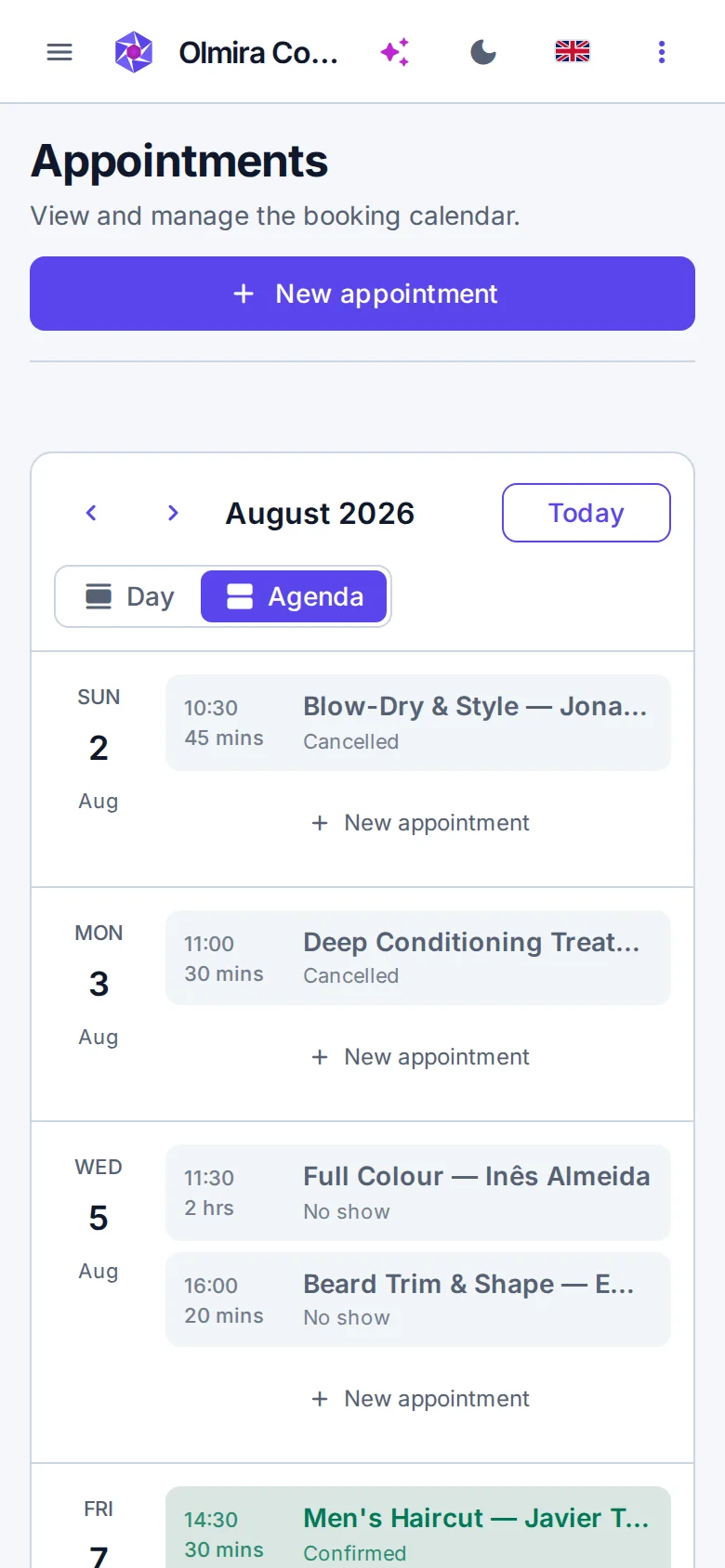
Olmira Control is built for the phone in your pocket — check this afternoon's appointments between this morning's.
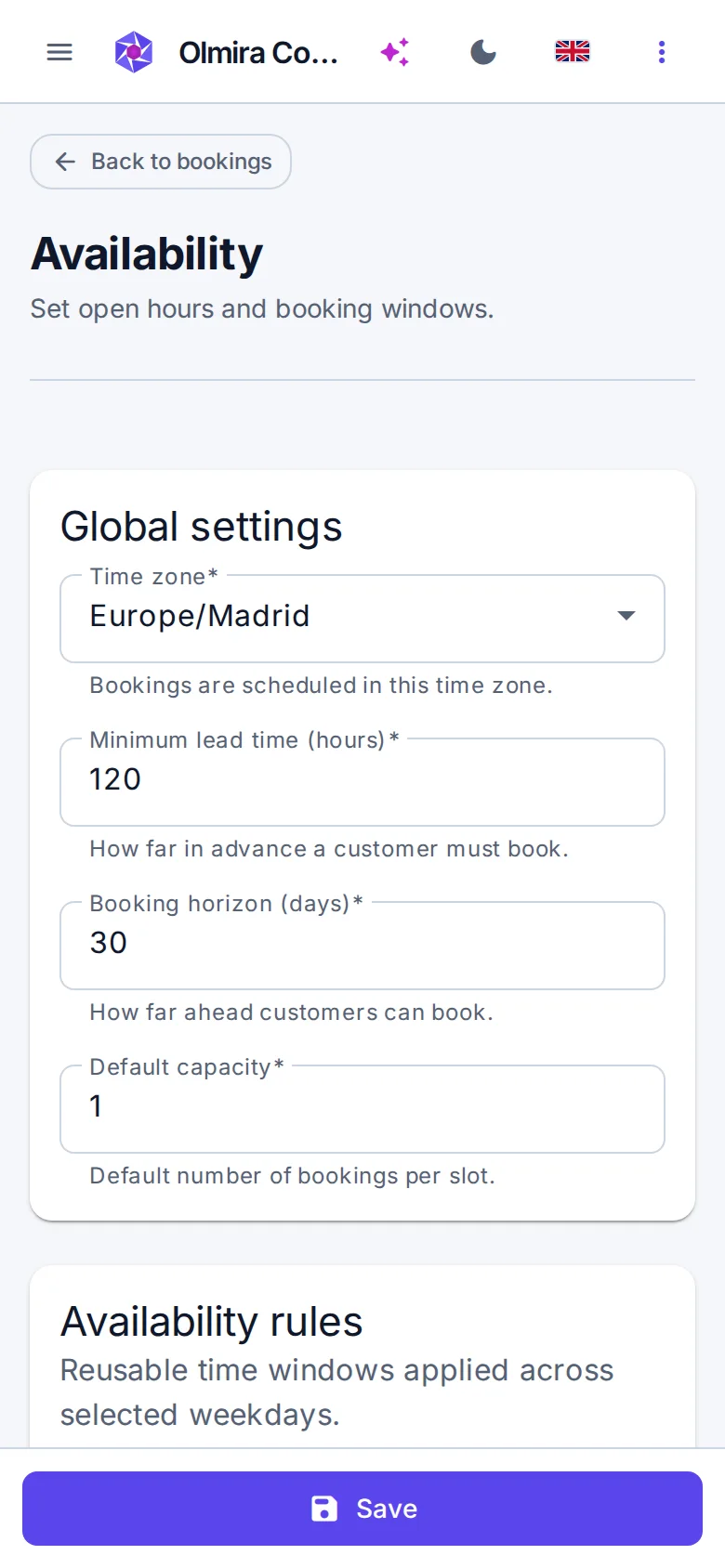
From nothing to taking bookings, in four steps
Define your services
Add your resources
Set your hours and rules
Turn it on
What it costs
No. Booking payments go through your own Stripe account, and Olmira takes €0 in platform fees on your sales. You pay Stripe's normal processing fees and your Olmira subscription — nothing per booking.
The final capacity check and the booking insert happen in a single locked database transaction on the server. If two customers race for the last slot, one transaction wins and the other is rejected before confirmation. The browser never decides availability.
Yes, if you allow it. Self-cancellation is a policy switch; when it's on, a customer can cancel or reschedule with their booking reference and email. Rescheduling re-checks capacity for the new time like any fresh booking.
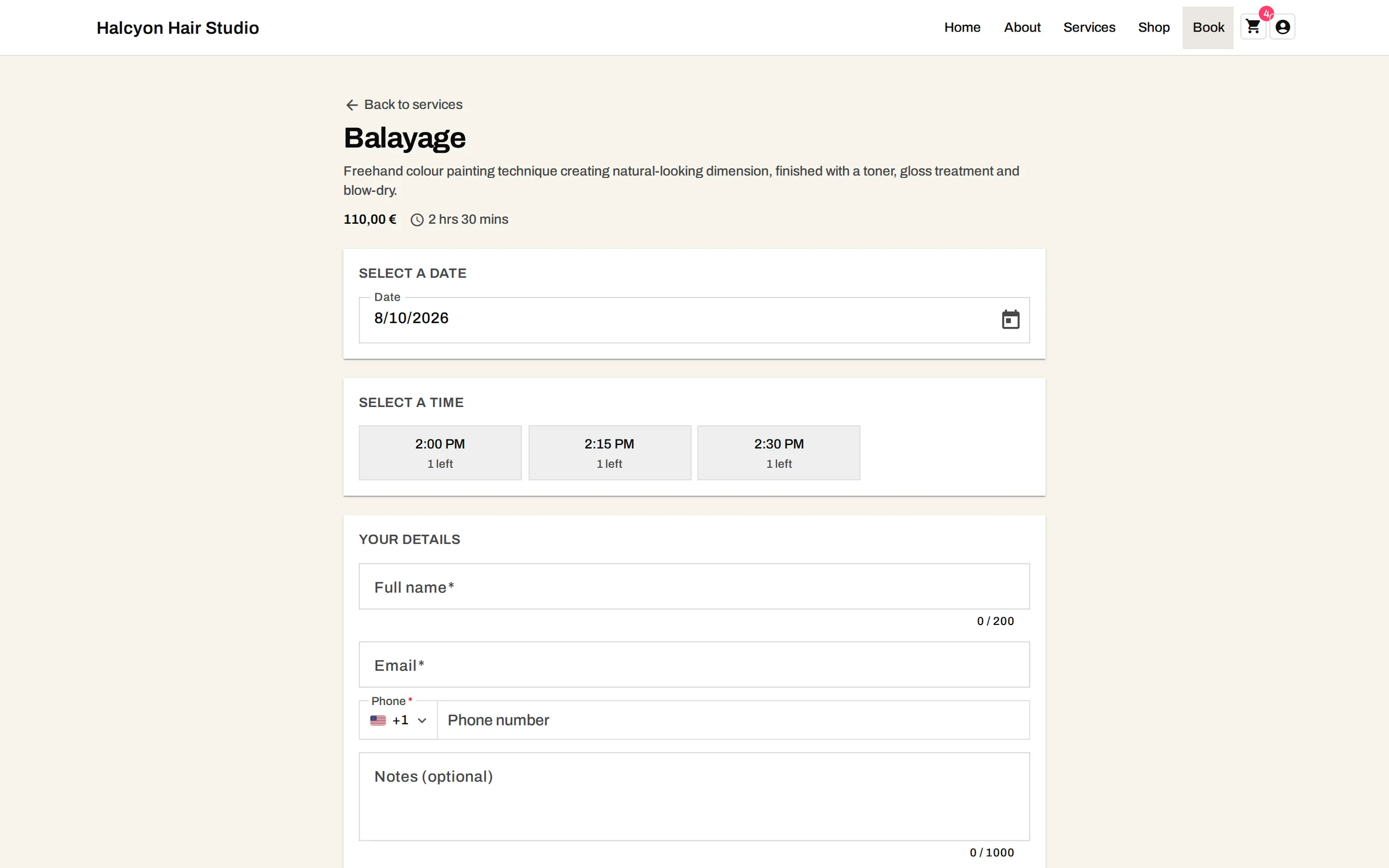
No — reminders are email today, each with a calendar (.ics) invite the customer can add in one tap. You control the lead time and can turn reminders off entirely.
You set your business timezone once and every slot is computed against it. A 09:00 slot stays 09:00 local time when the clocks change — the engine resolves the offset per date, not per configuration.
The amount charged at booking is the service price you set — so set it to a deposit and settle the balance in person, or set it to the full price and be done. Either way the appointment only confirms once payment succeeds.