Run the back office
Expenses with receipt approval, profit computed from revenue, cost of goods and expenses, multi-location inventory and purchase orders.
Connect your own Stripe, PayPal or Klarna account and your customers' money settles straight into it — Olmira charges €0 platform fee on your sales. One catalogue covers six ways of selling, from a shelf of products to a diary of appointments.
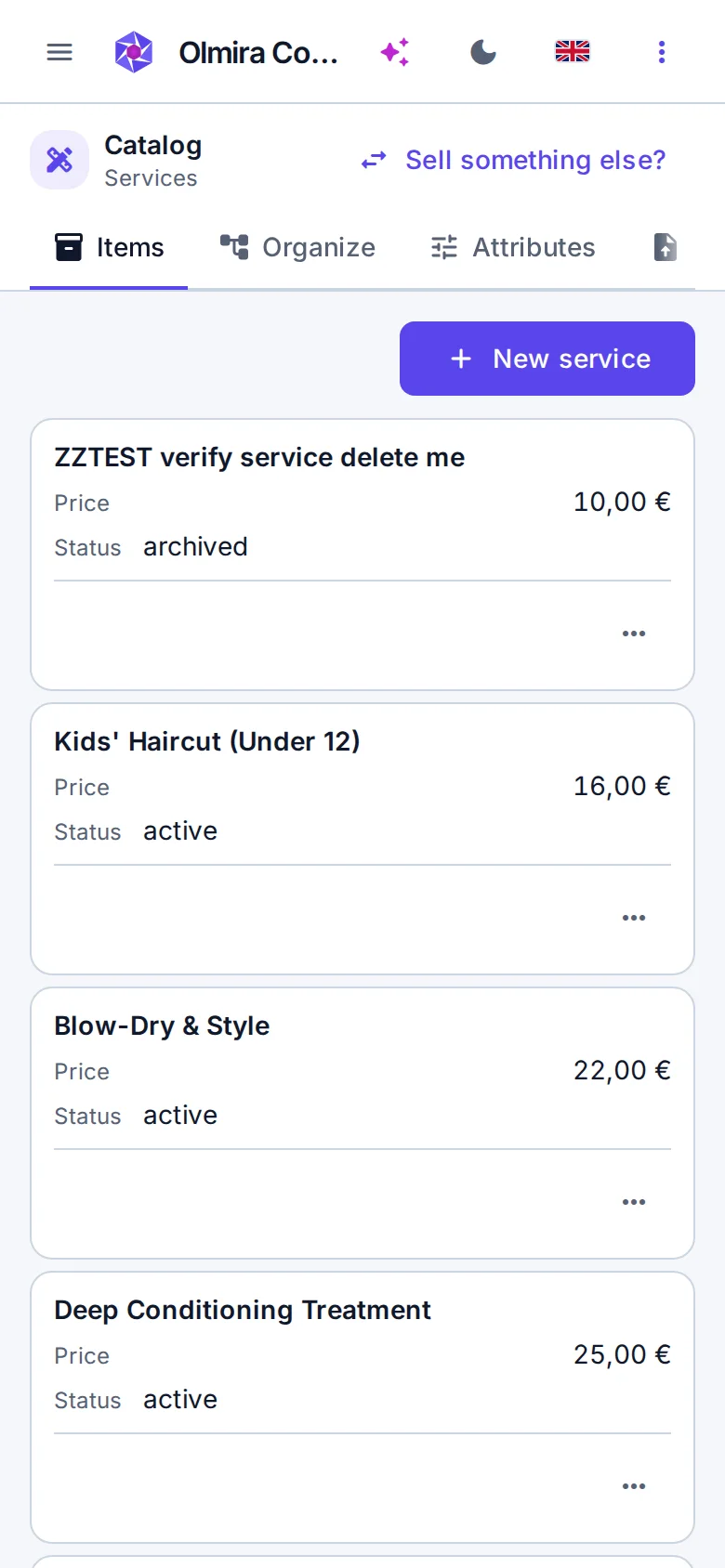
Most platforms assume you sell products and bolt everything else on. Olmira asks first what you sell, then shapes the whole catalogue around the answer — the fields, the storefront, the checkout. Switch later if the business changes.Variants with their own SKUs and prices, brands, categories, collections, customer reviews with moderation, and custom attributes your buyers can filter by. Digital goods skip the shipping step entirely at checkout.Sell defined services at set prices — consultations, repairs, packages — with the same promotions, invoicing and checkout as goods, minus the stock-keeping.Memberships, plans and monthly boxes, billed on your own Stripe account with an order generated for every paid cycle. Customers manage their own subscription from their account area.Services with real staff, rooms and equipment behind them. Customers pick from genuinely available slots — the server owns the calendar, so double-bookings can't happen. Details on bookings and scheduling.Tables, rooms, rentals — anything where a date range and a capacity matter more than a shelf count, with rates managed per reservation type.For work that can't be priced from a list: customers send a request, you scope and price it, and the order flows through the same checkout and invoicing as everything else.
Physical and digital goods
Priced work
Recurring revenue
Bookable time
Capacity by date
Request, quote, invoice
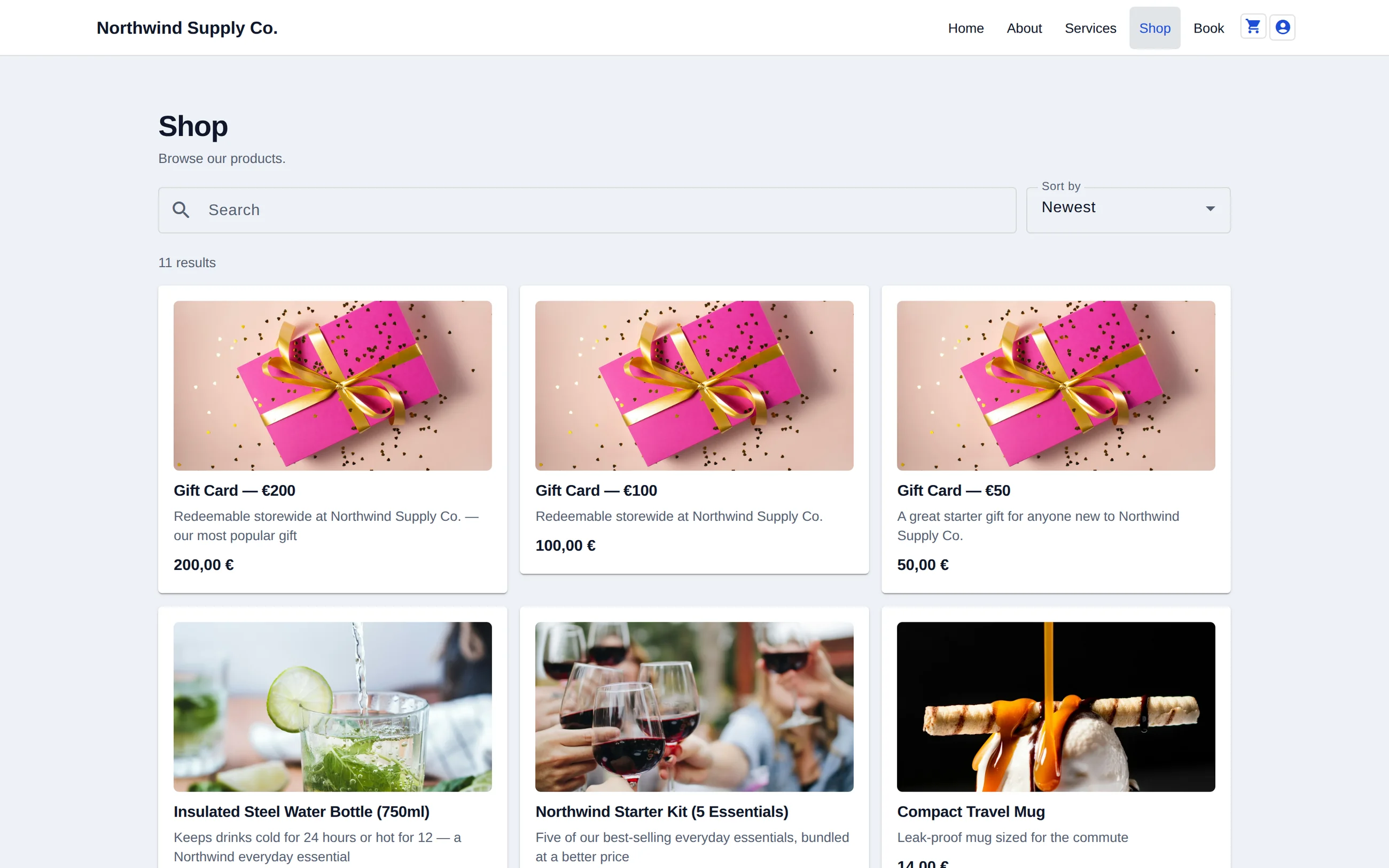
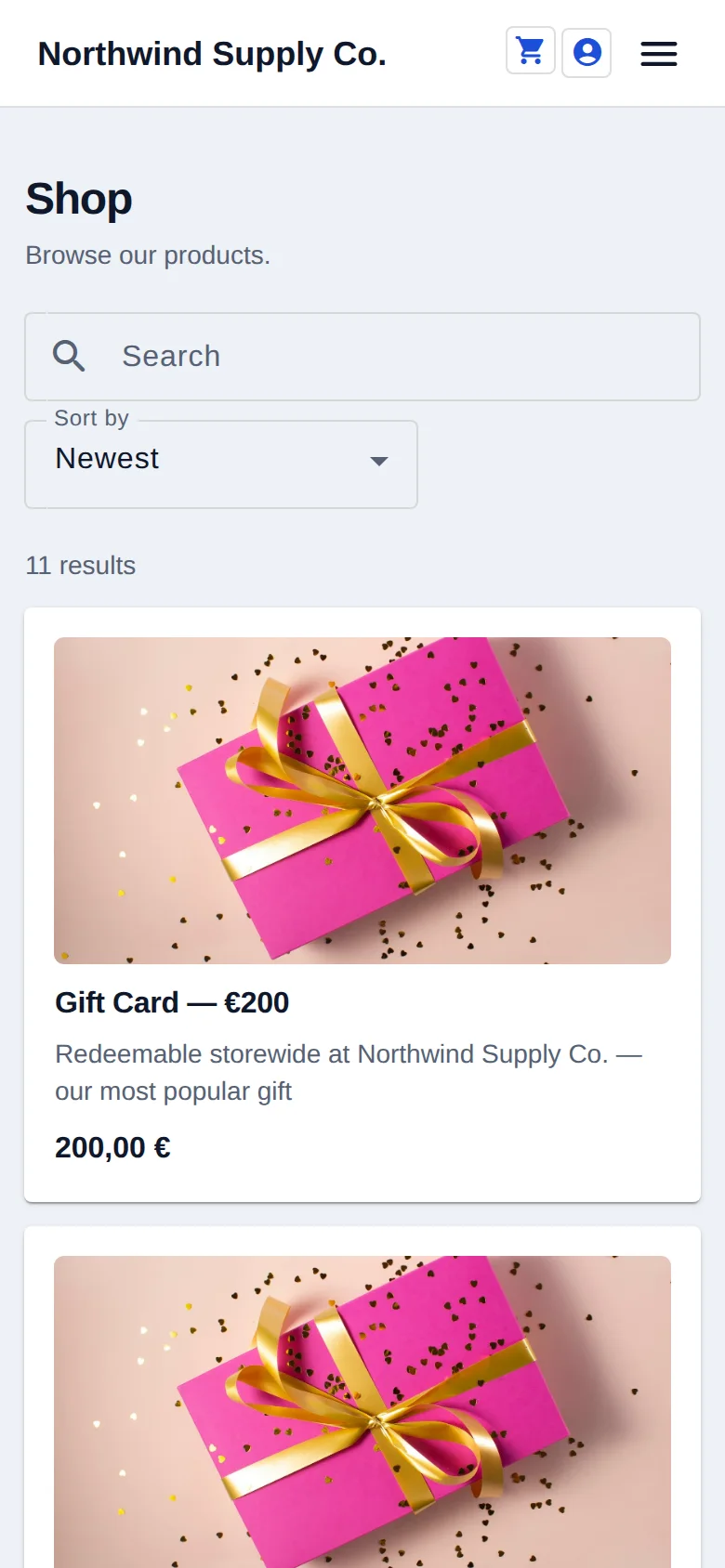
The shop grid on the Business demo, desktop and phone. It lists the catalogue you edit in the admin, so a price change shows here the moment you save. Browse the live demo yourself.
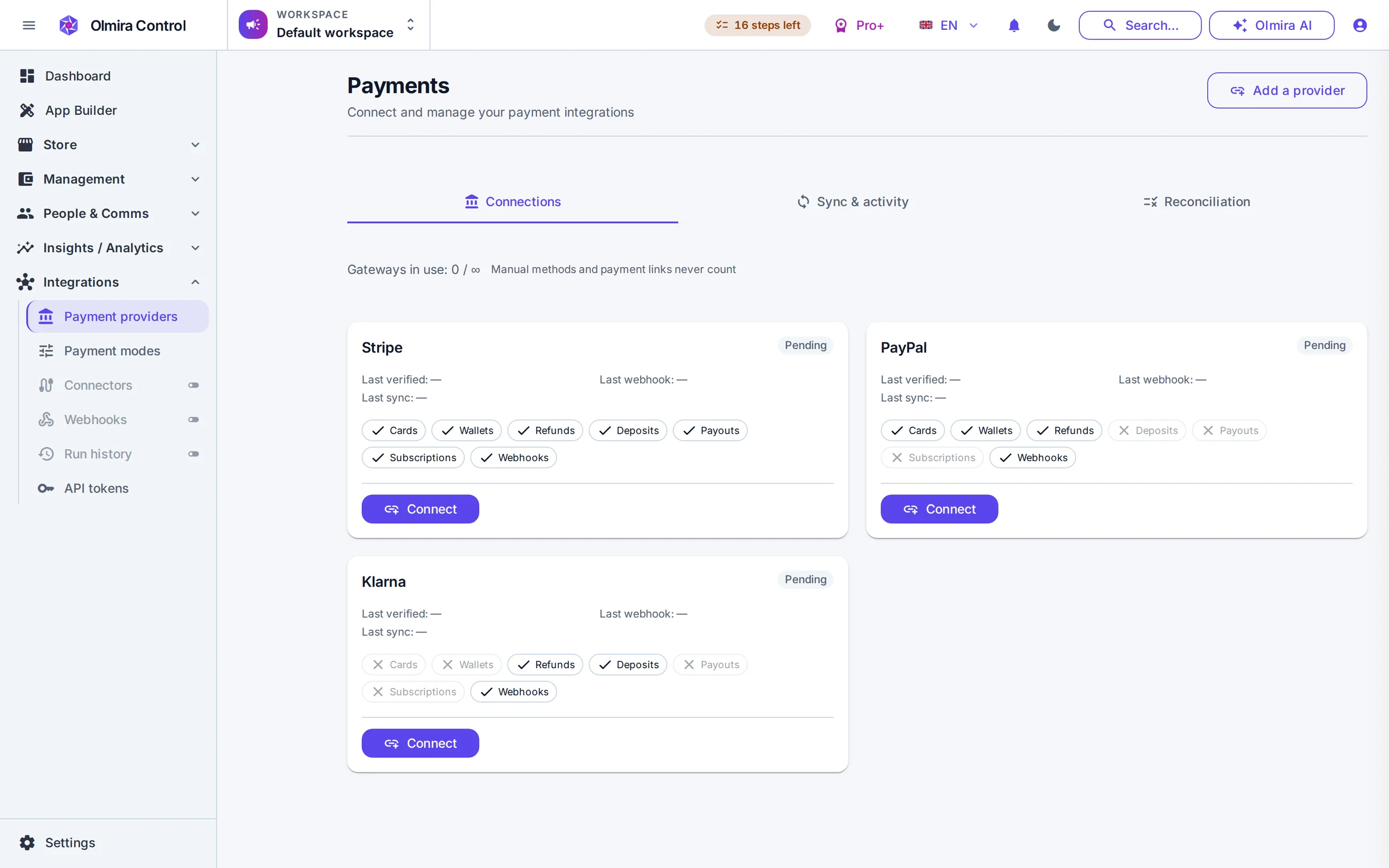
Connect Stripe in a couple of clicks, or add PayPal or Klarna credentials — every selling plan includes one connected gateway, and running a second alongside it is the Multi-provider payments add-on (€5/month on Pro, included from Pro+). Cards are captured in-page, with 3-D Secure when a bank asks for it. If a webhook goes missing, a scheduled sync reconciles your orders against the provider's records, so a paid order can't silently stay marked unpaid. Gift cards work as tender: a card that covers the whole total means no charge at all.
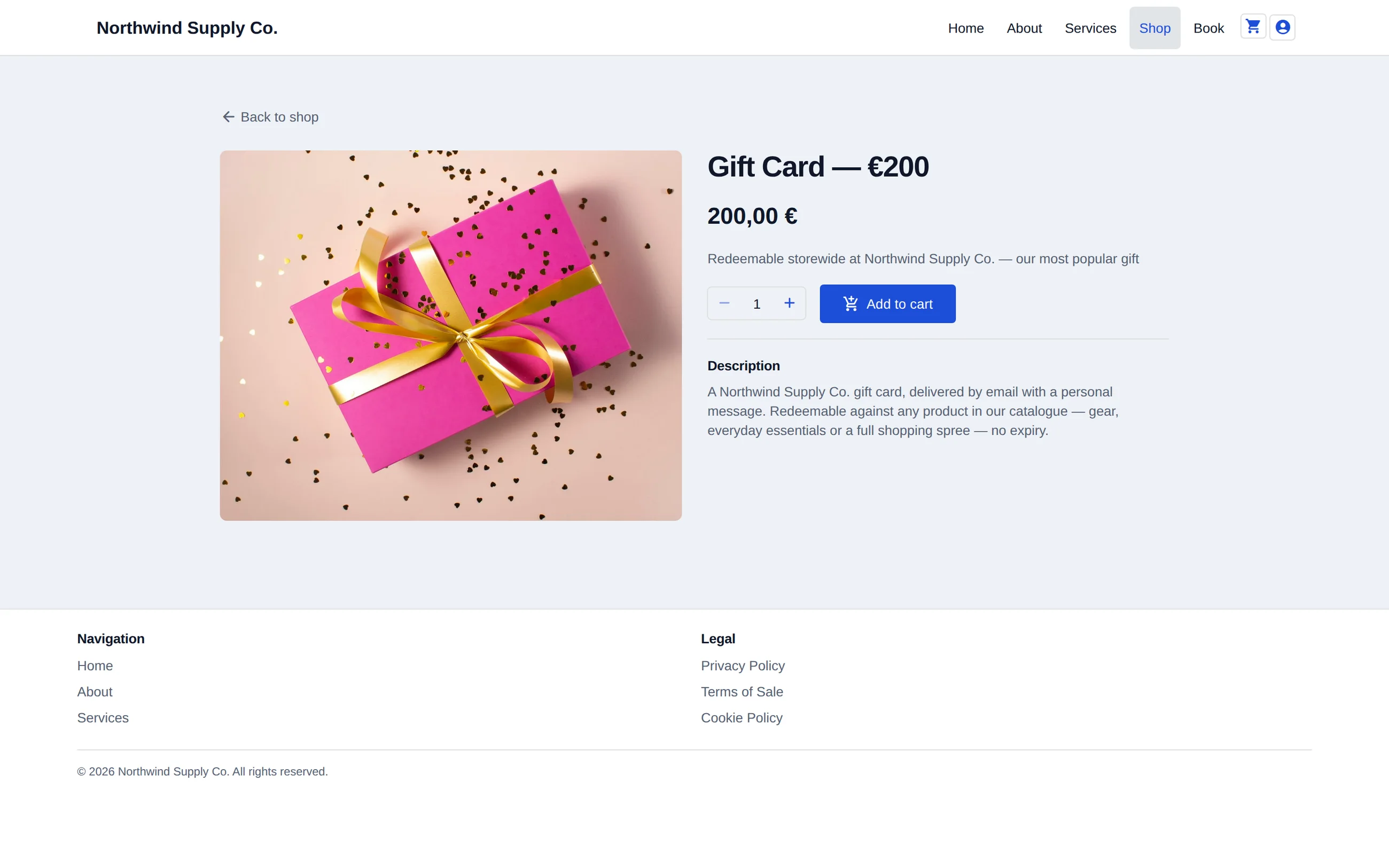
A product page on the Pro+ demo. Variants, stock and price come from the catalogue row you edit, and the phone rendering is the full page, not a cut-down one. See it on the live demo.
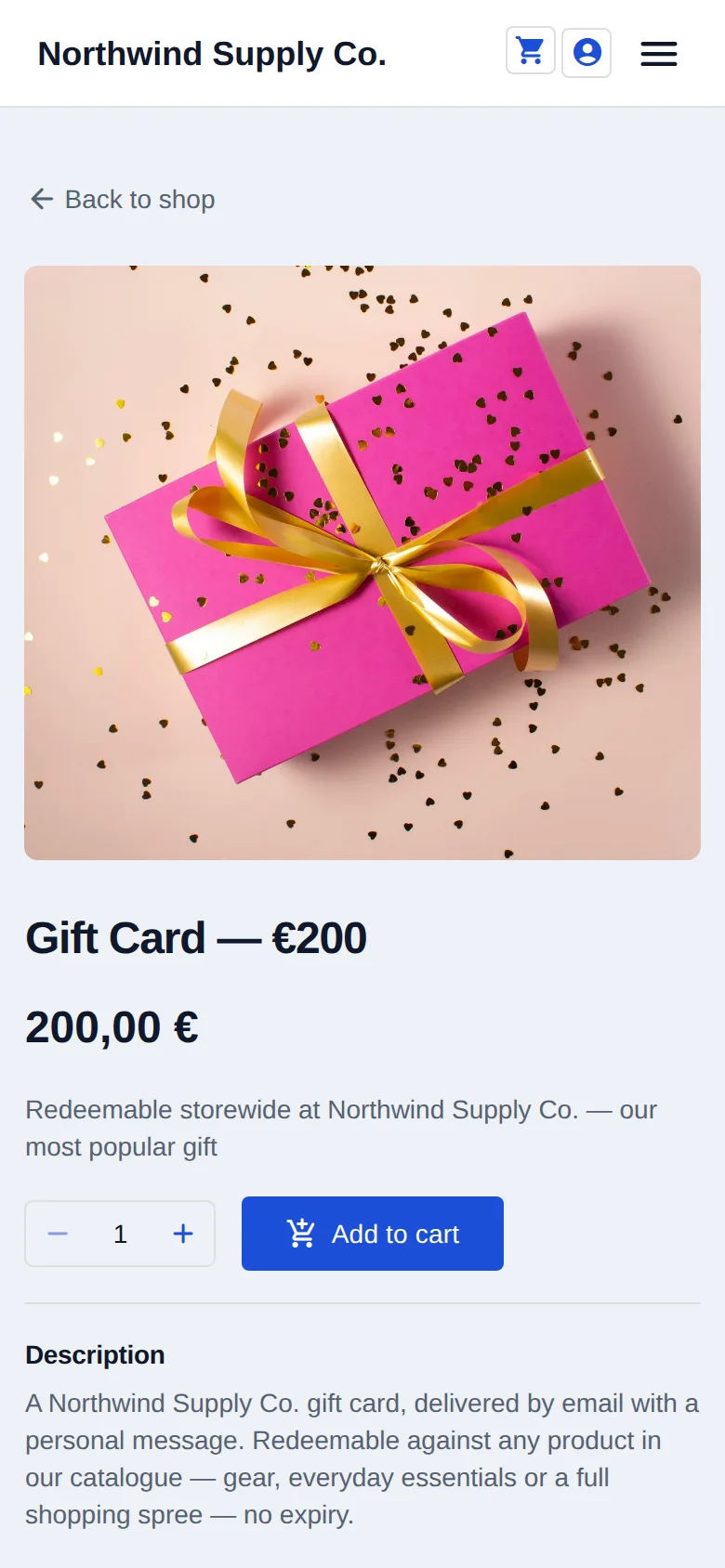
A storefront is the visible tenth of selling online. The rest is promotions that follow rules, returns that don't turn into email threads, and invoices your accountant will accept.
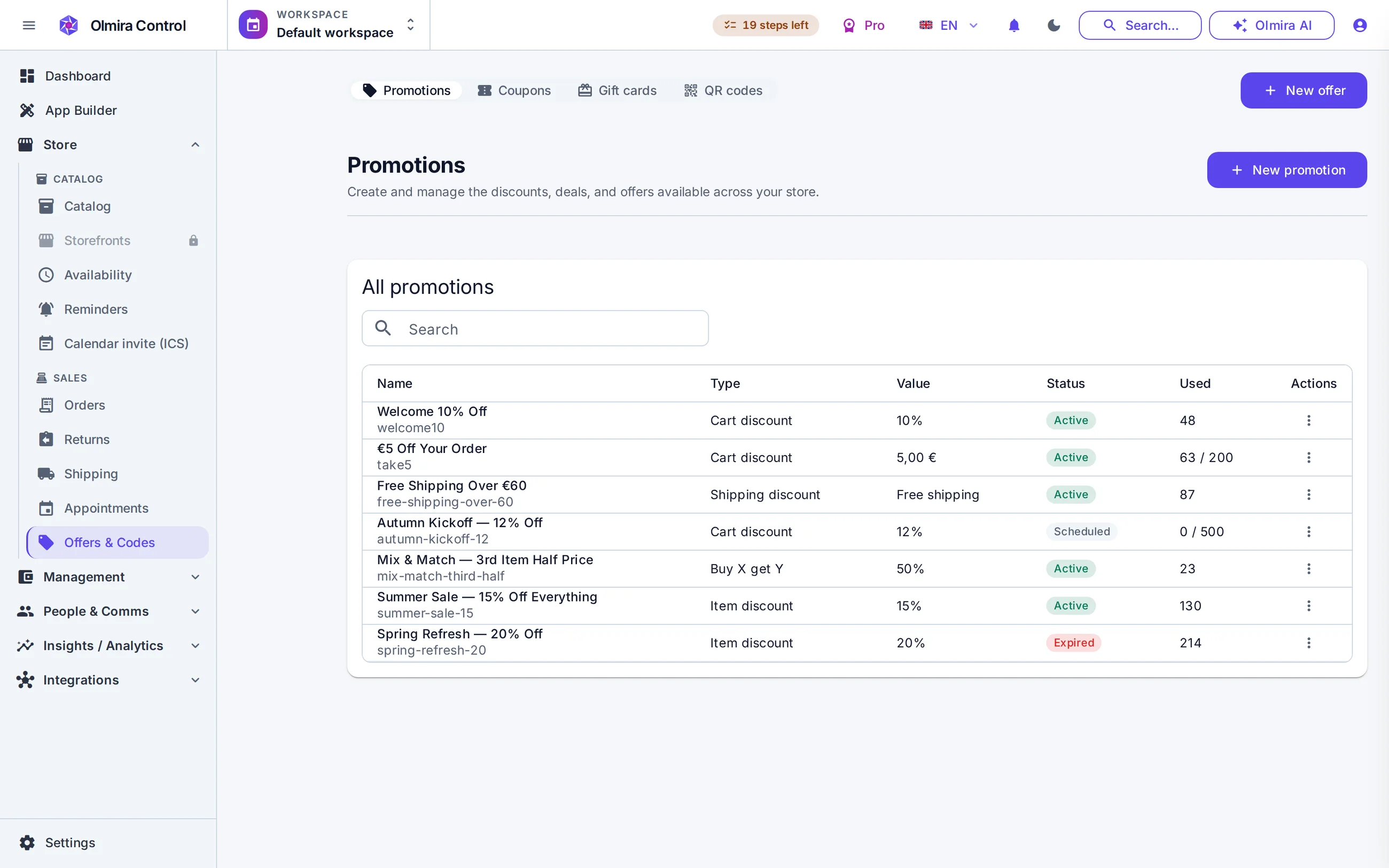
Discounts and gift cards Percentage and fixed discounts, free shipping, buy-X-get-Y, bundles and volume pricing — applied automatically or gated behind coupon codes, with priorities, usage limits and stacking rules you control. Promotions schedule in advance with a start and an end, so a sale launches at midnight without you being awake for it. Gift cards are stored value with an auditable balance ledger, redeemed at checkout like cash.
Returns and exchanges Customers open the request themselves — guests included, verified by order number and email. You approve or reject with a reason and resolve it as a refund, store credit or exchange, with restocking handled as part of the flow. Every request has a state and a history, so "did we ever refund that one?" is a lookup, not an archaeology dig.
Invoices and e-invoices Every order can produce a PDF invoice and a UBL 2.1 e-invoice XML that follows the EN 16931 European standard. You can check a B2B buyer's VAT number against the EU's live VIES service from your tax settings. There's no VAT-number box on the storefront checkout form, so that's a check you run in the back office — checkout won't zero-rate a B2B sale under the reverse charge on its own.
Shipping, tax and currency Shipping zones and rates by destination, weight and order value; you choose which countries you sell to and checkout enforces it. On Pro and above, an order delivered into the EU is charged its destination country's standard VAT rate, from tables Olmira ships for all 27 member states; your own rates and per-product tax classes cover everywhere the automatic engine has no sourced rate. Prices are stored as integer cents, never floats, so totals add up the way your bank statement does.
Subscriptions that make real orders A subscription product bills on your own Stripe account, and every paid cycle creates a normal order — so recurring revenue, churn and MRR land in the same analytics as everything else. Customers pause, resume or cancel from their own account page; failed payments are flagged past-due instead of vanishing.
Pick the selling type — products, services, subscriptions, appointments, reservations or custom orders — and the catalogue shapes itself around it. You can change your mind later.
Add items by hand or import them from CSV with a per-row review before anything is saved; AI can fill in missing descriptions during import, flagged so you see exactly what it wrote. Stock is tracked from the start — inventory is reserved the moment an order is placed and committed when payment is captured, with locations and purchase orders managed in Management.
Link your own Stripe, PayPal or Klarna account. This is deliberate, not optional decoration: Olmira won't let you publish a selling page until a payment method is actually configured, because a checkout that can't take money is worse than no checkout.
Your storefront follows your site's languages and theme, and orders, confirmation emails and invoices flow from the first sale onwards.
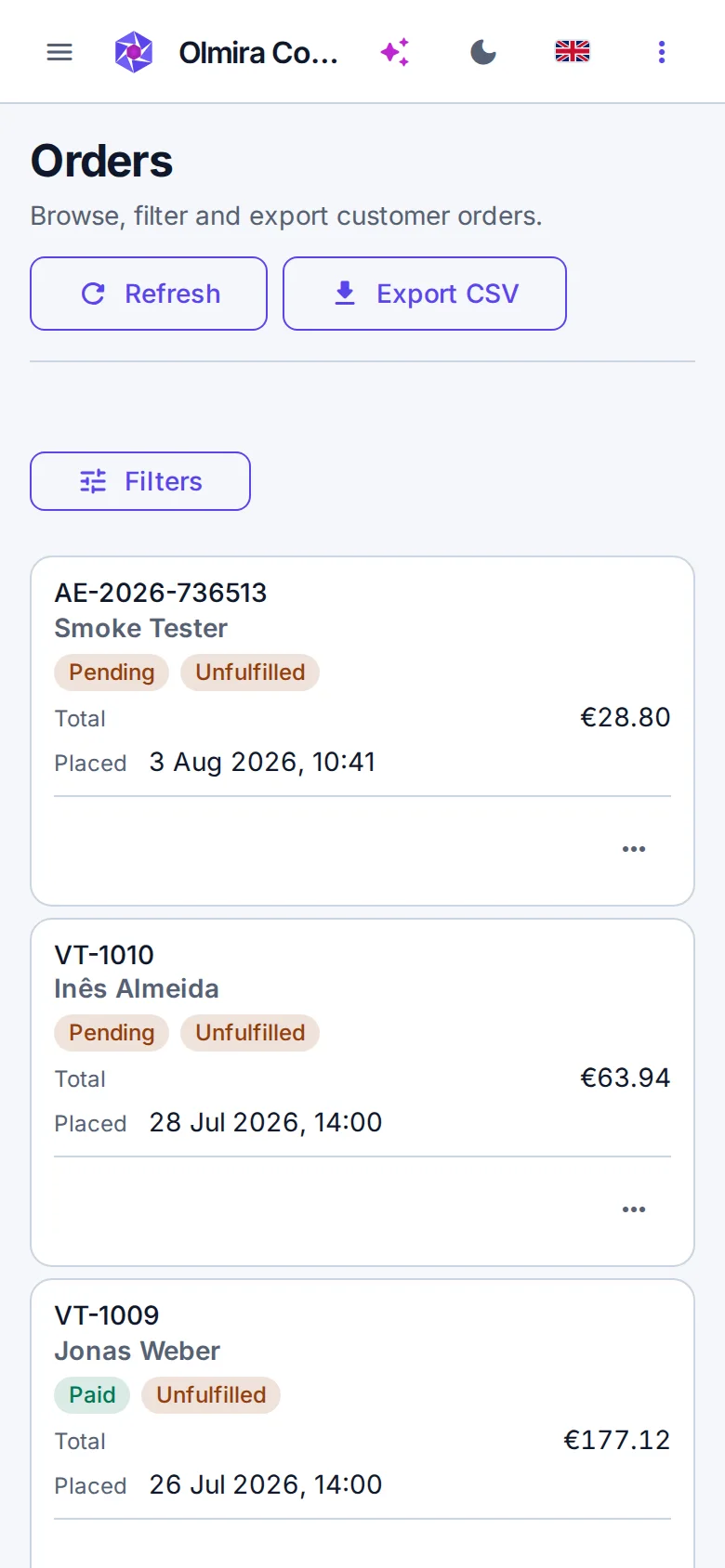
Olmira Control works phone-first in the browser — check this morning's orders from the counter, not the back office.
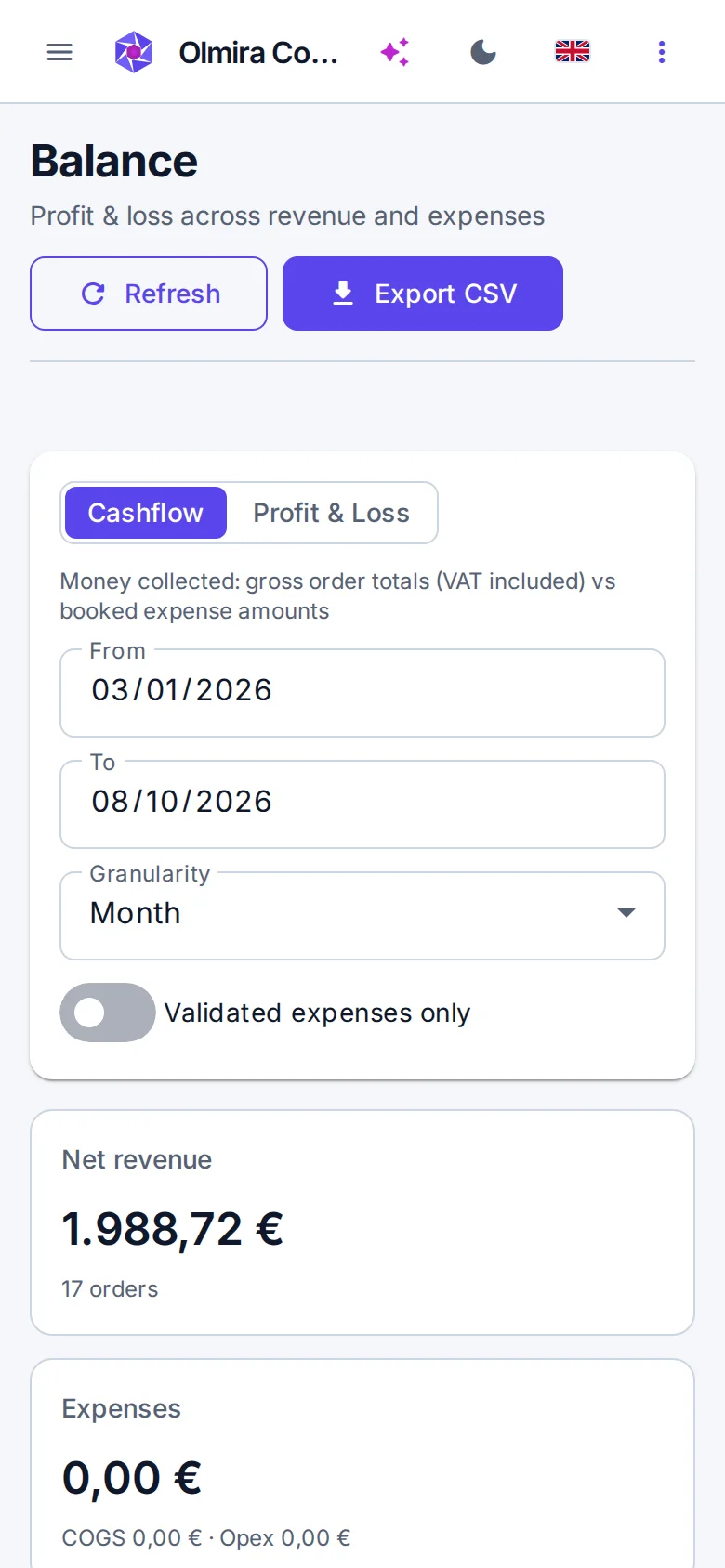
Expenses with receipt approval, profit computed from revenue, cost of goods and expenses, multi-location inventory and purchase orders.
Real resources, server-checked slots, payment at booking and reminders — appointments and reservations that run themselves.
Sales, average order value and cohorts on dashboards you can share by public link — no login needed for your accountant.
Nothing. €0 platform fee. You pay your payment provider's own processing fees — Stripe's, PayPal's or Klarna's published rates — and your Olmira subscription. That's the whole cost.
Yes, and that's the point. Your customers pay you directly; payouts, statements and disputes are on your account, in your name. If you already have a Stripe account, connecting it takes a couple of clicks. PayPal and Klarna connect with your own credentials the same way — one gateway connection is included, and running more than one at once takes the Multi-provider payments add-on (€5/month on Pro, included from Pro+).
No — the trial covers the website builder and the AI, so you can get the site live first. The store, checkout and inventory unlock when you subscribe to Pro or above. Get the site live during the trial, then switch selling on the day you're ready to take an order.
Yes. Guest checkout is standard, and guests can look up their order afterwards with the order number and the email they used — and open a return the same way.
On the Pro plan and above, checkout works it out. An order delivered into the EU is taxed at the destination country's own standard rate, from the tables Olmira ships for all 27 member states, so that isn't a table you maintain by hand. Your own rates and tax classes still cover everywhere the automatic engine has no sourced rate — outside the EU, today. B2B works differently: the storefront checkout form has no VAT-number box, so checkout never applies the reverse charge on its own — a business buyer is charged their country's rate like anyone else. Validate the buyer's number against the EU's live VIES service from your tax settings, then zero-rate the invoice and add the reverse-charge note yourself when the sale qualifies. How reverse charge and VIES work covers the rules.
Yes. A cart of only digital items skips the address and shipping steps entirely — the customer goes from contact details to payment, and the order is fulfilled on the spot.
Yes. Set the countries you serve and checkout enforces it before a customer reaches payment, rather than after they've typed their address and card number.