Connected in four steps
1
Start on olmira.app
Your site is already live at yourname.olmira.app with HTTPS — nothing to configure.
2
Add your domain
Enter it in site settings. Olmira generates your two DNS records and shows them ready to copy.
3
Paste and verify
Create the records at your registrar, then click verify. Most domains pass within minutes of DNS propagating.
4
HTTPS, automatically
The certificate is issued on the spot and renewed forever after. Your site now answers on your own name.
Verification you can follow
Add your domain in site settings and Olmira shows the exact records to create at your registrar: one TXT record that proves the domain is yours, and one CNAME that routes visitors to your site. Copy, paste, click verify. If a check fails, you see the reason in plain words — not a spinner — and can re-run it as soon as DNS catches up. Your MX and every other record stay untouched, so email keeps working.
HTTPS without thinking about it
The moment your domain verifies, Olmira's edge is authorised to issue a certificate for it — and only for it — from a public certificate authority, installed automatically and renewed before it expires. The green "certificate issued" state in your settings is the whole job. If your registrar can't route acme.com directly, visitors are redirected to www.acme.com rather than hitting an error.
What you publish is what stays live
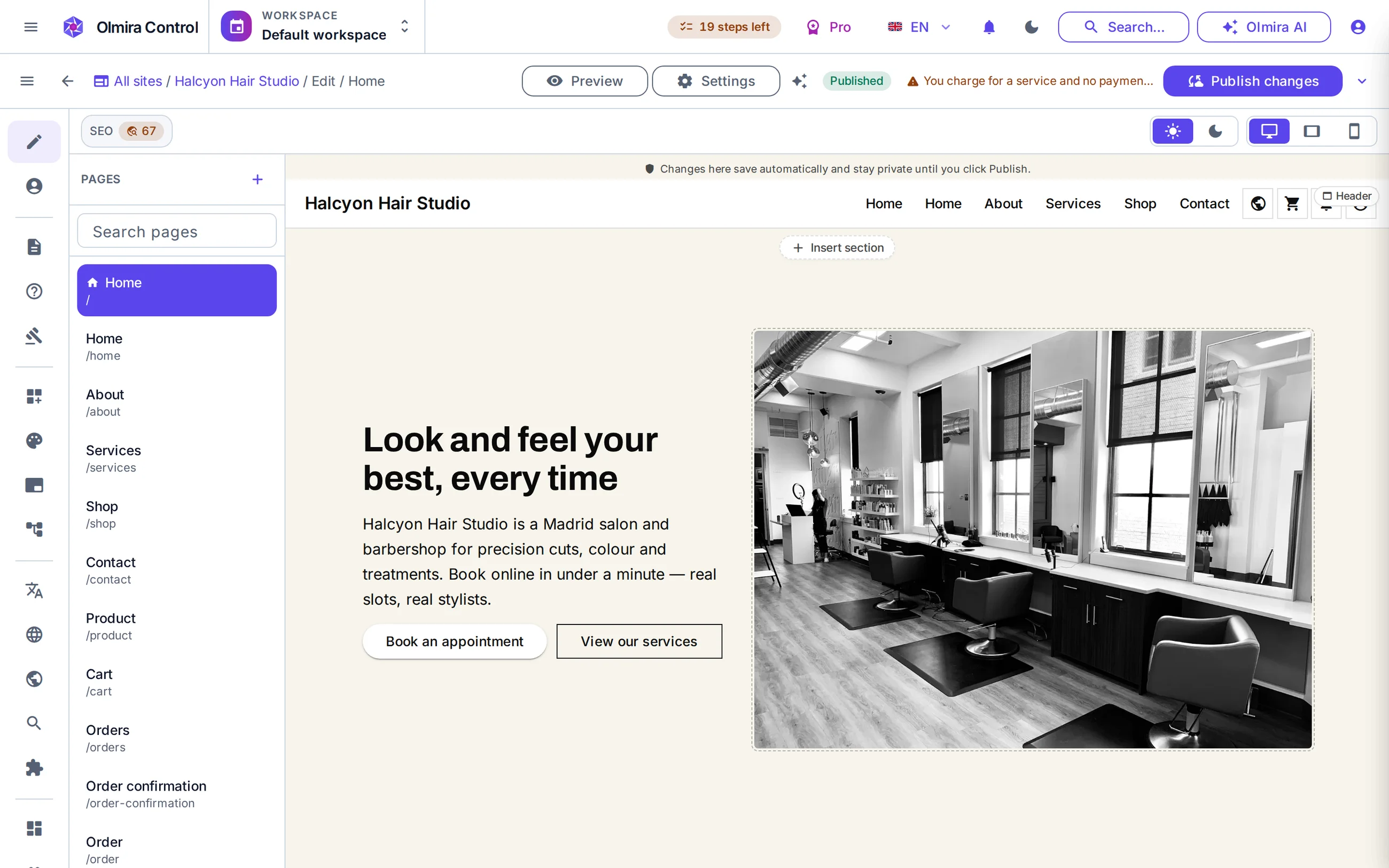
Publishing takes a snapshot of your whole site — every page, every language — and that snapshot is what your domain serves while you keep editing in the builder. Your free olmira.app address stays yours alongside the custom domain: a handy staging address for sharing a redesign before it goes on the main name.
No — Olmira doesn't sell domains at all. Register yours anywhere (or use one you already own) and connect it with two DNS records.
No. We ask for one TXT record and one CNAME for the web address. Your MX and other records stay exactly as they are.
Yes. Any hostname you control works — a bare domain, www, or a subdomain — and different sites or country variants can each have their own.
There is nothing to renew by hand. Certificates are issued and renewed automatically; the current status and expiry are visible in your site settings.
Starter (€19/month) and above include it, at no extra charge. The 30-day free trial publishes on a yourname.olmira.app address instead — connecting your own domain means moving to a paid plan.
It stays yours and keeps working. Many owners keep it as a preview address for sharing unfinished changes.