Import products CSV and services — with AI to fill in what's missing
You already have a price list, a service menu, maybe a customer list — somewhere, in some format. Bring them into Olmira by CSV: pick what you're importing, map it against a template, review every row before anything is saved, and let AI draft the descriptions and SEO copy you didn't have time to write.
Two focused importers, not one confusing wizard
Your catalogue, from a template
Nothing goes live behind your back
AI fills in the copy you skipped
Re-uploading the same file is safe
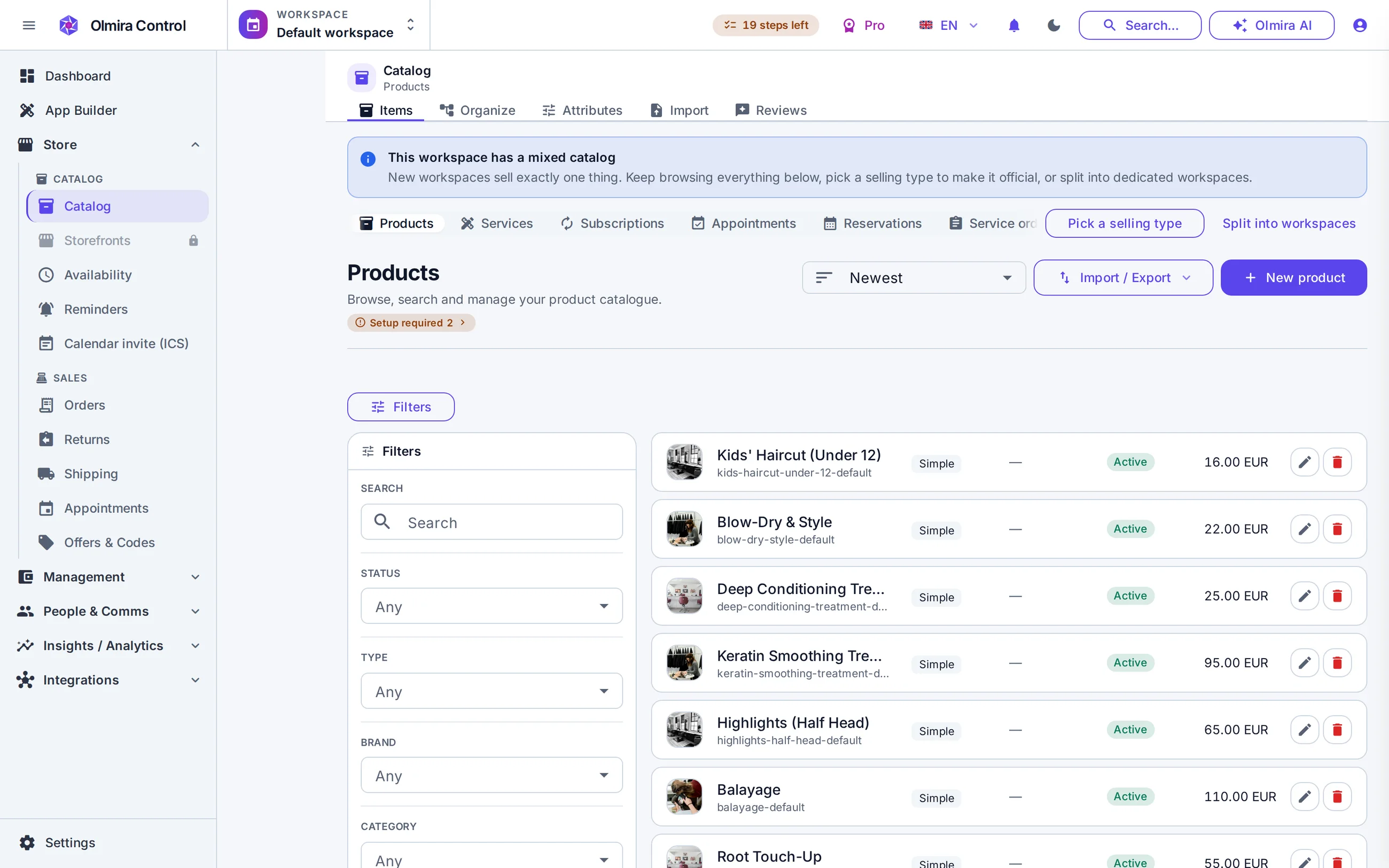
Products, services and resources, from one page
The Import tab in Catalog covers six kinds: products, brands, categories, collections, bookable services and the staff/room/equipment resources your bookings calendar uses. Download the kind's template so you know which columns matter, upload your file, and every row is validated in a review table before anything touches the live catalogue — a failed row stays fixable without blocking the rest. Matching is by slug, so re-importing an updated price list updates rather than duplicates. A product row carries a single starter variant — one SKU, one price — so a catalogue deep in sizes and colours gets its base items live fast, and you add variants afterwards in the product editor. Runs cap at 5,000 rows; a bigger catalogue just means splitting the file.
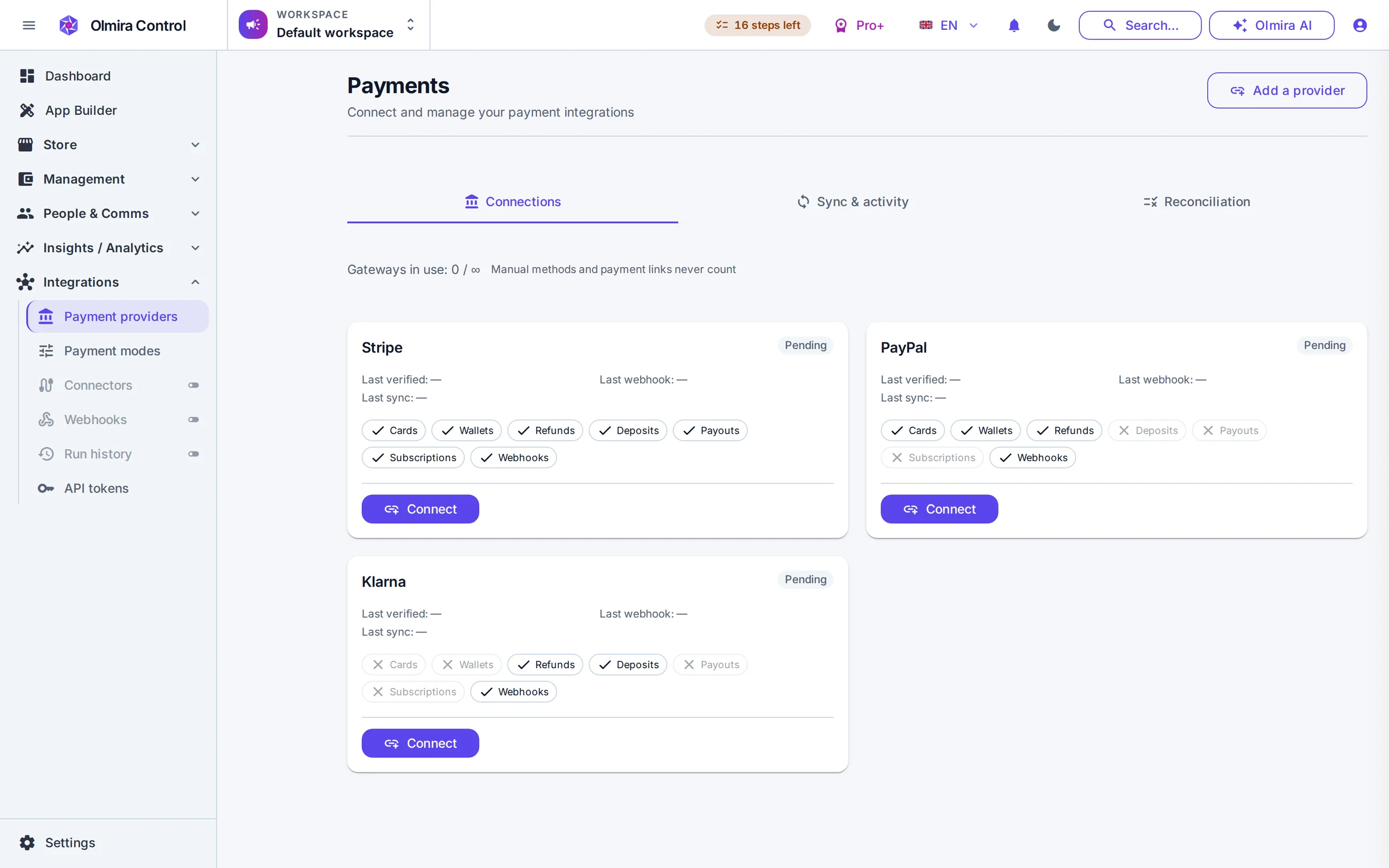
Your customer list comes in through Integrations, deliberately
A contact list is a different kind of data with a different rule: nobody should join your list already subscribed to marketing they never agreed to. So customers import through a file-import connector on Integrations — map your columns, pick a dedupe key (email is the natural one), and every imported contact lands consent-pending until they actually opt in. Back on the catalogue side, "AI fill missing" drafts the descriptions and meta fields you left blank — never alt text, which needs a real image to look at — and marks every field it touched, so you're reviewing the AI's work, not trusting it blind.
What doesn't come across automatically
Not fully — each imported product row creates one starter variant (one SKU, one price). It's the fastest way to get a catalogue live; add the rest of a product's variants afterwards in the product editor.
Yes — that's the point of the separate path. Imported contacts are never auto-subscribed to marketing; they land pending, and only a genuine opt-in makes them campaignable.
Catalogue imports (products, services, resources and the rest) run up to 5,000 rows at a time. Customer imports through Integrations run up to 10,000 rows, 5 MB, in a single file.