AI live chat for your website — answering at 2 a.m., handing over when it matters
An AI agent answers questions on your site straight from your own knowledge base, in the visitor's own language. The moment it isn't confident, or a visitor asks for a person, or you simply open the conversation yourself, it steps back — automatically, no toggle to remember.
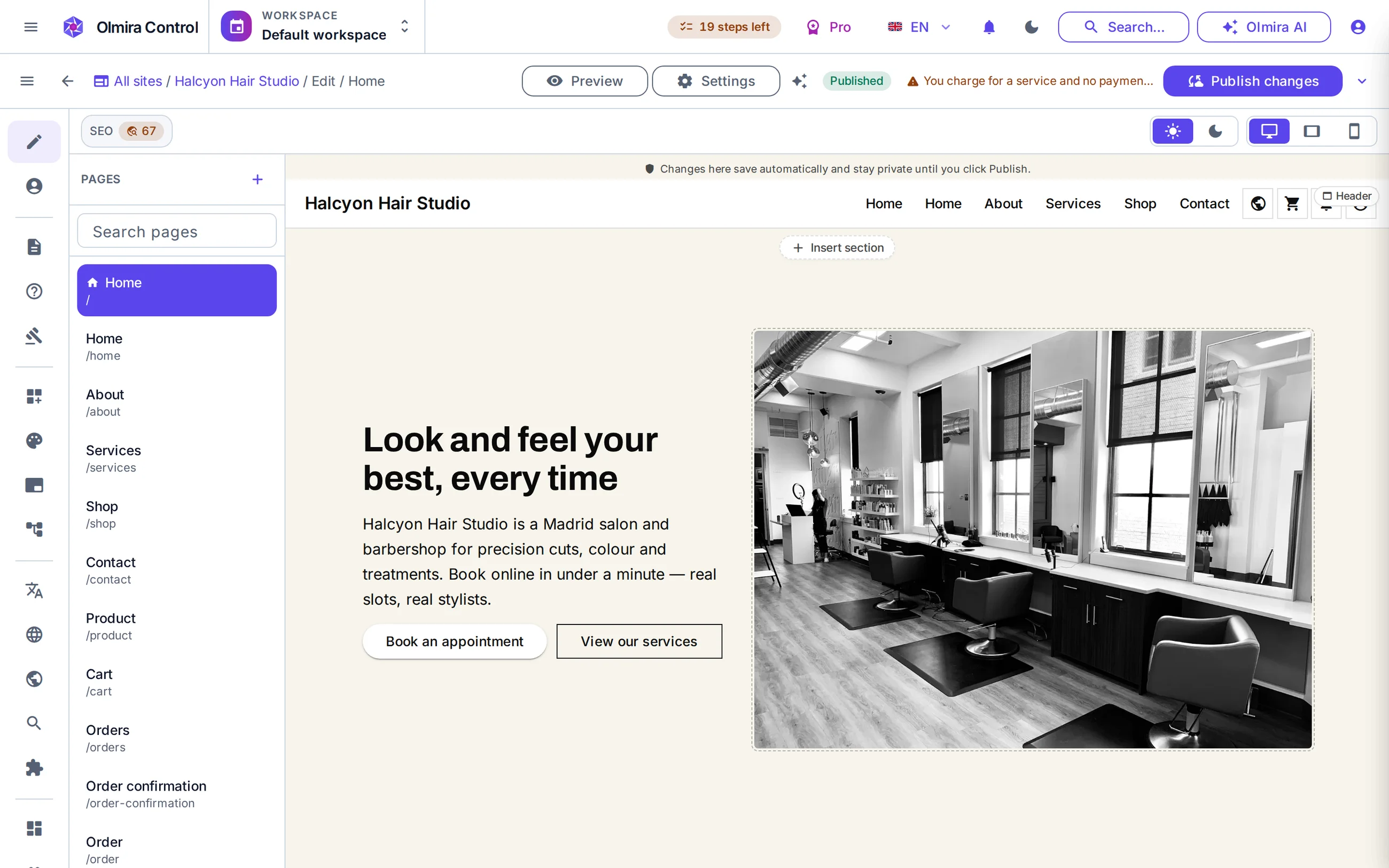
What's actually running behind the chat bubble
Answers from your knowledge base, not the open internet
Takeover is automatic, not a setting you flip
A real inbox for your team behind it
It doesn't guess when it isn't sure
How the AI decides when to stay quiet
Every message is checked against your knowledge base, and the AI replies only when it clears the confidence bar you set. Below it, the visitor gets a short, honest notice that a person is being brought in — translated into whichever of the eight languages they're chatting in. The same handoff fires when a visitor asks for a human, when your monthly AI budget runs dry, or when you've switched the AI first-responder off entirely — a supported one-click choice, not a workaround. Visitors can rate any AI answer with a thumbs up or down.
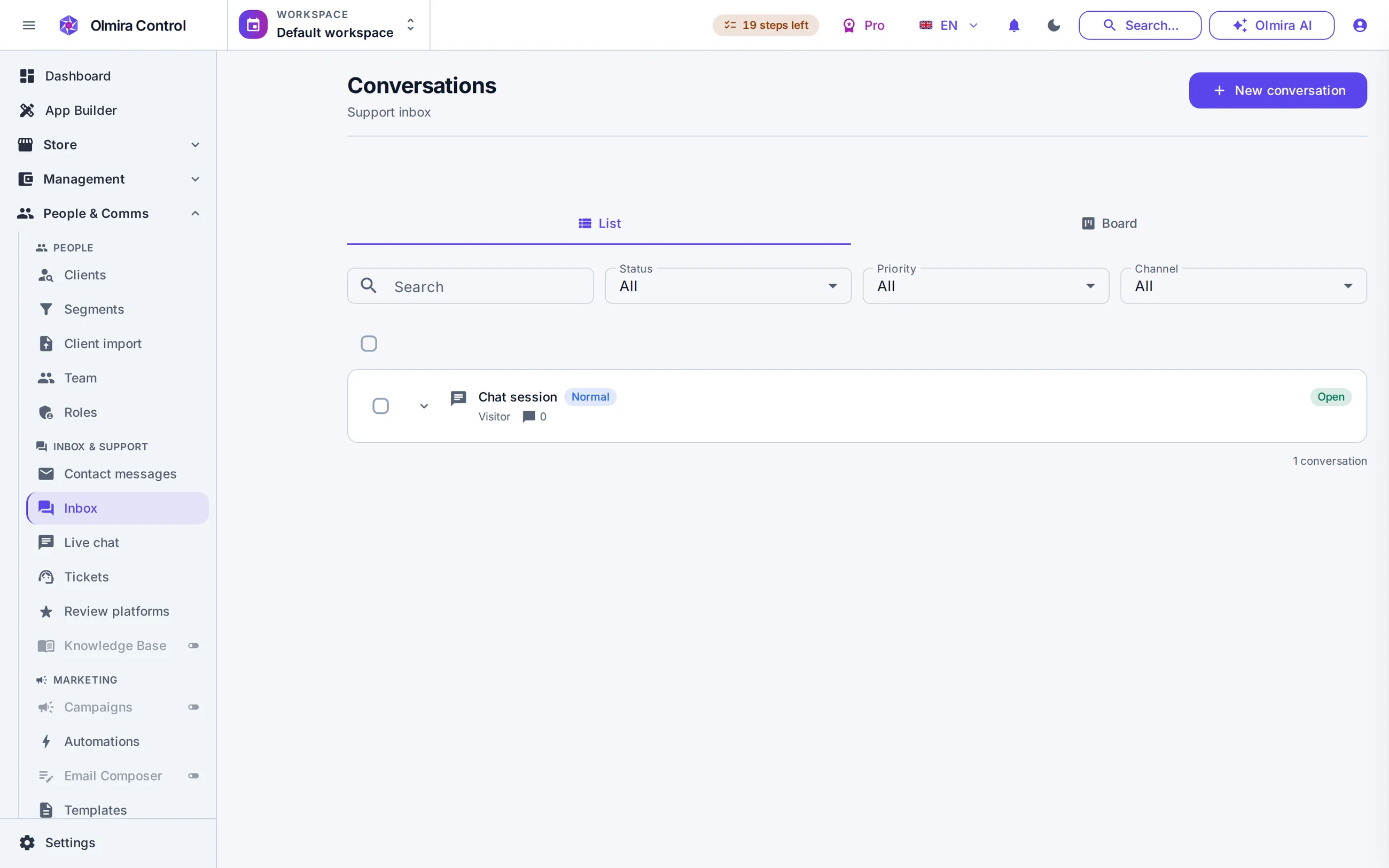
What your team sees once a conversation needs them
A proper inbox, not a stream of unread bubbles: assign a conversation and the teammate is notified; snooze one and it reopens itself when the time comes; drop in a canned reply for the question that arrives five times a day. Internal notes never reach the visitor — they're filtered out of what the widget receives, not just hidden by the interface. And a resolved conversation can be promoted straight into a help-centre article, so the AI knows the answer next time because your team taught it once.
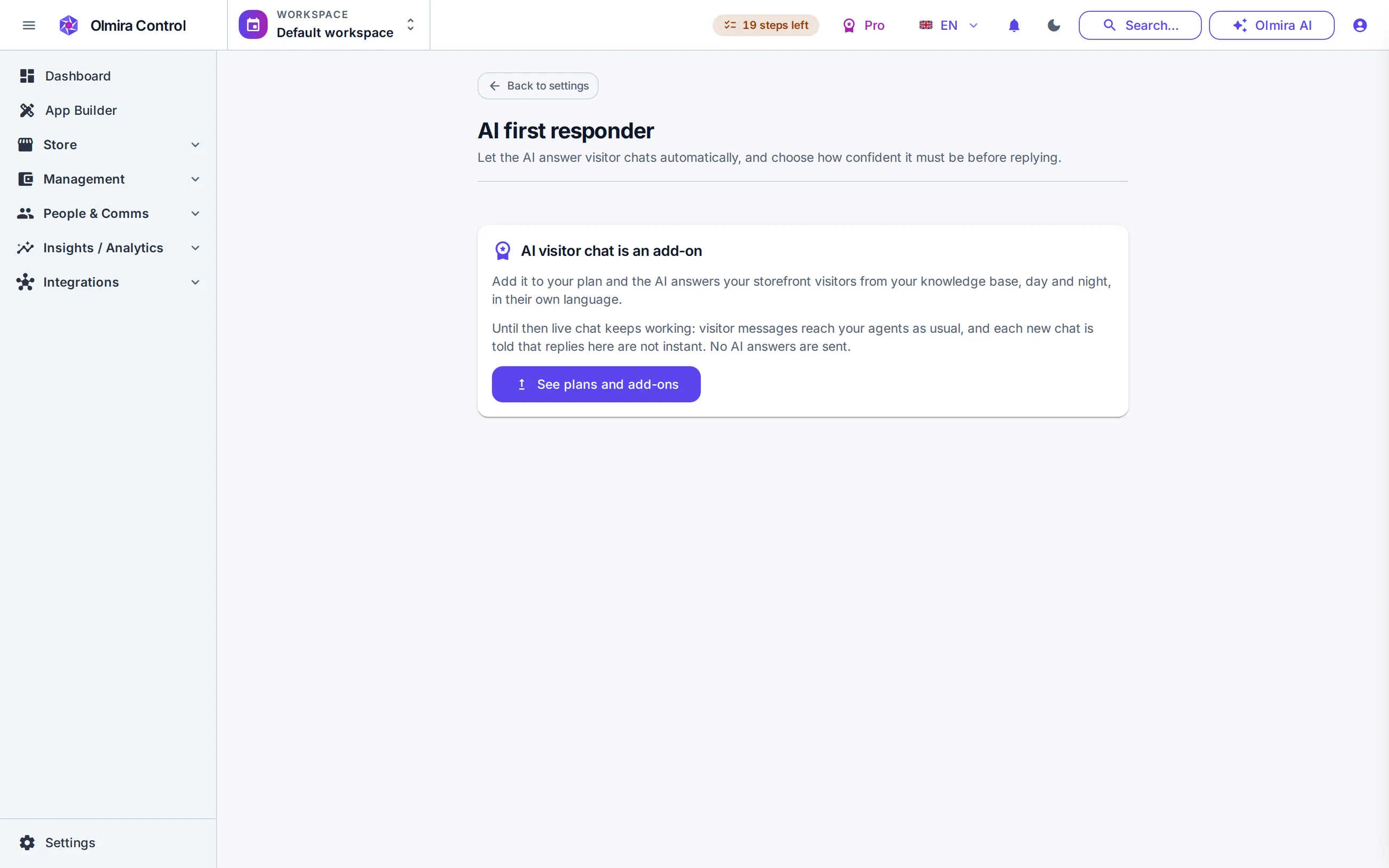
Chat itself is part of the platform — the AI's answers draw on your plan's token budget, nothing separate to buy.
It only answers from your own published knowledge-base articles and shows the source it used. Below its confidence threshold, or outside what your articles cover, it hands off to a person instead of improvising — that boundary is the whole point of the confidence setting.
The AI stops answering that conversation immediately — no toggle, no delay, no risk of it replying over you. It only comes back once no staff member is actively in the conversation.
No. Once your AI token allowance is spent, new questions escalate straight to a human notice instead of generating an answer — the conversation itself keeps working exactly as before; only the instant AI reply stops.
Today, yes, through Control in any mobile browser — it's built phone-first. A dedicated companion app exists and is in real device testing for Android, with iOS pending; it isn't released yet.