Sell subscriptions online — billed straight into your own Stripe account
Turn a product into a subscription and Olmira bills your customer on a schedule you choose — weekly, monthly, every two months, annually — direct to your own connected Stripe account. This is your recurring revenue, not a subscription to Olmira: it ships with the online store from the Pro plan up.
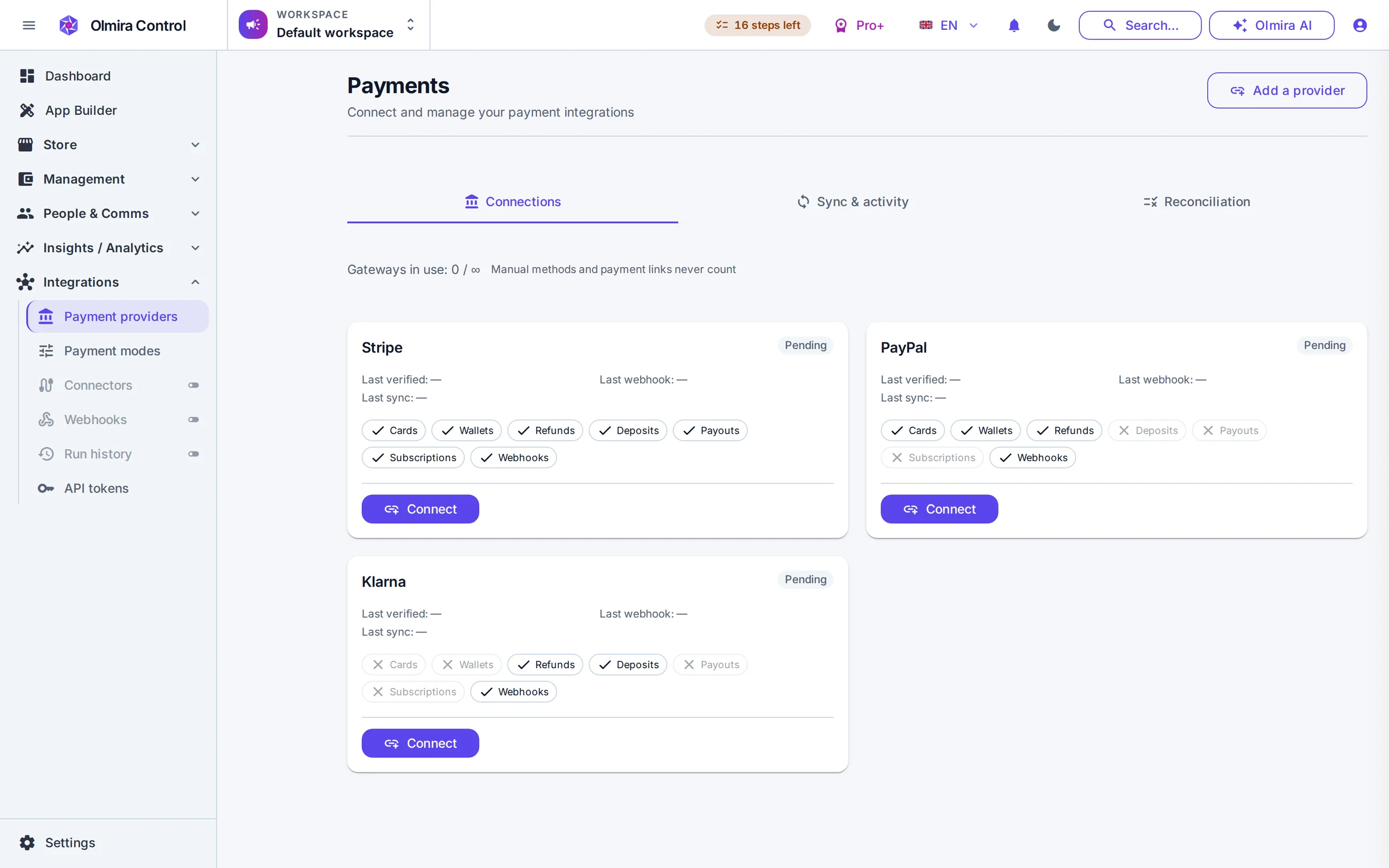
What happens when a customer subscribes
Mark a product or variant as recurring, set the interval, the price and an optional trial length, and it checks out through your normal storefront cart — a schedule attached instead of a single charge. Olmira opens the subscription on your own connected Stripe account; Stripe collects on schedule, and every successful payment becomes a real order. A subscriber does need an account on your site to manage what they've signed up for — this isn't the guest checkout your one-time orders allow.
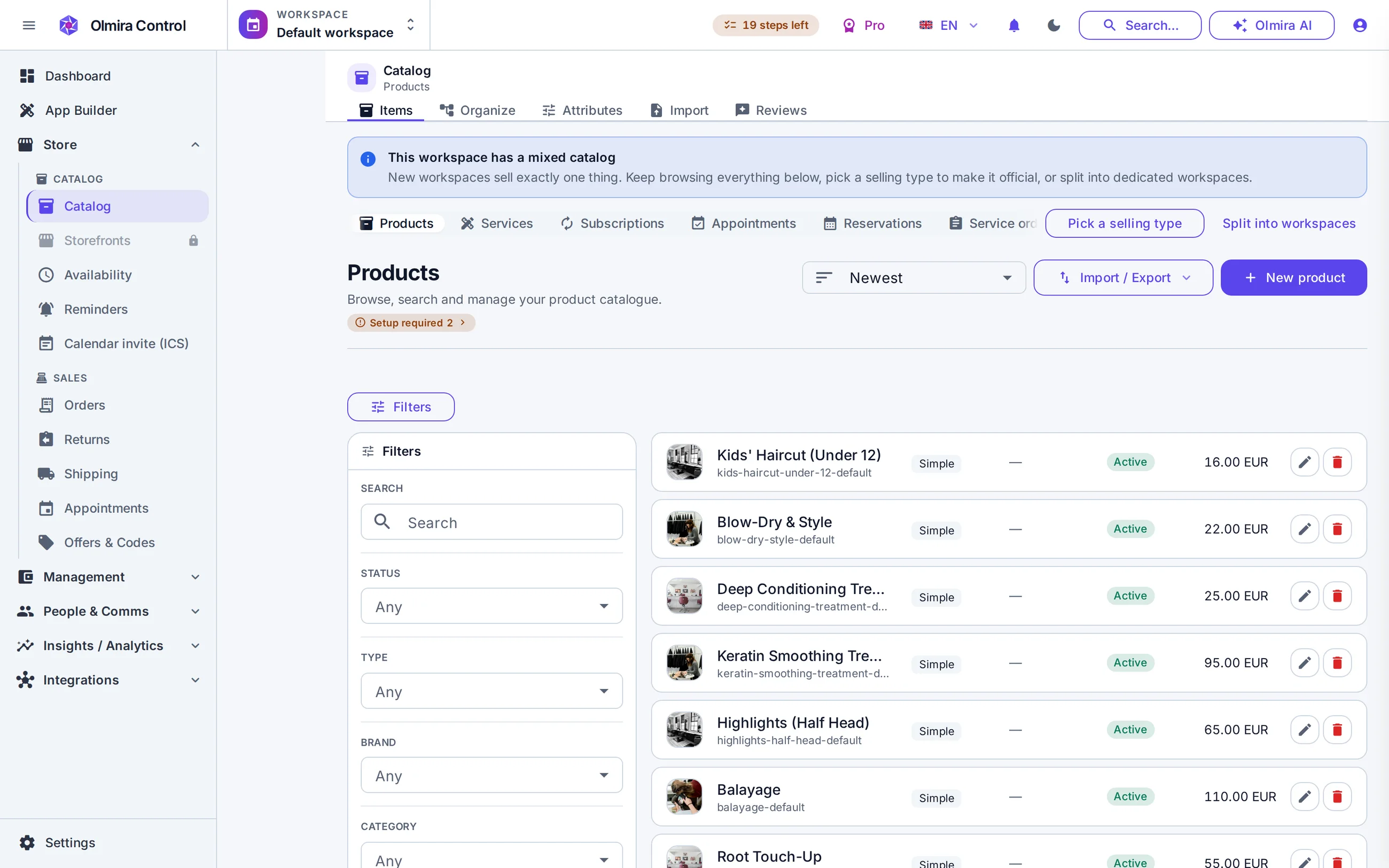
Pause, cancel or retry — the customer's call, mostly
Subscribers pause, resume or cancel from their own account, immediately or at the end of the period they've paid for — none of it reaches you as a support request. A failed card flips the subscription to past-due rather than quietly lapsing, and retrying the latest charge is one action from Control. Quantities are built in too, so a per-seat or per-item price scales with a number the customer sets, not a separate product for every count.
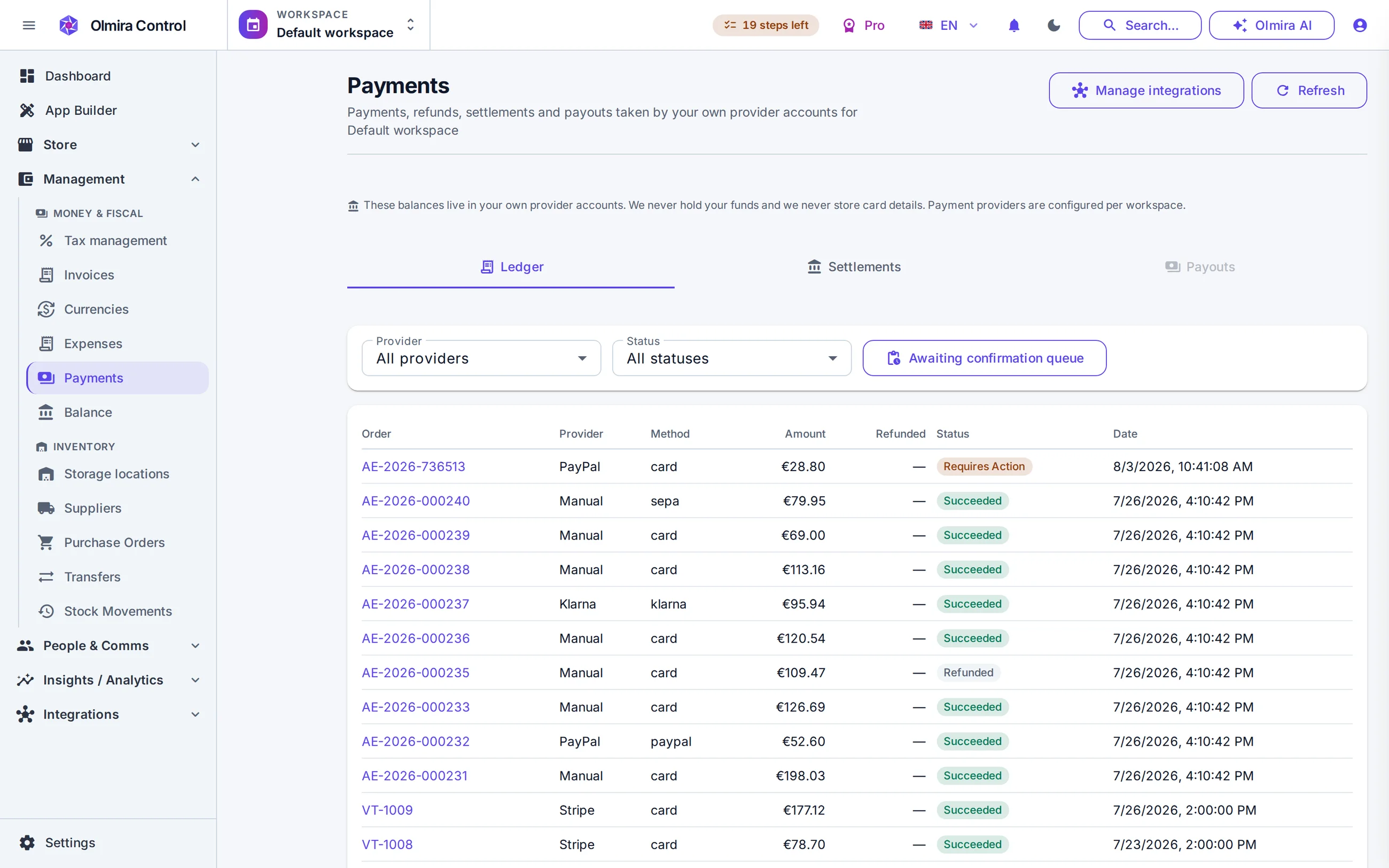
Every paid cycle is a real order — MRR and churn sit in commerce analytics next to everything else you sell.
What it costs
No. This is your customers paying you on a schedule, through your own connected Stripe account. What you pay Olmira for your plan is a completely separate charge; the two never touch, and Olmira never sits in your customers' payment path.
Not for recurring billing — that runs on Stripe specifically, the same as booking payments. Your storefront's one-time checkout can still offer PayPal or Klarna alongside it.
Yes — set a number of trial days on the product and Olmira waits that long before collecting the first payment.