Accept payments on my website — paid straight into your own account
Connect your own Stripe, PayPal or Klarna account and every charge settles to you, not through Olmira. Apple Pay and Google Pay show up on their own through Stripe when a customer's device supports them, and Olmira takes €0 platform fee on whatever comes through.
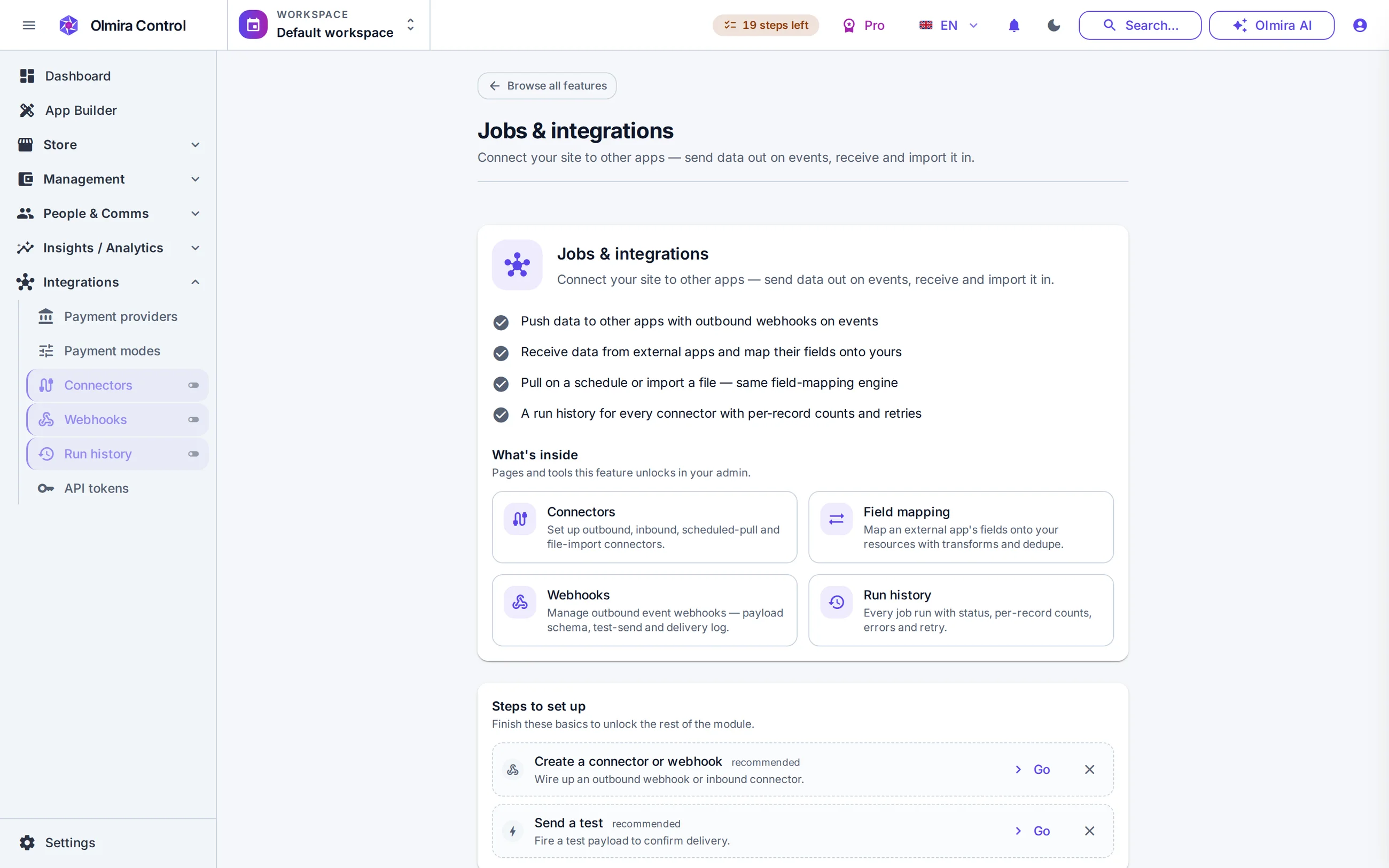
What actually happens when someone pays
Three gateways, your own accounts
Wallets show up on their own
3-D Secure, handled in-page
A missed webhook doesn't mean a missed payment
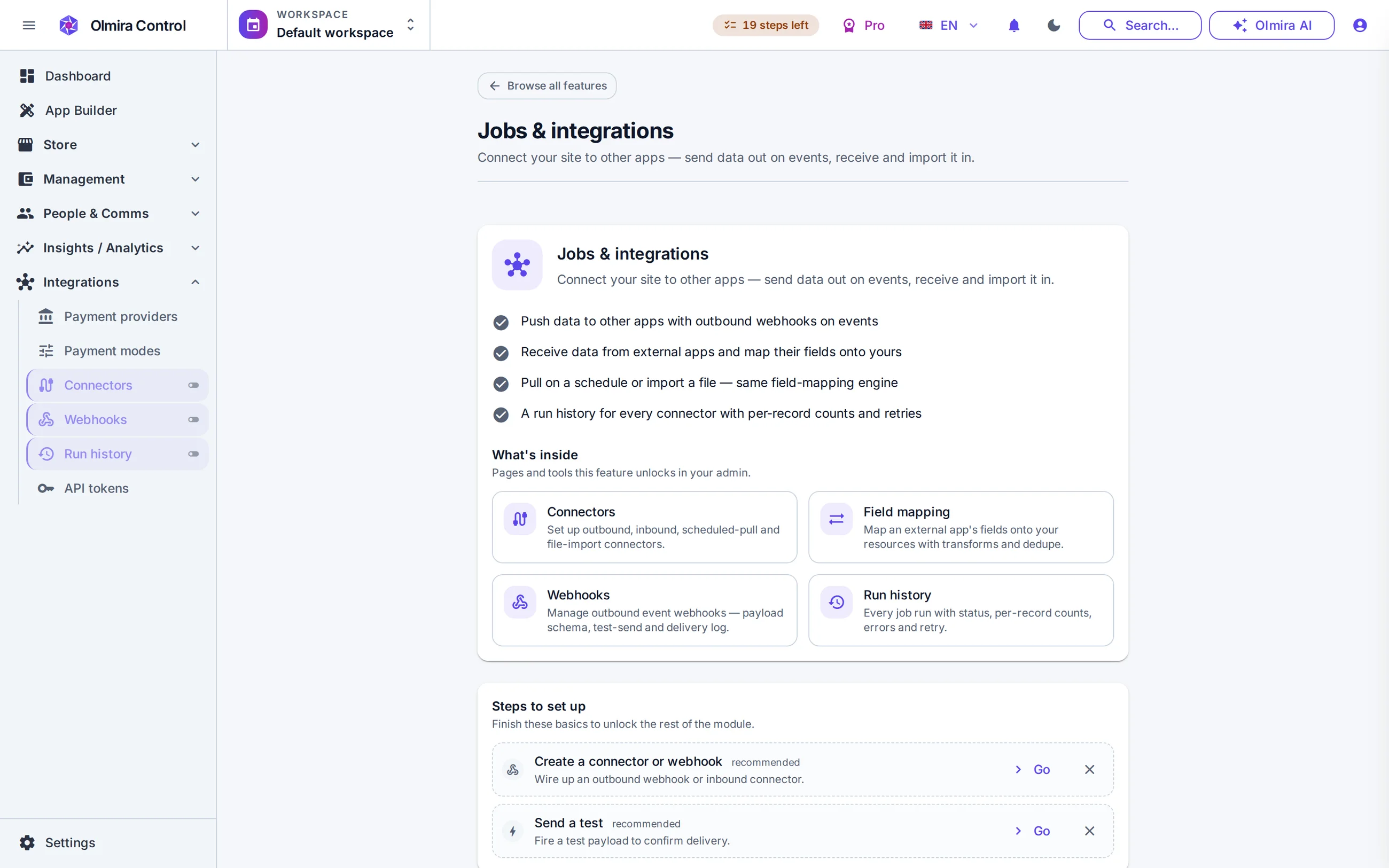
The checkout that closes the sale
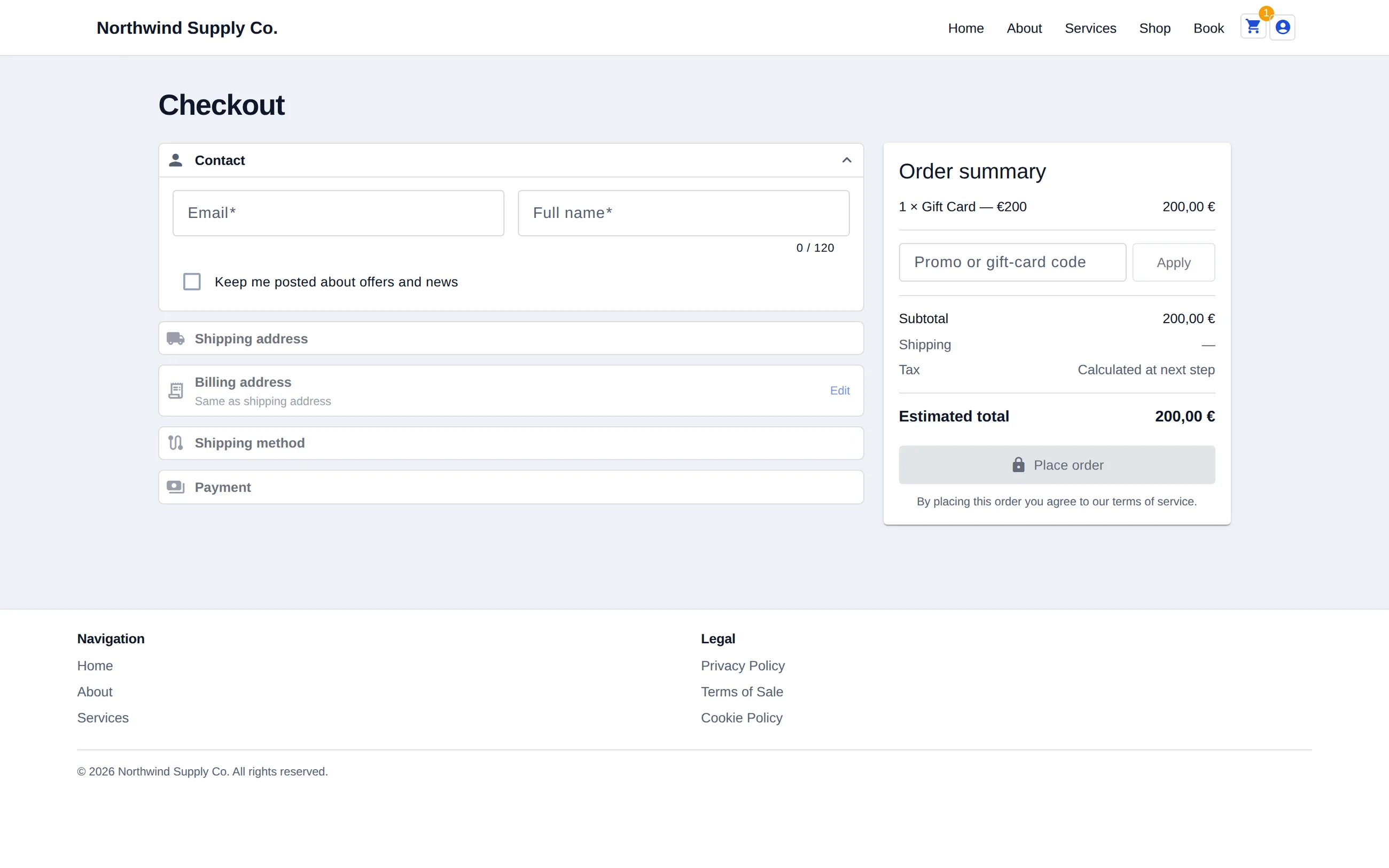
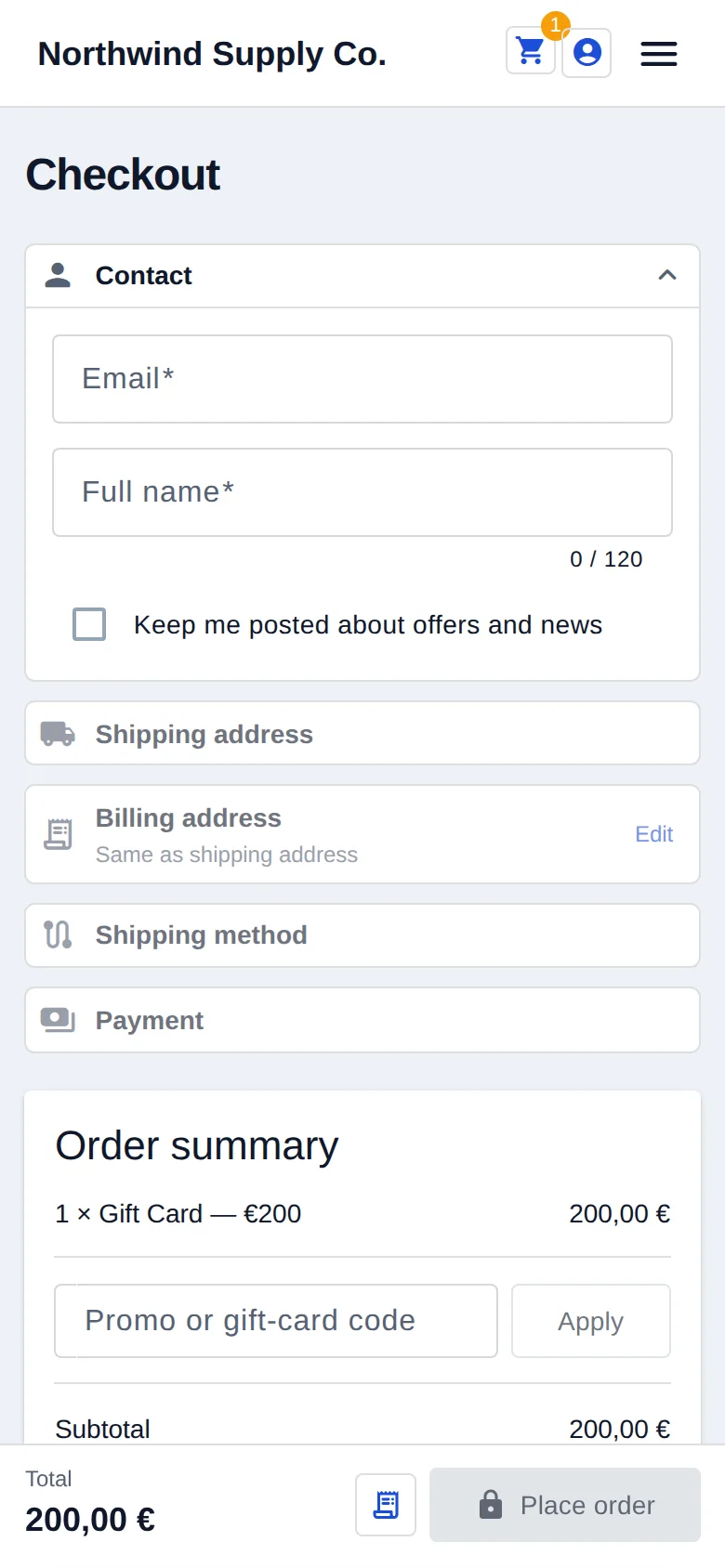
Checkout on the Pro+ demo, desktop and phone. It charges through your own Stripe account — the money settles with you, not with us — and the phone flow is the same checkout. Try it on the live demo.
Getting paid, start to finish
1
Connect a gateway
Stripe connects through its own sign-in flow; PayPal and Klarna take your credentials like any other service. Every plan that can sell includes one connected gateway — running a second alongside it takes Multi-provider payments (€5/month on Pro, included from Pro+), and without it a second connection is blocked outright rather than silently letting both run.
2
Decide on capture
By default a payment is captured the moment it succeeds. Stripe and Klarna also support deferred capture: authorize at checkout, take the money when you mark the order fulfilled — an order that's cancelled or out of stock is released, never refunded. PayPal captures immediately; there's no deferred option on that gateway today.
3
Publish
Checkout runs in-page on your storefront. 3-D Secure is handled when a bank asks for it, and Apple Pay and Google Pay appear on their own through Stripe when the customer's device supports them.
4
Get paid
Every charge settles into your own account on your provider's payout schedule — Olmira is never in the payment path. A gift card applied at checkout reduces what's charged to the gateway, sometimes to zero.
What it costs
Accepting payments needs the online store (Pro and up) or, for booking-only businesses, the Bookings & Payments add-on on Starter — neither is part of the 30-day trial. €0 platform fee on every charge, always; you pay only your provider's own processing rate. Running a second gateway at the same time is the Multi-provider payments add-on: €5/month on Pro, included from Pro+. Every number is on the pricing page.
Payments touch the rest of the store
Sell internationally
Booking deposits
Straight into your own Stripe, PayPal or Klarna account. Olmira is never in the payment path, so settlement and payouts follow your provider's own schedule, not ours.
Only with Multi-provider payments. One gateway connection is included on every plan that can sell; a second, running concurrently, needs the add-on.
No — deferred capture is available on Stripe and Klarna. PayPal charges are captured immediately.
When their device or browser supports it, yes — it appears automatically through your Stripe connection, with nothing extra to set up.
A scheduled sync checks your orders against the provider's own records and reconciles anything that's drifted, so a payment that actually succeeded can't sit marked unpaid indefinitely.
Yes — a gift card code applied at checkout covers part or all of the total; whatever's left, if any, goes to the connected gateway.