Gift cards you issue, your customers redeem
Create a gift card for any amount, currency and expiry from Control — for a customer who's asked for one, a refund you'd rather give as credit, or a promotion. Anyone holding the code redeems it at checkout like cash, and whatever's left stays on the card. Issuing is your side, redeeming is theirs — customers don't buy gift cards self-serve on your storefront.
From issuing to redeeming
Open gift cards in Control
Address it, if it's for someone specific
Note the code before you close the screen
Pass it on
Spending it is the customer's job, not yours
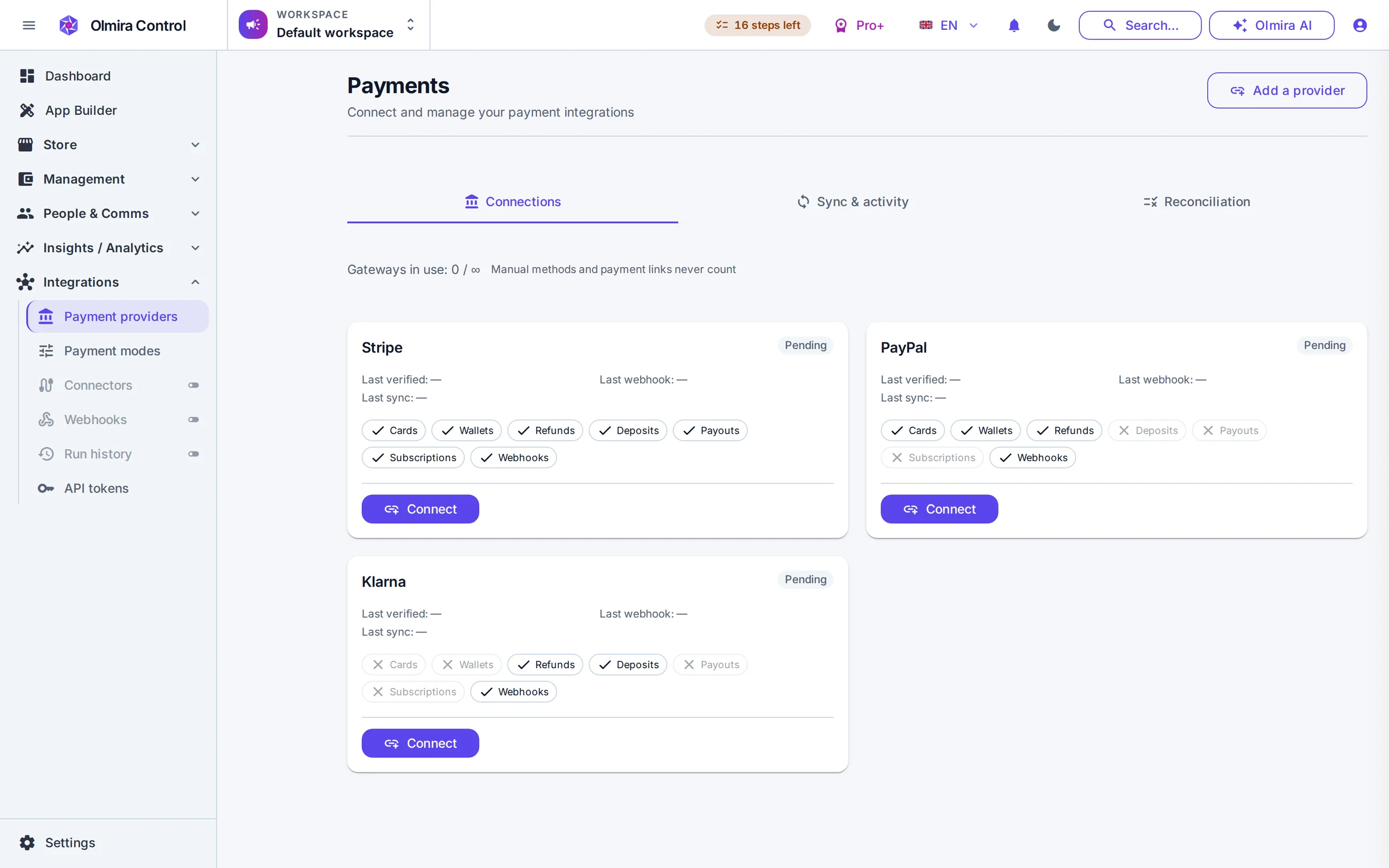
At checkout, entering a gift card code checks it — active, not expired, right currency for the cart — and shows exactly how much of the order it covers before anything is charged. If the balance covers the whole total, no card or PayPal or Klarna charge happens at all; if it only covers part, the remainder goes to whichever payment method the customer's using. Spend part of a card today and the rest waits for their next order — a card only stops being usable once its balance actually reaches zero, or its expiry passes.
What it costs
No. Olmira shows you the code once, at the moment you create the card, and stores only its hash after that — getting it to the recipient is on you.
Checkout accepts one gift card code per order today.
Yes. Refunding an order that was paid, in full or in part, with a gift card restores that amount to the card's balance automatically.