Website builder
Everything the generator produces lands in the same inline editor you'd use to build a page by hand.
Describe your business in a sentence or two and get back a real multi-page draft — pages, sections and first-pass copy, assembled only from Olmira's own section library. Nothing publishes until you've reviewed it: it's a starting point, not a button that goes live on its own.
Built only from real sections — Every page it drafts is assembled from Olmira's own section library — nothing it produces is a locked "AI format" you can't get into and edit normally.
Nothing goes live unreviewed — The draft opens in the builder for you to read through, edit and rearrange. You choose the moment it becomes a real, published site.
Uses your own photos, never invented ones — If you've already uploaded images or a logo, it places them in the right spots. It doesn't generate images — only your real ones.
Included from the free trial — Not held back for a paid plan — you get two full generations to try it before you commit to anything.
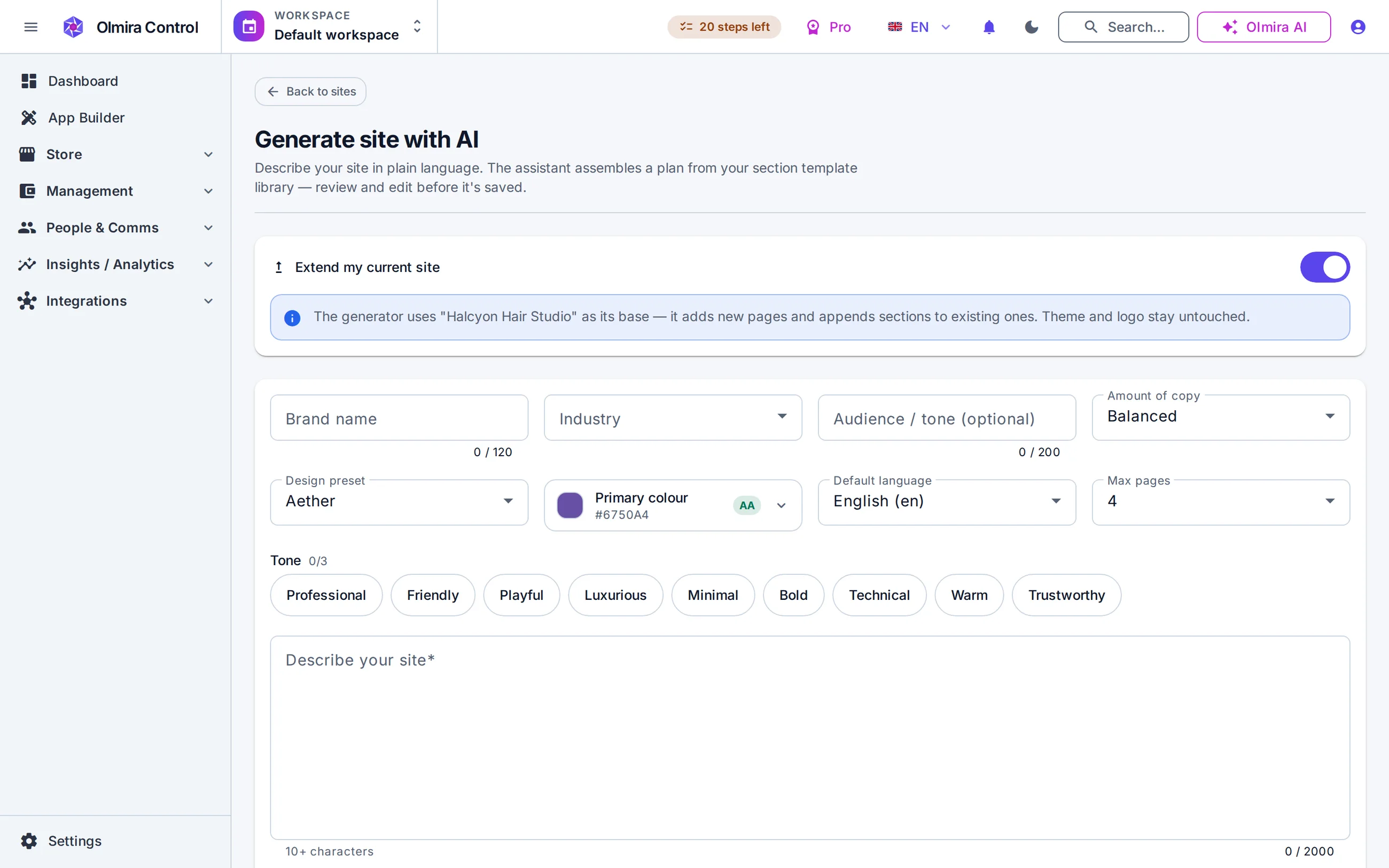
An AI website generator only earns its keep if the output is real. Write what your business does — a sentence or two is enough, up to 2,000 characters if you want to go further — and the generator returns a plan: a suggested site name, a handful of pages (up to six, your call), and each page filled with real sections and first-pass copy. Want more control? An optional brief lets you specify your industry, a tone (friendly, formal, bold — up to three), and pages you specifically need included, and the generator honours all of it while still only ever choosing from real, available templates. If a page you asked for genuinely has nothing suitable to build it from, you're told plainly rather than handed something faked. The result opens straight into the website builder for you to read through, edit and rearrange before anything is real.
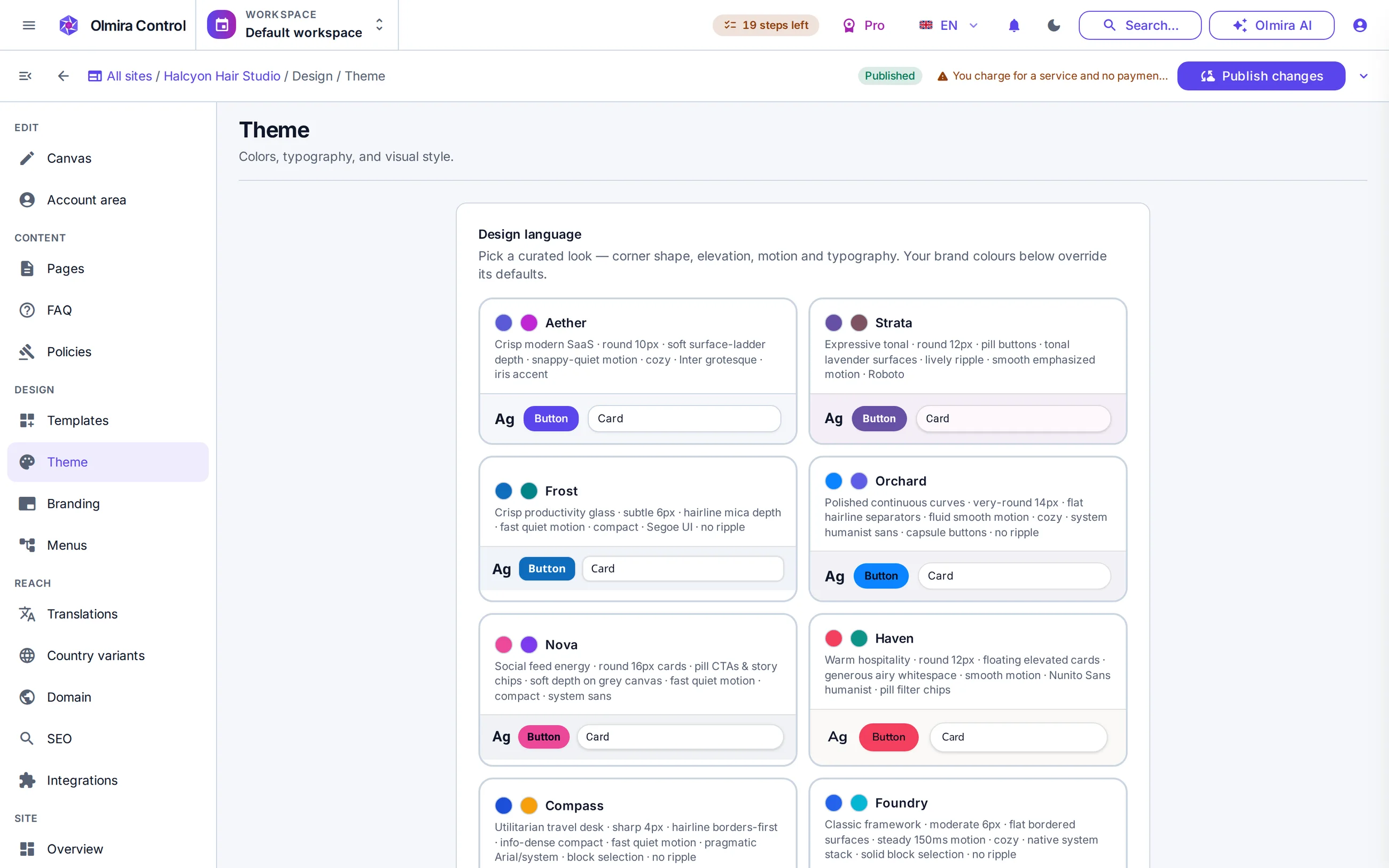
The generator does not create images — that's a deliberate line it doesn't cross. What it does do: if you've already uploaded photos to your media library, point it at the ones you want used and it drops them into the matching slots across the draft. Mark one as your logo and the generator reads its actual colours to suggest a matching accent colour for the site's theme, rather than guessing. Haven't uploaded anything yet? The draft simply leans on sections that don't need a photo, so you never end up with a broken or placeholder image — you can always add your own afterwards in the ordinary media library.
A sentence or two about what you do is enough to start — add more detail if you want the draft to lean a specific way.
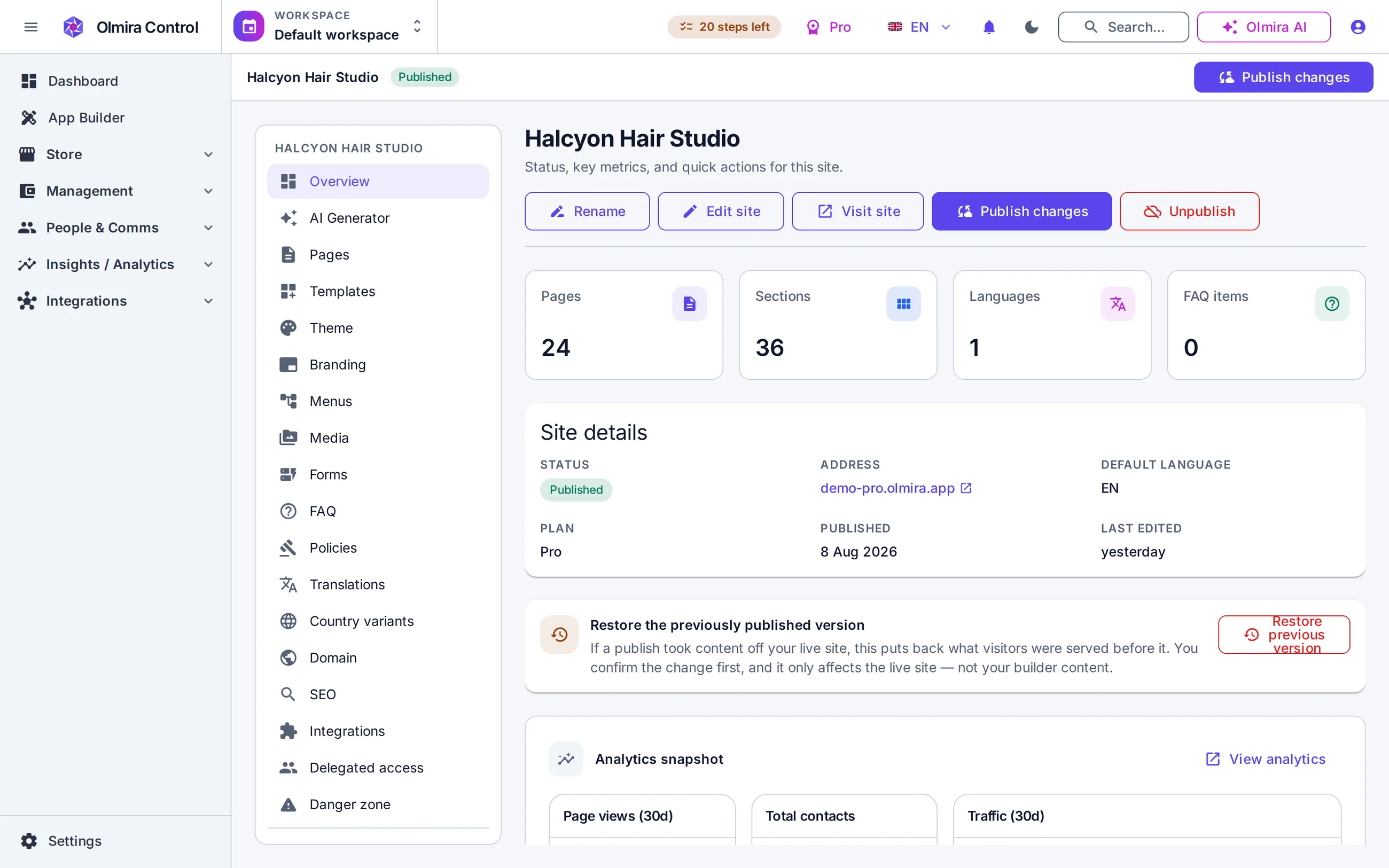
The generator returns a full multi-page draft. Nothing is live yet — it's opened in the builder for you to read through.
Rewrite a headline, swap a section, drop in your own photos — it's ordinary content from this point on.
Applying the plan creates the real pages. Publishing is still your own separate, explicit step.
Everything the generator produces lands in the same inline editor you'd use to build a page by hand.
Your generated pages get scored against the same 18 checks as anything else — worth a look before you publish.
Generate your first draft in one language, then translate it once the content is settled.
No — it's constrained to Olmira's real section library. Anything it returns that doesn't match an actual template or field is dropped rather than shown to you, so what you get is always something you can genuinely edit.
Yes, completely. It's not a special AI-only format — once the plan is applied, every page, section and word is exactly as editable as if you'd built it by hand.
If you've uploaded them already, yes — tell it which ones and it places them for you. It never generates or invents an image of its own.
Try a different description — the trial alone gives you two full generations. Or keep the structure and just rework a section: regenerating or getting a few alternative drafts for one section doesn't use up a generation at all.
No — point it at a site you already have and it adds new pages to it, so it's just as useful for expanding an existing site as for starting one.
Yes, including the free trial — which includes two generations for the whole 30 days, not renewed monthly. Paid plans get a monthly count instead: ten on Starter, a hundred on Pro, unlimited on Pro+ and Business.