Website builder
The same inline editor, sections and themes — just with a language switch built in from the start.
Add a language and the whole site becomes editable in it: pages, sections, menus, forms. AI drafts every translation from your original for you to review, and a language only ever goes live once its page content is actually translated — never a page that reads half in one language, half in another.
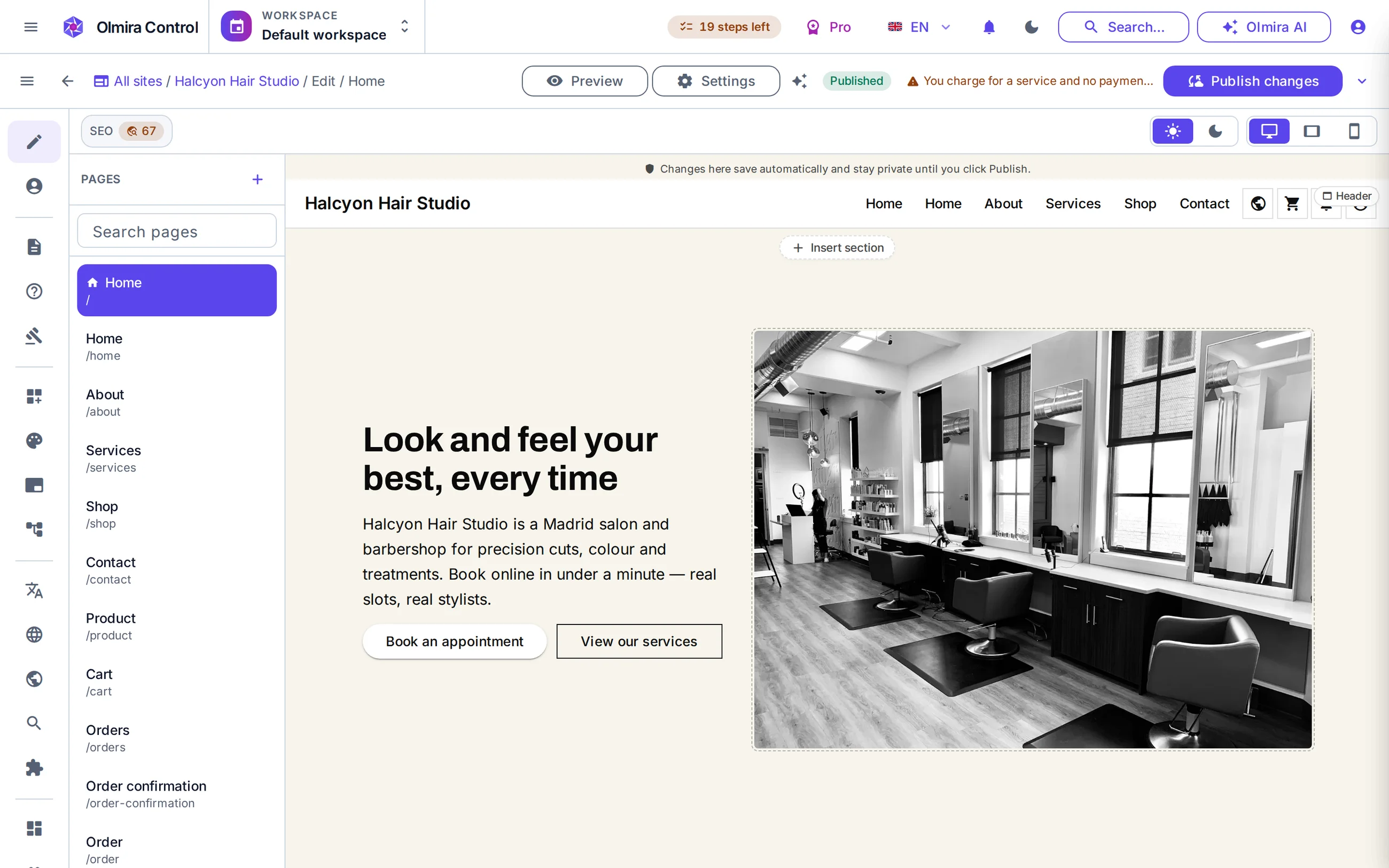
Eight languages, one editor — English, Spanish, French, German, Portuguese, Russian, Ukrainian and Latin-American Spanish — switch between them in the same builder, not a separate site per language.
Your plan sets how many are active — Two on the trial, three on Starter, and all eight from Pro upwards.
AI drafts it; you approve it — Nothing an AI translates gets saved automatically — every suggestion sits as a draft until you review and save it, or edit it yourself instead.
No half-translated language goes live — A language you're still working on quietly stays off the published site until its page content actually has a translation.
8
languages
2
on the trial
3
on Starter
8
from Pro up
Switch on a language in site settings and every page, section, menu label and form becomes editable in it — the same builder, the same sections, just another language tab. Your default language is the source everything else translates from, and visitors get whichever of your active languages their browser asks for, falling back to your default when there's no match. If you sell online, the storefront follows the same language switch automatically — no separate translation pass for the shop.
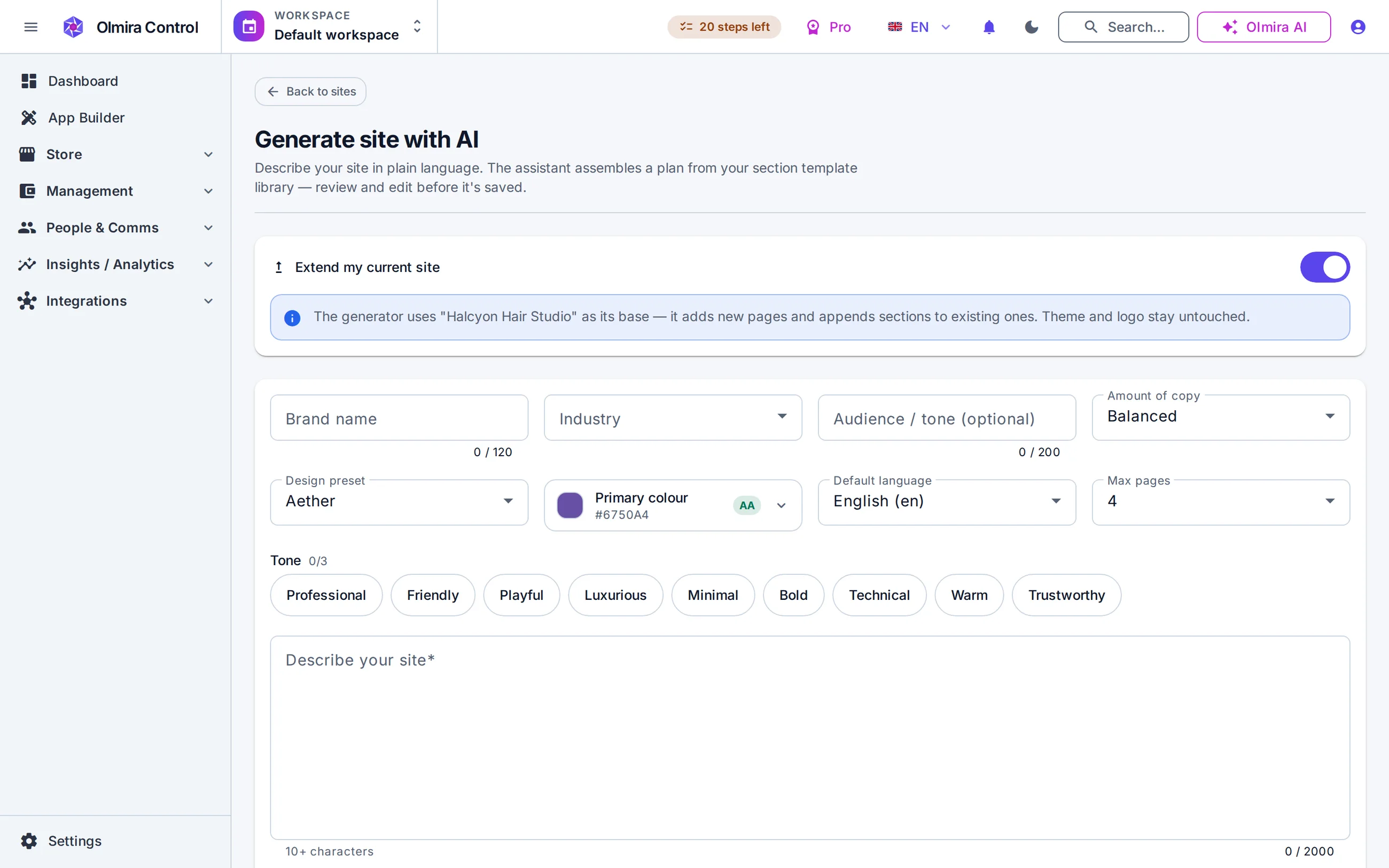
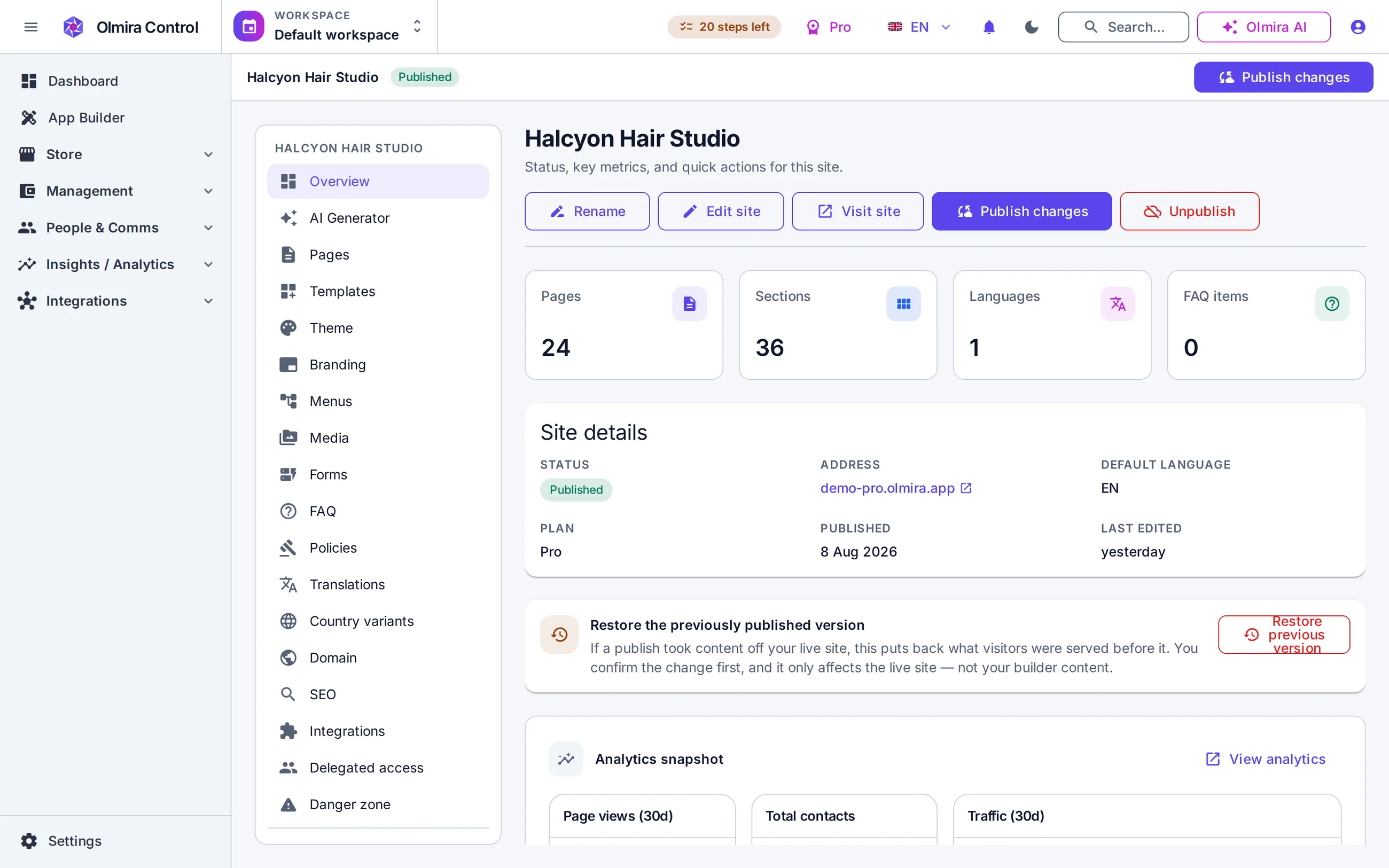
The Translations tab lists every page title, meta description and section of text on your site, per language, with a plain coverage percentage. Filter down to what's missing, click "Suggest" on a single line, or run a bulk pass across one language — or the whole site — in one go. Every AI suggestion is clearly marked and sits as a draft until you save it; touching one by hand simply turns it back into a normal edit. A glossary keeps your brand name and specific terms consistent — or untouched entirely — and a safety check protects placeholders and formatting, falling back to your original text rather than publishing something broken.
Add it in site settings, up to your plan's limit. It appears as a new tab across every page.
Open the Translations tab and suggest one string, or the whole language, at once.
Read each draft in context, edit anything that needs a human touch, and save.
A language only appears to visitors once its page content is filled in — so there's nothing to double-check before you publish.
The same inline editor, sections and themes — just with a language switch built in from the start.
Every page is scored against 18 checks as you write. The score reads your default language, so that's the version to get right before you translate.
Generate your first draft in your default language, then translate it once the content is settled.
Eight is the platform's own ceiling — those are the languages Olmira publishes. Your plan decides how many of them you can switch on: two on the free trial, three on Starter, and all eight from Pro upwards, where the plan's allowance is larger than the number of languages that exist. The count is of languages switched on, not of languages fully translated, so pruning one you're not using always frees the room for another.
No. Every AI-suggested translation sits as a draft until you explicitly save it — nothing an AI writes reaches your live site without you reviewing it first, whether one string at a time or in a batch.
That language simply doesn't go live until the page's content is filled in — visitors never see a page that reads part one language, part another. Your default language keeps serving that page in the meantime. (Page titles and meta descriptions are tracked in the Translations tab too, but translating them isn't what unlocks a language — the page content is.)
Yes, entirely — every field in the Translations tab is a normal text box you can type into directly. AI drafting is there to save time, not to replace hand-translation.
Yes — a glossary lets you pin specific terms to a fixed translation per language, or mark them to stay exactly as written in every language.
Yes — each active language is addressable on its own, with the correct hreflang tags emitted automatically so search engines show the right version to the right visitor.