The small business management software your spreadsheet was pretending to be
Somewhere on your computer is a file called something like accounts-2026-FINAL-v3.xlsx. It holds your expenses, a profit formula you half trust, and a stock count from March. Olmira replaces it — with numbers that update themselves.
The back office, without the back-office evening
Know your real profit
Expenses with receipts attached
Stock that counts itself
Invoices your accountant will accept
Expenses: recorded once, trusted afterwards
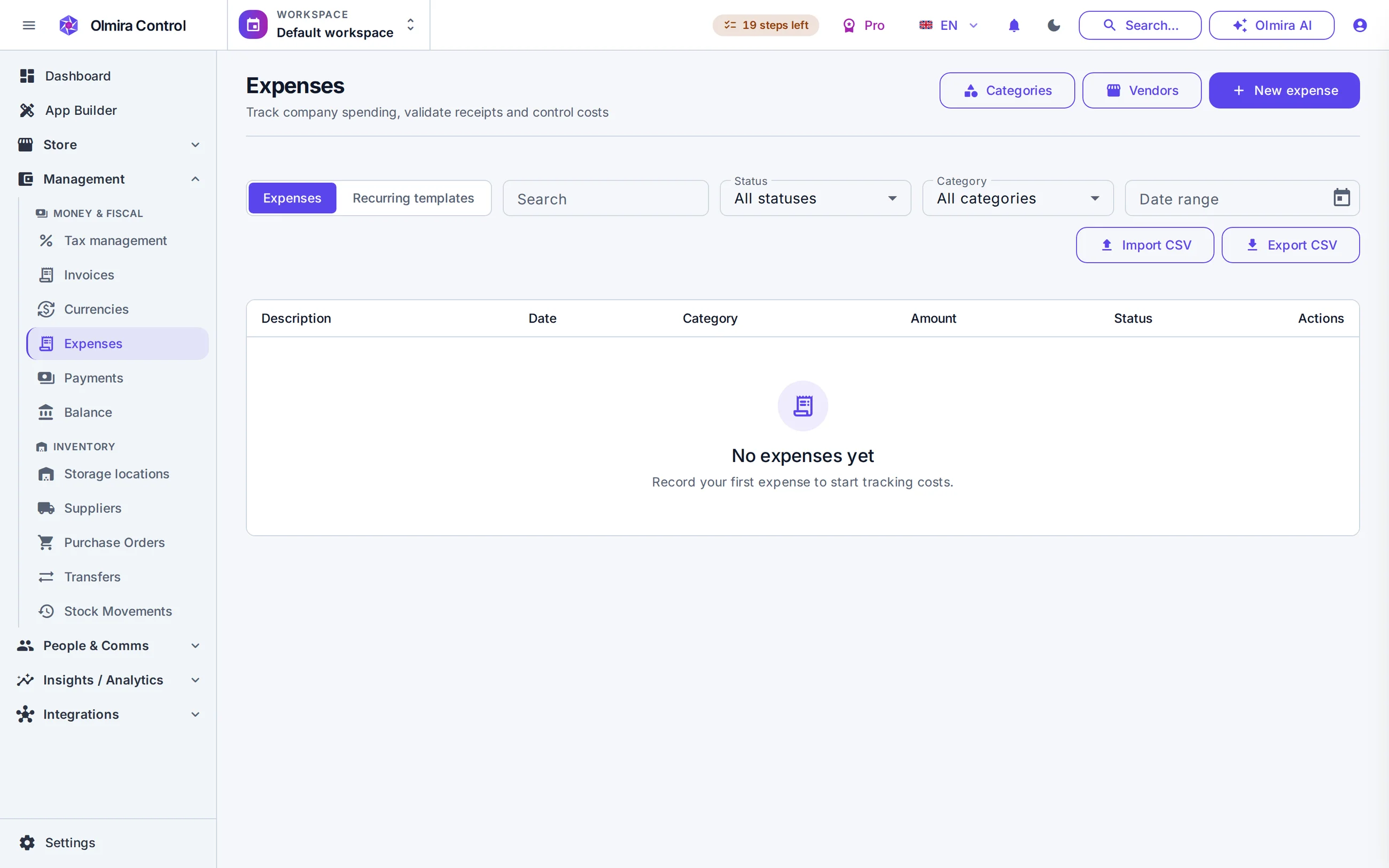
An expense carries a category — flagged cost-of-goods or operating, so your margin maths is right — a vendor, a payment method, and its receipt attached as evidence. No receipt, no validation: that one rule is the difference between a report you defend and a report you apologise for. Rent and subscriptions become recurring templates that book themselves. Import your history from CSV, and export it back for your accountant any time.
Balance: the formula your spreadsheet kept getting wrong
Revenue flows in from your store and bookings, refunds are subtracted, cost-of-goods rolls up separately from operating spend, and out come gross profit, net profit and margin for the period you pick. A cashflow view shows what moved through the till, tax included; a P&L view shows revenue and expenses net of tax. Restrict the report to validated expenses only and every figure in it is receipt-backed.
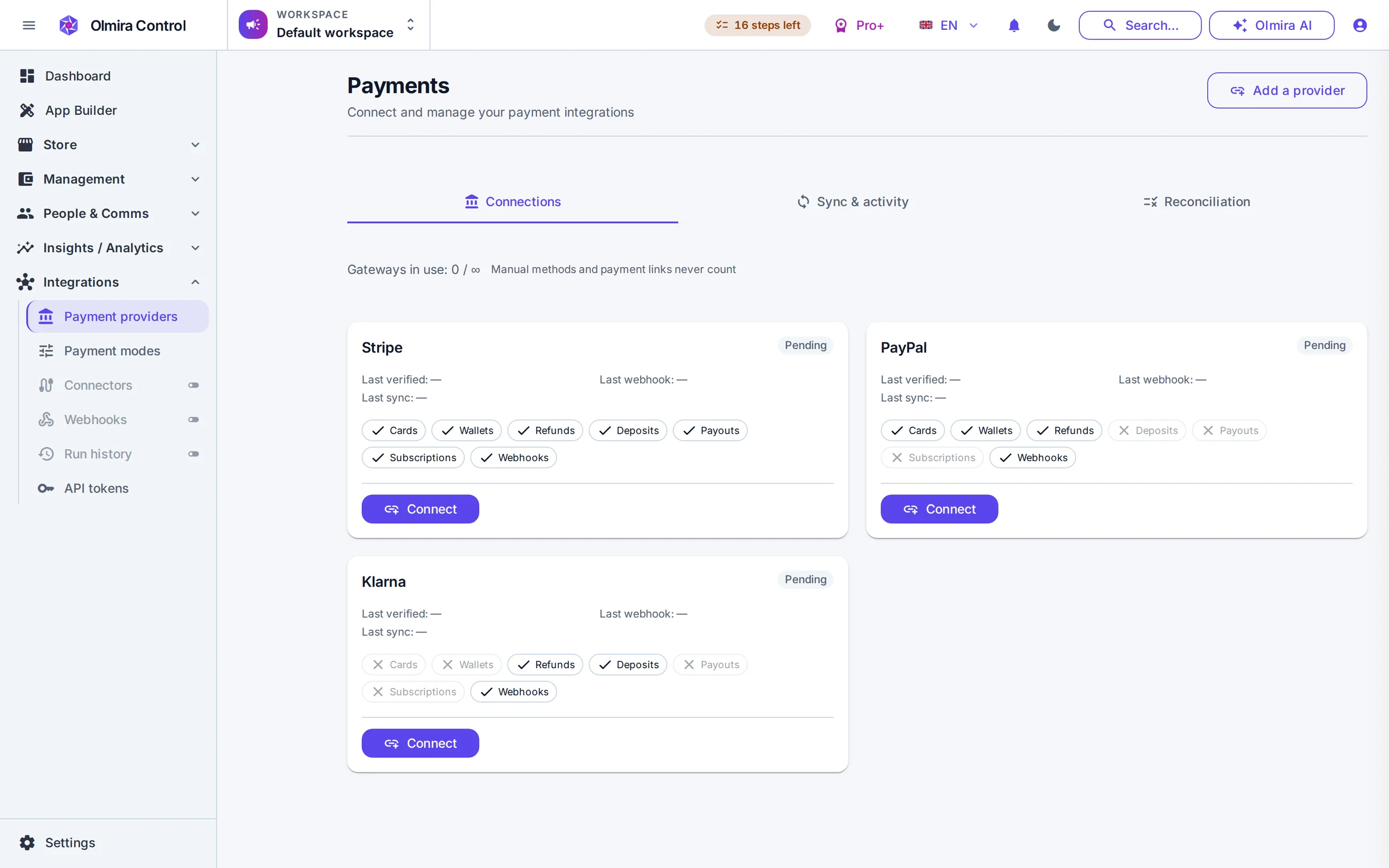
Invoices, stock and the payments ledger live next door
Retiring the spreadsheet, step by step
Bring your expenses over
Mark what counts as cost of goods
Let revenue flow in
Open Balance on the 1st
What it costs
No. Olmira is the operational back office — expenses, profit, stock, invoices, a payments ledger. Statutory accounts and tax filings stay with your accountant, who will appreciate receiving structured CSV exports and EN 16931 e-invoices instead of a shoebox.
An expense can't be validated until a receipt is attached and someone approves it; rejection requires a written note. You can then build reports from validated expenses only — every figure in them is receipt-backed.
Yes. Each expense records its original currency and the converted amount in your base currency at the exchange rate in effect. Revenue is grouped by currency and converted at current rates, and anything unconvertible is listed explicitly rather than silently dropped.
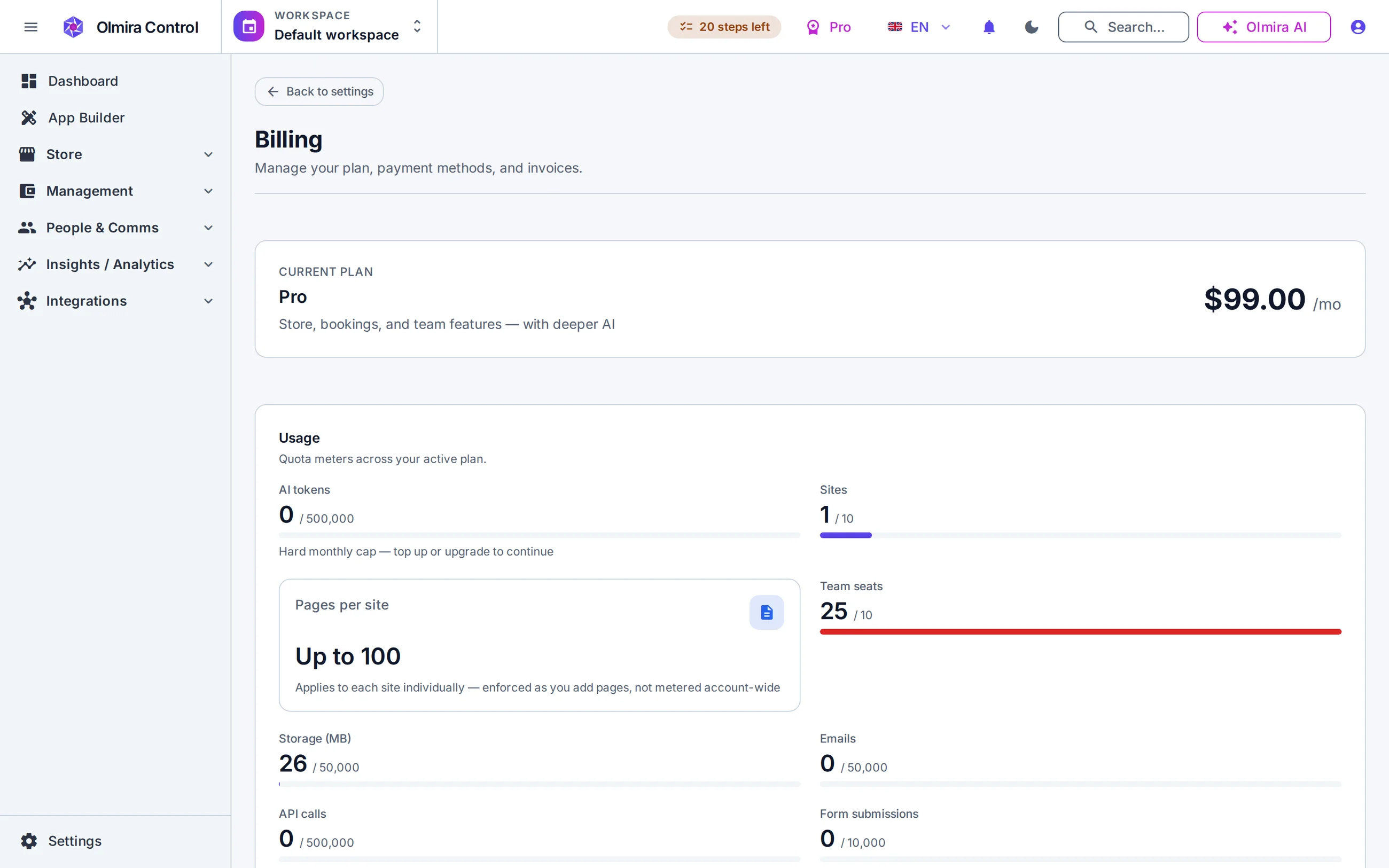
Expenses and Balance come with the Management suite — included in Pro and above, €10/month on Starter. Inventory and purchase orders are part of the online store, so they need a plan with commerce (Pro and above).